Chapter 4 Configuration Installation and Operation Manual
4-10 Configuring for Operation ASMi-54 Ver. 1.0
Configuring the Fast Ethernet Port
The following parameters can be configured for the Ethernet ports at the physical
level:
• Administrative Status
• Autonegotiation
• Flow Control
• Maximum advertised capability for autonegotiation procedure
• Data rate and duplex mode (only when autonegotiation is disabled)
• MDIX Auto Cross Over.
To configure the Fast Ethernet port:
1. Select Main Menu>Configuration.
The Configuration screen appears (see
Figure 4-1
).
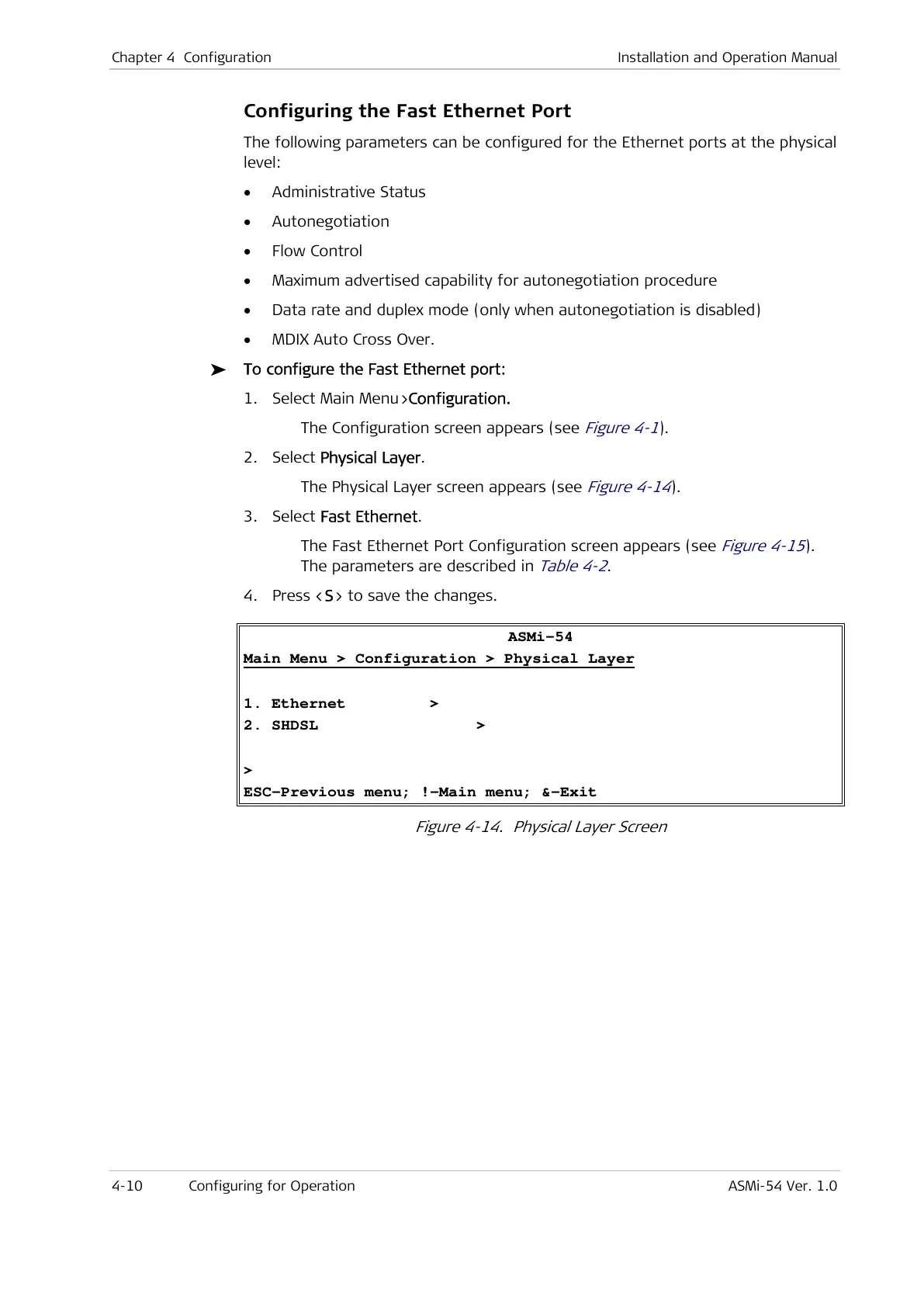
2. Select Physical Layer.
The Physical Layer screen appears (see
Figure 4-14
).
3. Select Fast Ethernet.
The Fast Ethernet Port Configuration screen appears (see
Figure 4-15
).
The parameters are described in
Table 4-2
.
4. Press <S> to save the changes.
ASMi-54
Main Menu > Configuration > Physical Layer
1. Ethernet >
2. SHDSL >
>
ESC-Previous menu; !-Main menu; &-Exit
Figure 4-14. Physical Layer Screen


 To Next Page