Installation and Operation Manual Chapter 4 Configuration
ASMi-54 Ver. 1.0 Configuring for Operation 4-11
ASMi-54
Main Menu > Configuration > Physical Layer > Ethernet
Port (1)
1. Administrative Status (Up)
2. Auto Negotiation (Enable)
3. Flow Control (Disable)
4. Max Capability Advertised (100base – TX Full Duplex)
5. MDIX Auto Cross Over (Enable)
F-Forwards; B-Backwards; S-Save
ESC-Previous menu; !-Main menu; &-Exit
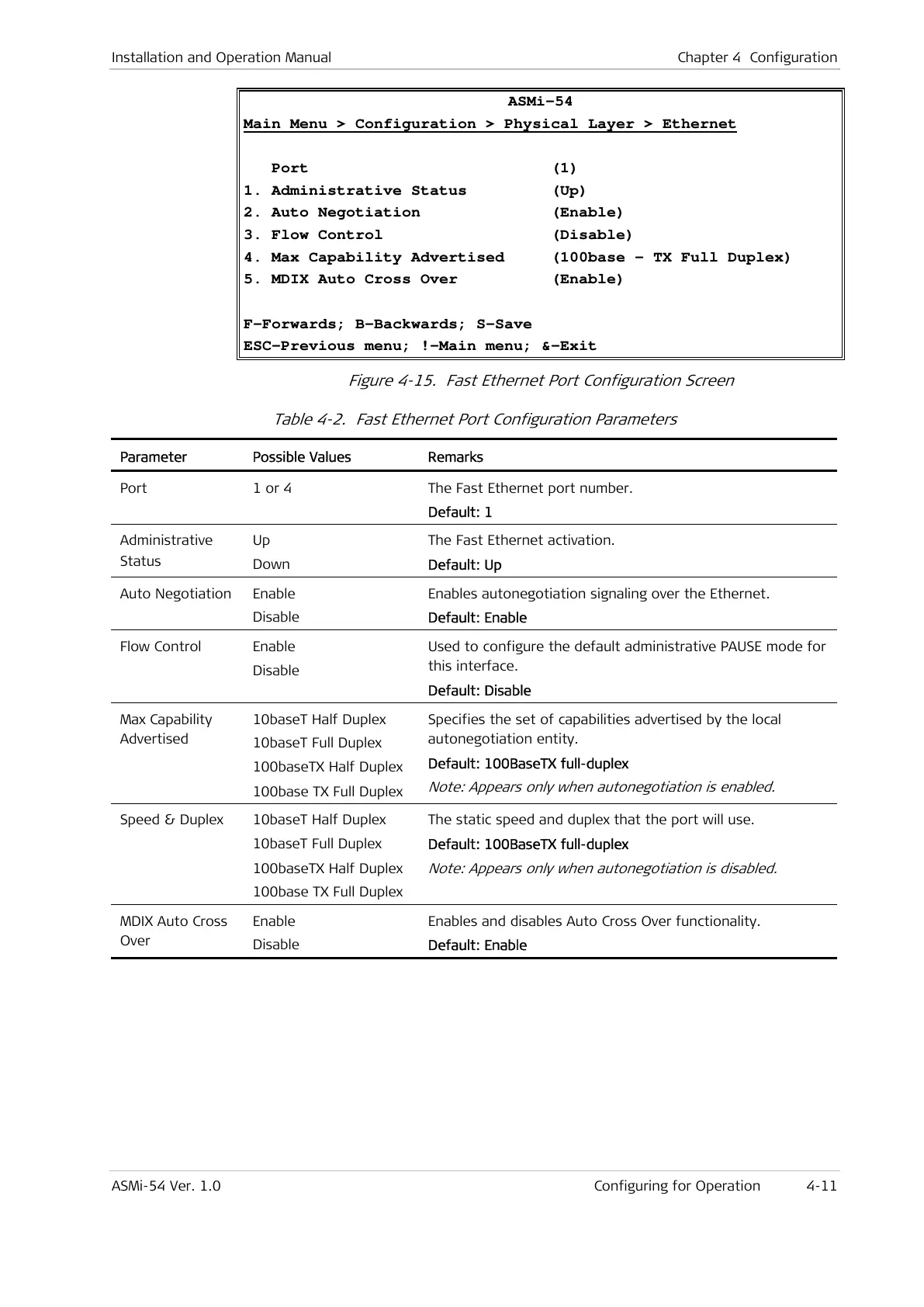
Figure 4-15. Fast Ethernet Port Configuration Screen
Table 4-2. Fast Ethernet Port Configuration Parameters
Parameter Possible Values Remarks
Port 1 or 4 The Fast Ethernet port number.
Default: 1
Administrative
Status
Up
Down
The Fast Ethernet activation.
Default: Up
Auto Negotiation Enable
Disable
Enables autonegotiation signaling over the Ethernet.
Default: Enable
Flow Control Enable
Disable
Used to configure the default administrative PAUSE mode for
this interface.
Default: Disable
Max Capability
Advertised
10baseT Half Duplex
10baseT Full Duplex
100baseTX Half Duplex
100base TX Full Duplex
Specifies the set of capabilities advertised by the local
autonegotiation entity.
Default: 100BaseTX full-duplex
Note: Appears only when autonegotiation is enabled.
Speed & Duplex 10baseT Half Duplex
10baseT Full Duplex
100baseTX Half Duplex
100base TX Full Duplex
The static speed and duplex that the port will use.
Default: 100BaseTX full-duplex
Note: Appears only when autonegotiation is disabled.
MDIX Auto Cross
Over
Enable
Disable
Enables and disables Auto Cross Over functionality.
Default: Enable



 To Next Page