Installation and Operation Manual Chapter 4 Configuration
ASMi-54 Ver. 1.0 Configuring for Management 4-5
Configuring Terminal Parameters
The Terminal is connected to the Control Port. The management software allows
you to configure the terminal baud rate.
The Baud Rate parameter is masked during a Telnet session.
To change the terminal baud rate:
1. Select Main Menu>Configuration>System.
The Configuration System screen appears (see
Figure 4-2
).
2. Select Terminal.
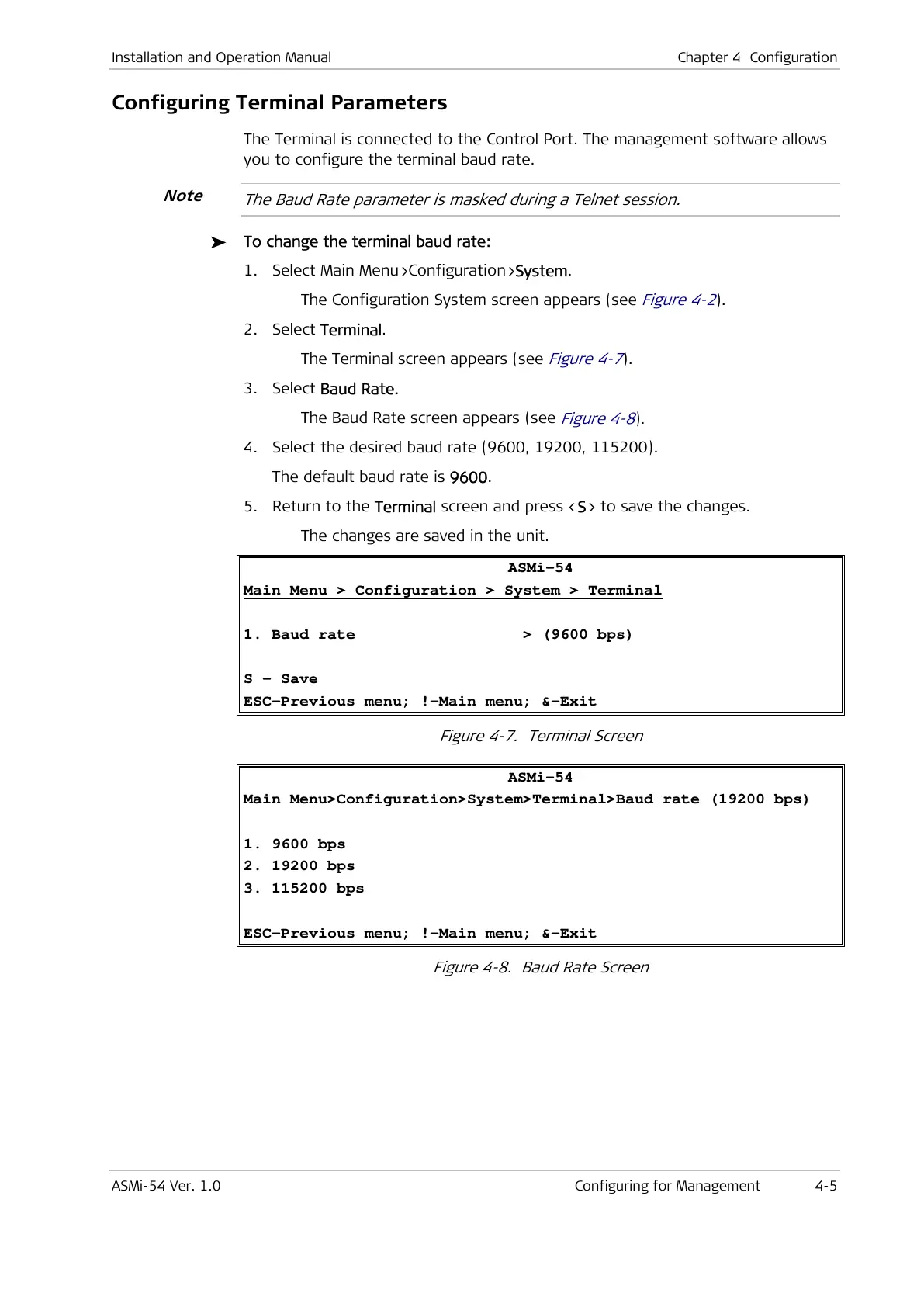
The Terminal screen appears (see
Figure 4-7
).
3. Select Baud Rate.
The Baud Rate screen appears (see
Figure 4-8
).
4. Select the desired baud rate (9600, 19200, 115200).
The default baud rate is 9600.
5. Return to the Terminal screen and press <S> to save the changes.
The changes are saved in the unit.
ASMi-54
Main Menu > Configuration > System > Terminal
1. Baud rate > (9600 bps)
S - Save
ESC-Previous menu; !-Main menu; &-Exit
Figure 4-7. Terminal Screen
ASMi-54
Main Menu>Configuration>System>Terminal>Baud rate (19200 bps)
1. 9600 bps
2. 19200 bps
3. 115200 bps
ESC-Previous menu; !-Main menu; &-Exit
Figure 4-8. Baud Rate Screen
Note



 To Next Page