Installation and Operation Manual Chapter 4 Configuration
ASMi-54 Ver. 1.0 Additional Tasks 4-31
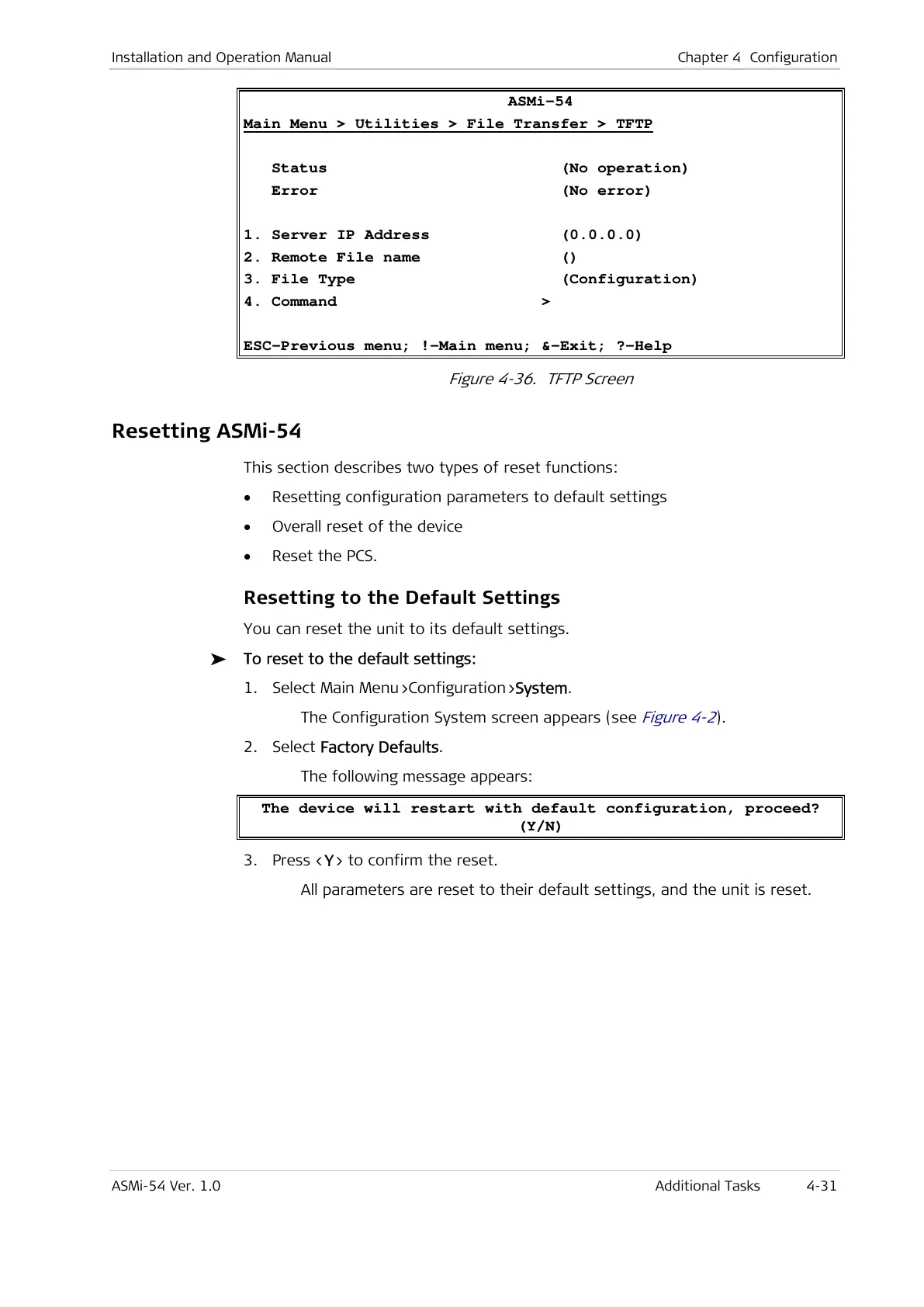
ASMi-54
Main Menu > Utilities > File Transfer > TFTP
Status (No operation)
Error (No error)
1. Server IP Address (0.0.0.0)
2. Remote File name ()
3. File Type (Configuration)
4. Command >
ESC-Previous menu; !-Main menu; &-Exit; ?-Help
Figure 4-36. TFTP Screen
Resetting ASMi-54
This section describes two types of reset functions:
• Resetting configuration parameters to default settings
• Overall reset of the device
• Reset the PCS.
Resetting to the Default Settings
You can reset the unit to its default settings.
To reset to the default settings:
1. Select Main Menu>Configuration>System.
The Configuration System screen appears (see
Figure 4-2
).
2. Select Factory Defaults.
The following message appears:
The device will restart with default configuration, proceed?
(Y/N)
3. Press <Y> to confirm the reset.
All parameters are reset to their default settings, and the unit is reset.



 To Next Page