Chapter 4 Configuration Installation and Operation Manual
4-30 Additional Tasks ASMi-54 Ver. 1.0
6. Select File Type, and choose whether you intend to transfer a software
program (IMG) or configuration file.
7. Select Save to save the changes.
8. Select Command to start the desired procedure:
Upload: To save a software or configuration file on a remote server
Download: To transfer a software or configuration file to the unit.
ASMi-54 starts file transfer.
The TFTP file transfer process is logged with the following system messages,
which are stored in the log file (see
Chapter 6
):
• TFTP – Starting Upload
• TFTP – Starting Download
• TFTP – Upload Failed
• TFTP – Download Failed.
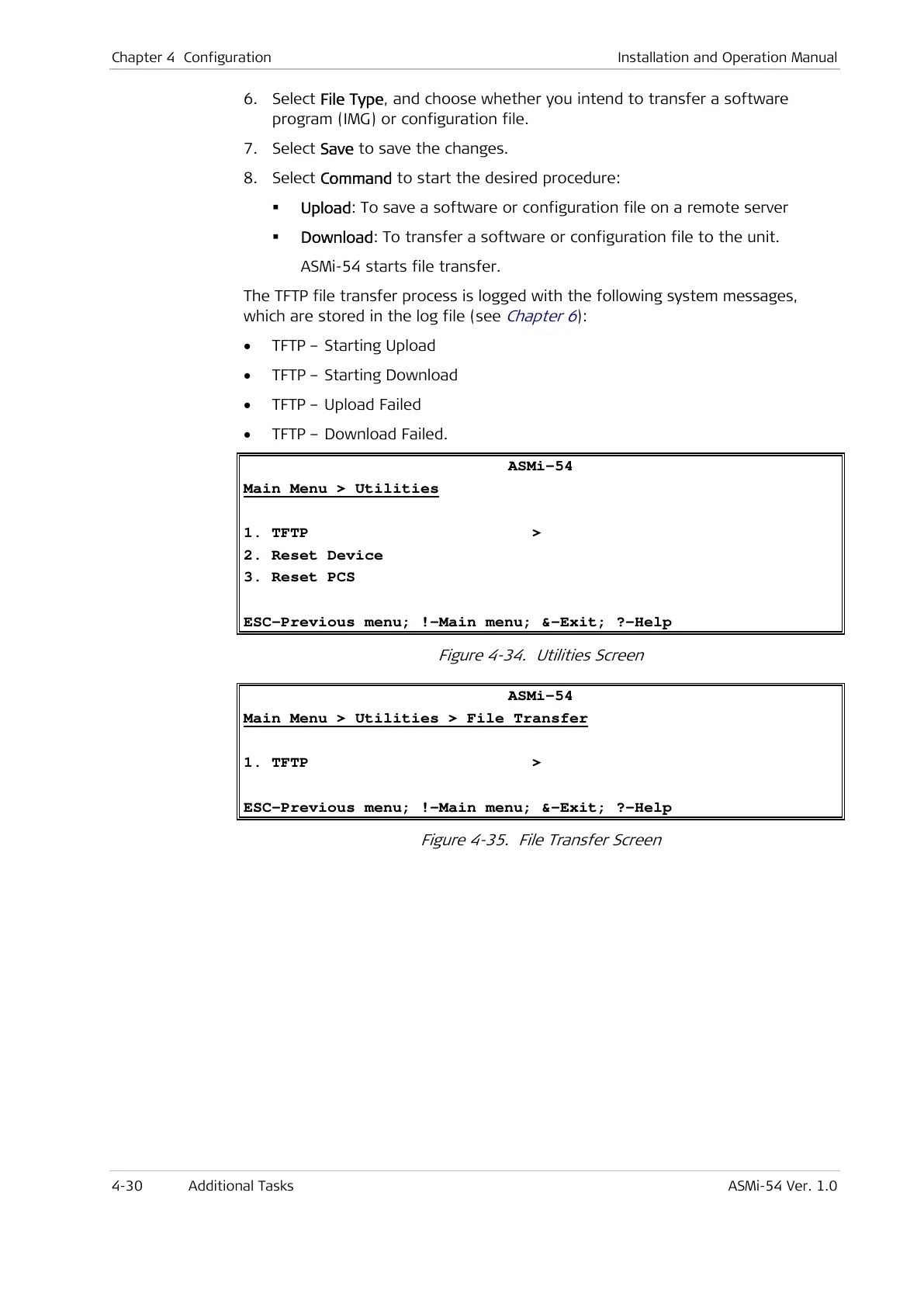
ASMi-54
Main Menu > Utilities
1. TFTP >
2. Reset Device
3. Reset PCS
ESC-Previous menu; !-Main menu; &-Exit; ?-Help
Figure 4-34. Utilities Screen
ASMi-54
Main Menu > Utilities > File Transfer
1. TFTP >
ESC-Previous menu; !-Main menu; &-Exit; ?-Help
Figure 4-35. File Transfer Screen



 To Next Page