Chapter 6 Diagnostics and Troubleshooting Installation and Operation Manual
6-2 Monitoring Performance ASMi-54 Ver. 1.0
ASMi-54
Main Menu > Monitoring
1. System >
2. Physical Ports >
3. Application >
C-Clear All Statistics
ESC-Previous menu; !-Main menu; &-Exit; ?-Help
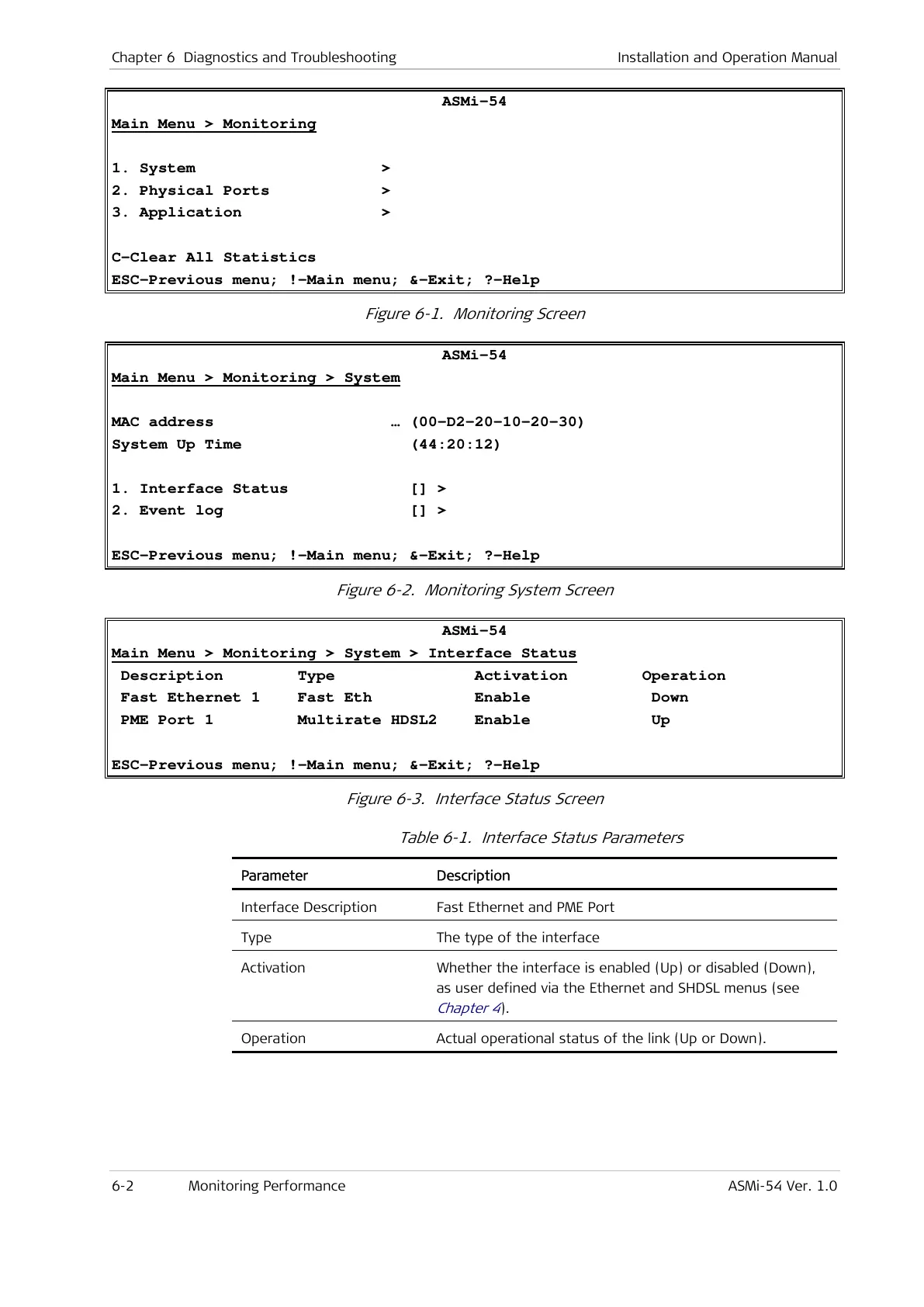
Figure 6-1. Monitoring Screen
ASMi-54
Main Menu > Monitoring > System
MAC address … (00-D2-20-10-20-30)
System Up Time (44:20:12)
1. Interface Status [] >
2. Event log [] >
ESC-Previous menu; !-Main menu; &-Exit; ?-Help
Figure 6-2. Monitoring System Screen
ASMi-54
Main Menu > Monitoring > System > Interface Status
Description Type Activation Operation
Fast Ethernet 1 Fast Eth Enable Down
PME Port 1 Multirate HDSL2 Enable Up
ESC-Previous menu; !-Main menu; &-Exit; ?-Help
Figure 6-3. Interface Status Screen
Table 6-1. Interface Status Parameters
Parameter Description
Interface Description Fast Ethernet and PME Port
Type The type of the interface
Activation Whether the interface is enabled (Up) or disabled (Down),
as user defined via the Ethernet and SHDSL menus (see
Chapter 4
).
Operation Actual operational status of the link (Up or Down).



 To Next Page