3
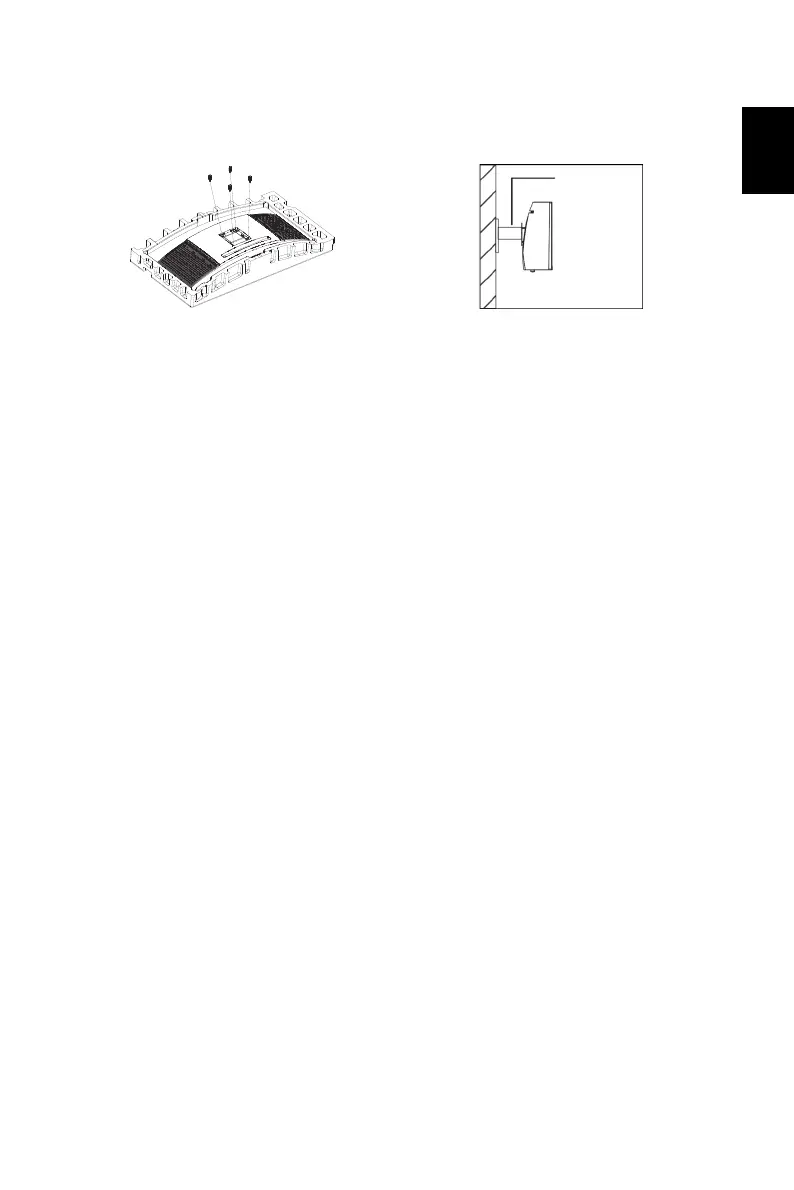
Attaching the monitor on the wall
Remark:
• Please check monitor weight in advance to choose suitable load capacity of VESA arm
stand.
• Do not discard the original screws as these may be needed for future use.
1. Connect the VESA Adapter Mounting
Kit with screws (M4x16mm 4pcs).
2. Connect the monitor onto the wall.


 To Next Page