4
SCREEN POSITION ADJUSTMENT
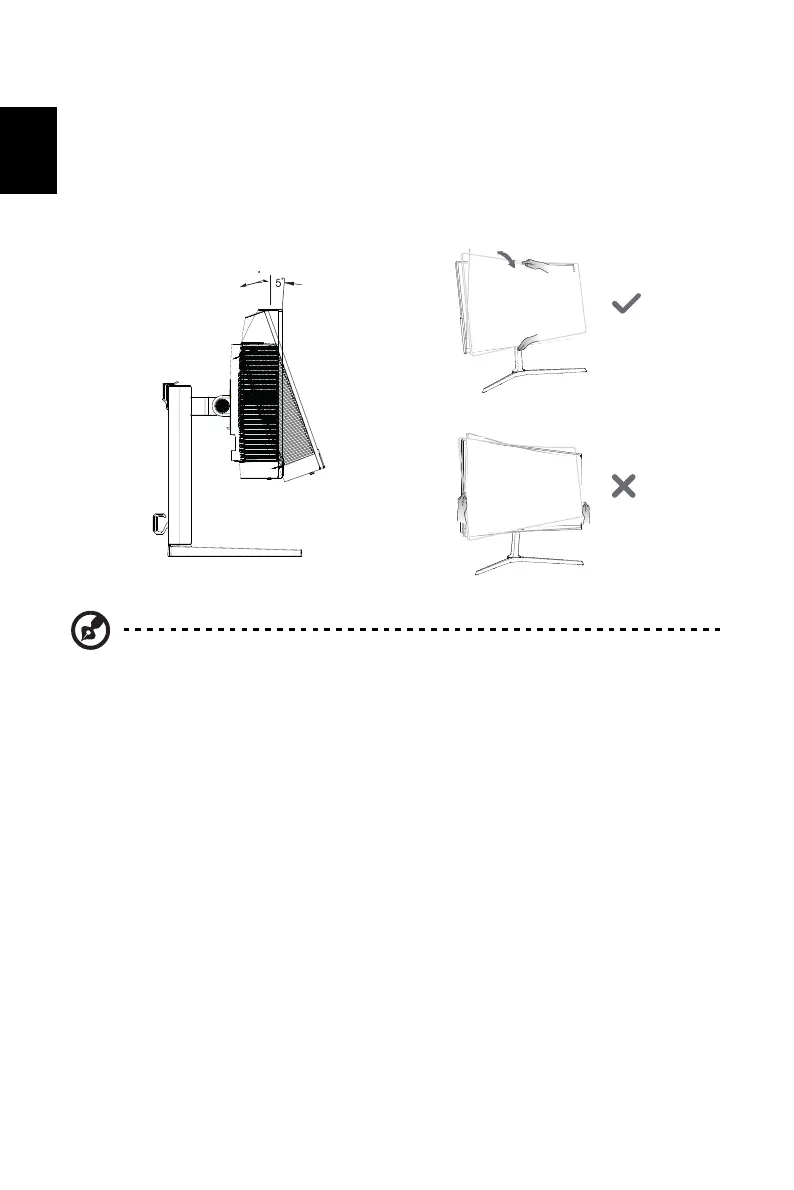
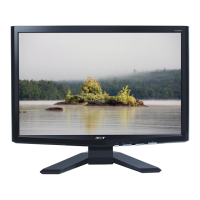
To optimize the viewing position, you can adjust the monitor tilt by using both of your hands to
hold the edges of the monitor. The monitor can be adjusted to 20 degrees up or 5 degrees
down.
Tilt
Note: Do NOT press the screen with fingers.
Do NOT grasp the corners or the left and right sides of the monitor to adjust tilt.
20
-


 To Next Page