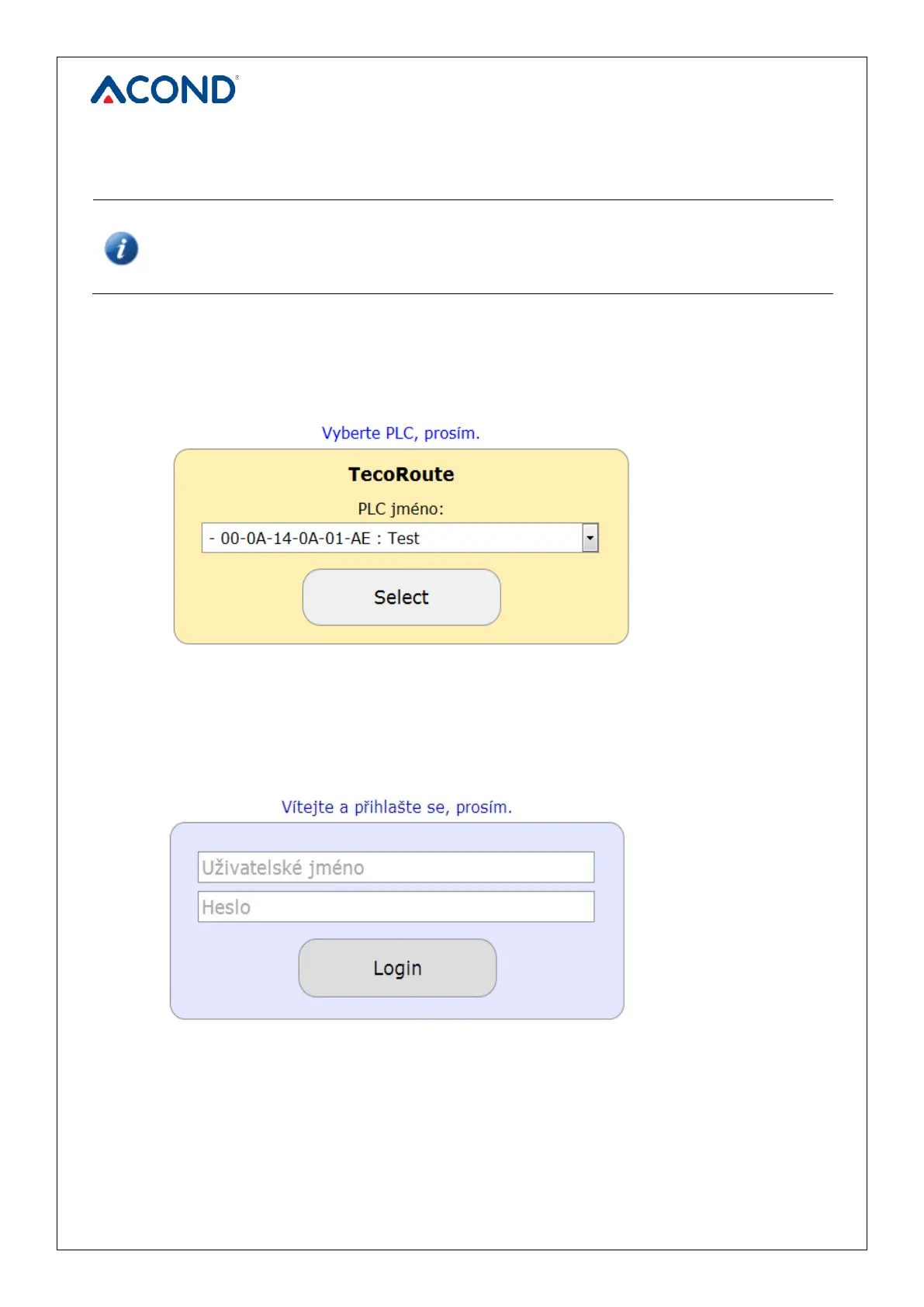
Login details (Login name and password) will be provided by the installer when
handing over the heat pump.
After entering, press Enter or Login button. The heat pump menu screen appears (see Figure
3), to you have access (the list opens by clicking the arrow in the right edge of the strip with the
heat pump name). Select the appropriate heat pump and click Select or press Enter.
The heat pump login page appears (see Figure 4).
In the field USER NAME AND PASSWORD enter acond (preset from factory production – the
user name and password can be changed on the info page, see 3.2.12 on page 31).


 To Next Page