Heat pumps AIR / WATER
Operation manual 20
Confirm the name and password by clicking the Login button or Enter key and the main page
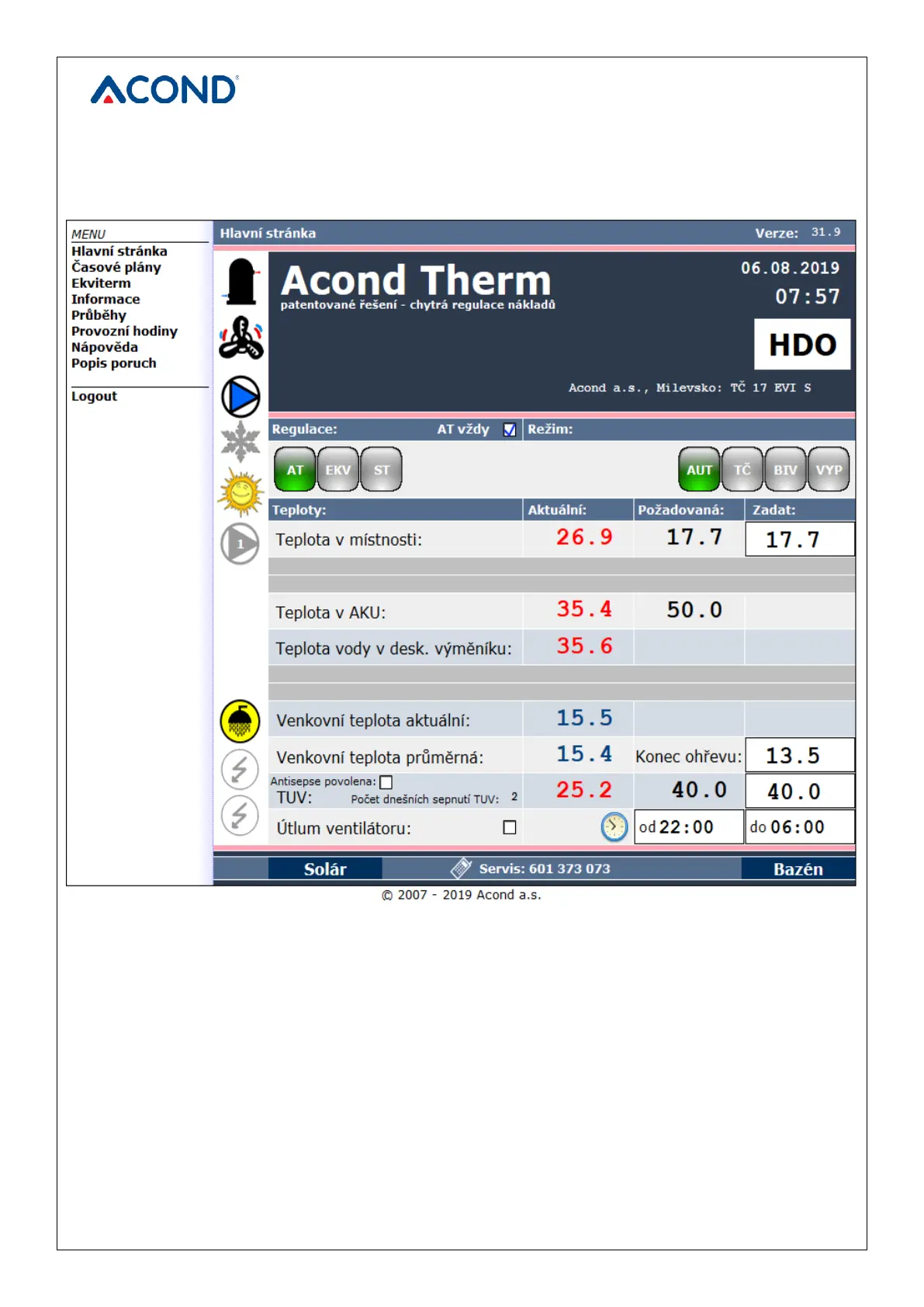
will be displayed – see Figure 5 Web browser home page.
3.2.2.2 Create a permanent connection to TecoRoute via
After entering the name and password and displaying the login page on the TecoRoute server
(see Figure 2 TecoRoute Login Page), it is possible to check the box “Create a permanent login
link“ to facilitate the next login. The web page with the table appears, see Figure 6. It is
advisable to save this page to bookmarks, or to the browser desktop or bar. After pressing the
login, the pump login page appears (see Figure 4) and proceeds as described above.


 To Next Page