OMNIVERSA
®
ULTRASOUND / ELECTROTHERAPY SYSTEM - 15 -
COPYRIGHT © 2017-2020, ACCELERATED CARE PLUS CORP., ALL RIGHTS RESERVED
Factory Settings
The OmniVersa comes with the following factory settings:
Screen Brightness 100%
Speaker Volume 100%
Sleep Mode 3 min.
End of Treatment Tone 5
End of Treatment – Duration 5
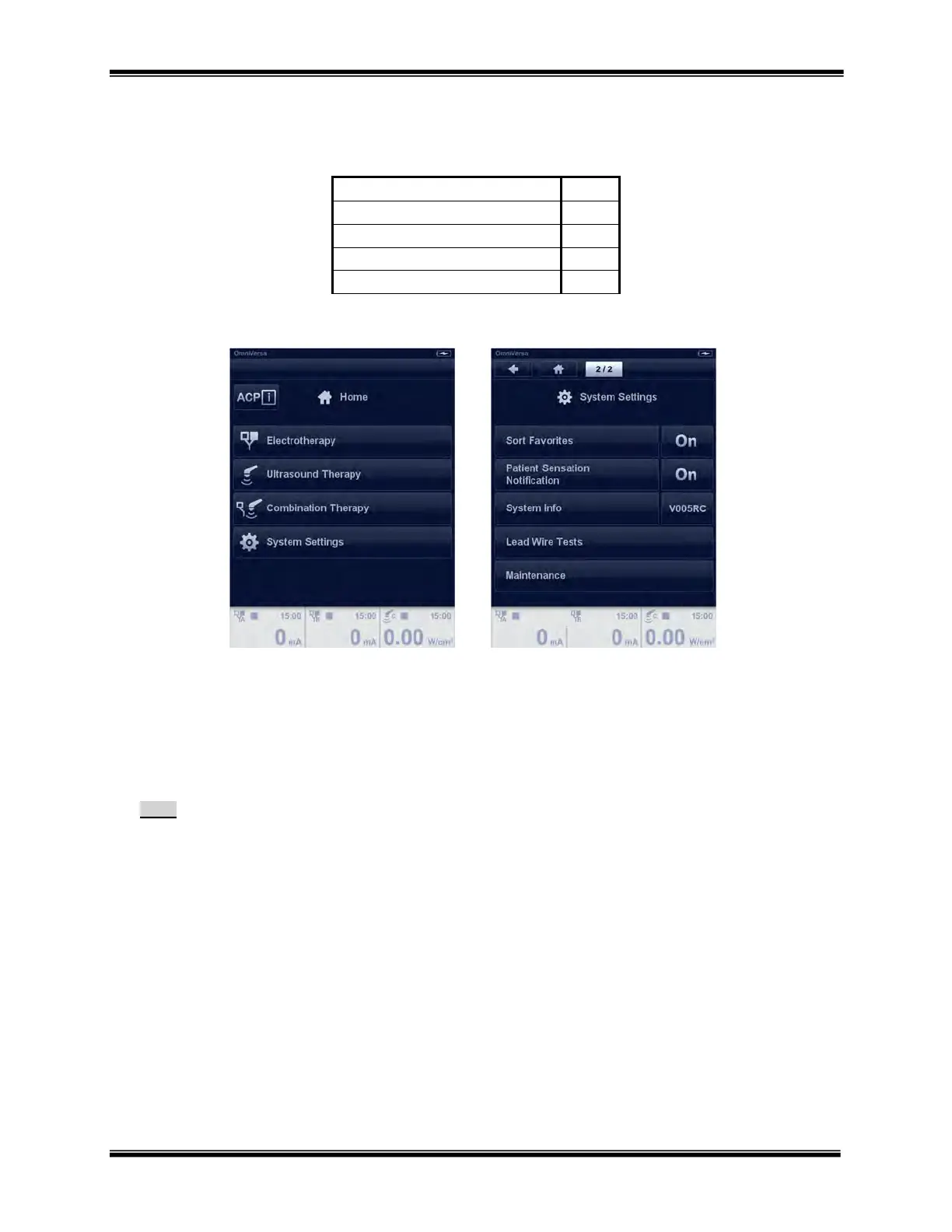
These default settings are generally suitable for most clinicians. To adjust these default settings, proceed as follows:
1. From the Home screen select “System Settings” using the touch screen. You will then be able to adjust the factory
settings.
2. Settings can be changed by selecting the current value and use the dial to scroll through the available choices.
Select another setting using the touch screen to lock in the selected value.
3. The new settings will be saved as long as the battery is charged.
Note:
The above settings cannot be accessed during operation and are only available following the startup screen.



 To Next Page