- 96 -
OMNIVERSA
®
MULTI-MODALITY THERAPY USER MANUAL
COPYRIGHT © 2017-2020, ACCELERATED CARE PLUS CORP., ALL RIGHTS RESERVED
TROUBLESHOOTING (cont.)
PROBLEM CAUSE REMEDY
Pain at the electrode
site
Incorrectly placed electrodes too close
together
Stop treatment
Remove electrodes
Reposition electrodes after increasing the distance
between electrodes
Patient feels surging or
spiking sensation
during Combination
Therapy
Lead wire(s): short or breakage
Non-conductive or poorly conductive
electrodes
The current is still running during
electrode removal
Replace with correct and adequate conductive medium
Remove electrode(s) and replace if necessary
Check that the channel output on the display is zero
prior to removing electrodes
After pressing PAUSE do not remove electrodes for 3
seconds to allow any remaining capacitance to
dissipate
Patient cannot detect
output
Failure of lead wire(s), electrode(s)
Non-conductive or poorly conductive
electrodes
Failure of the stimulator
Test and Replace lead wires if required
Remove electrode(s) and replace if necessary
Perform auto tests on stimulator, if fault condition shown
on the screen send unit to service center for
replacement - repair
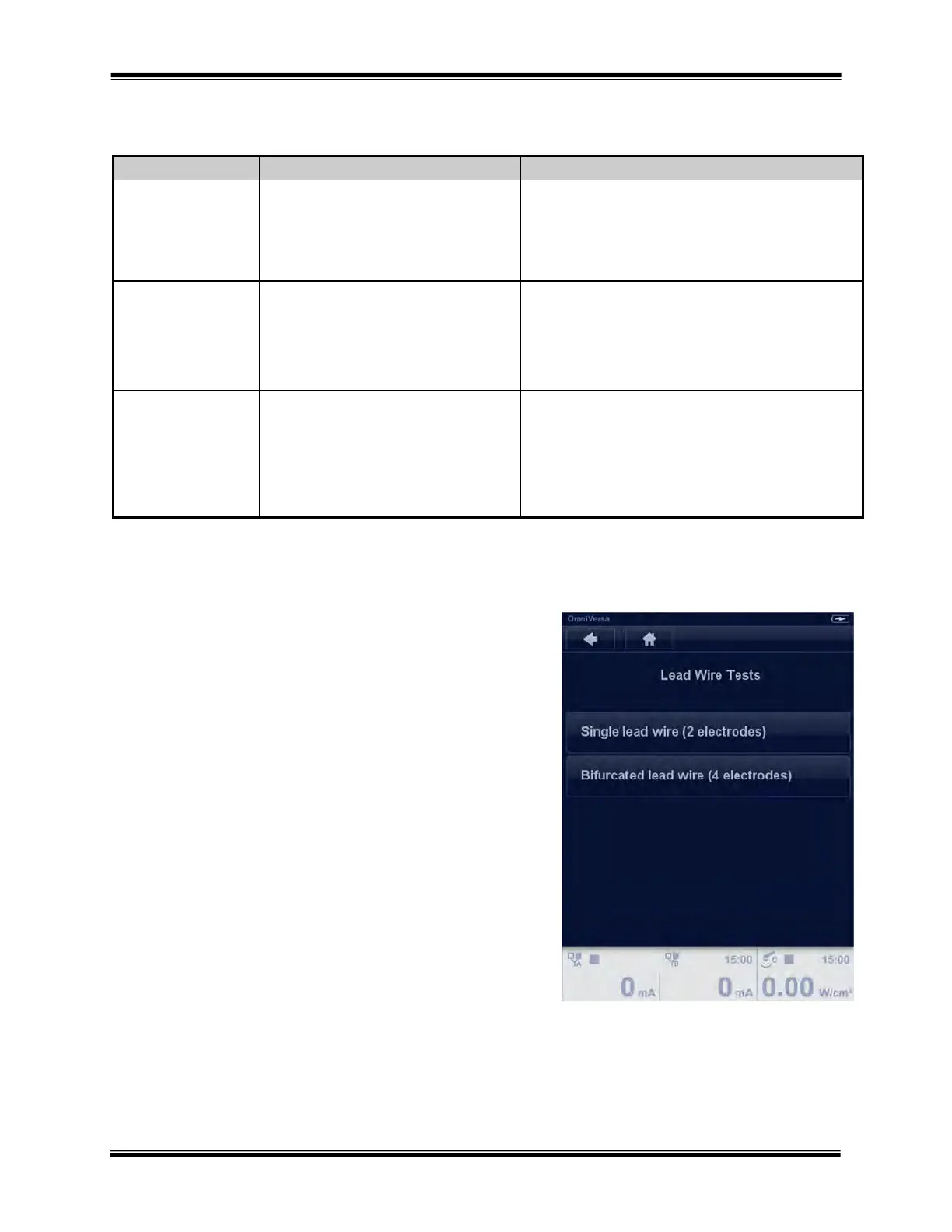
ACP Lead Wire Test
ACP lead wires can be tested to assure they are properly
conducting current. The Lead Wire Test is found on page
2 of the of System Settings screen.



 To Next Page