OMNIVERSA
®
MULTI-MODALITY THERAPY USER MANUAL - 97 -
COPYRIGHT © 2017-2020, ACCELERATED CARE PLUS CORP., ALL RIGHTS RESERVED
ACP Lead Wire Test Process
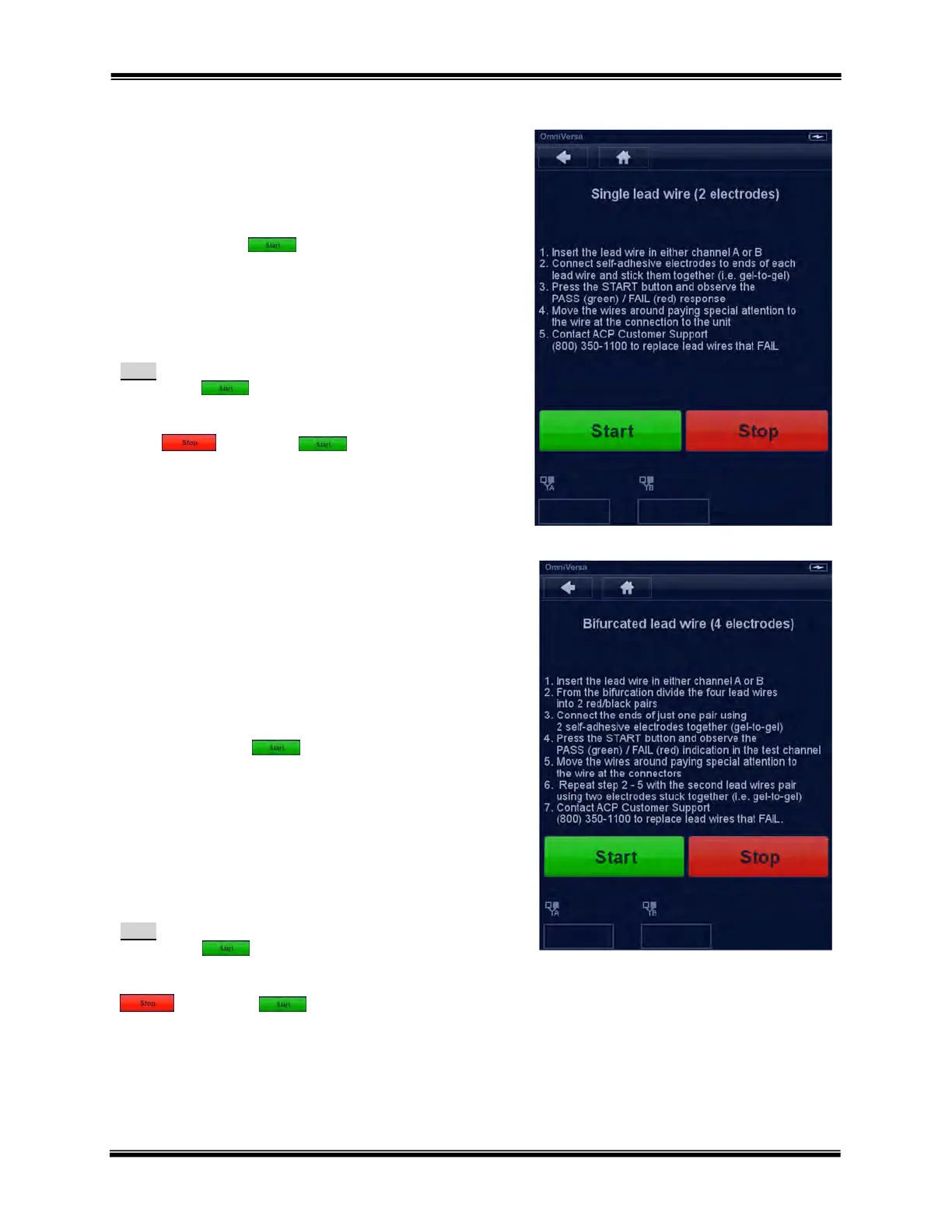
Single lead wire (2 electrodes)
1. Insert the lead wire in either channel A or B
2. Connect self-adhesive electrodes to ends of each
lead wire and stick them together (i.e. gel-to-gel)
3. Press the START button and observe the
PASS (green) / FAIL (red) response
4. Move the wires around paying special attention to
the wire at the connection to the unit
5. Contact ACP Customer Support (800) 350-1100 to
replace lead wires that FAIL
Note:
The START button must be pressed only after
all the connections have been made. If the FAIL
signal is illuminated, this will not change unless the
STOP and START button are
pressed again to start a new test sequence. A fail
response will be present in any channel that is open
and is not testing a lead wire.
Bifurcated lead wire (4 electrodes)
1. Insert the lead wire in either channel A or B
2. From the bifurcation divide the four lead wires into
2 red/black pairs
3. Connect the ends of just one pair using 2 self-
adhesive electrodes together (gel-to-gel)
4. Press the START button and observe the
PASS (green) / FAIL (red) indication in the test
channel
5. Move the wires around paying special attention to
the wire at the connectors
6. Repeat step 2 -5 with the second lead wires pair
using two electrodes stuck together (i.e. gel-to-gel)
7. Contact ACP Customer Support (800) 350-1100 to
replace lead wires that FAIL
Note:
The START button must be pressed only after
all the connections have been made. If the FAIL signal
is illuminated, this will not change unless the STOP
and START button are pressed again
to start a new test sequence. A fail response will be
present in any channel that is open and is not testing a
lead wire.



 To Next Page