- 98 - OMNIVERSA
®
MULTI-MODALITY THERAPY USER MANUAL
COPYRIGHT © 2017-2020, ACCELERATED CARE PLUS CORP., ALL RIGHTS RESERVED
Ultrasound Optimizer
The OmniVersa scans the resonance frequency of the
crystal and re-sets the frequency of the units to calibrate
with the frequency to the crystal.
This is done automatically by the system software when
the transducer is put in and when turning on the unit.
If there is any question that the crystal isn’t functioning
properly (rare occurrence), a manual optimization
option exists in the maintenance section of system
settings.
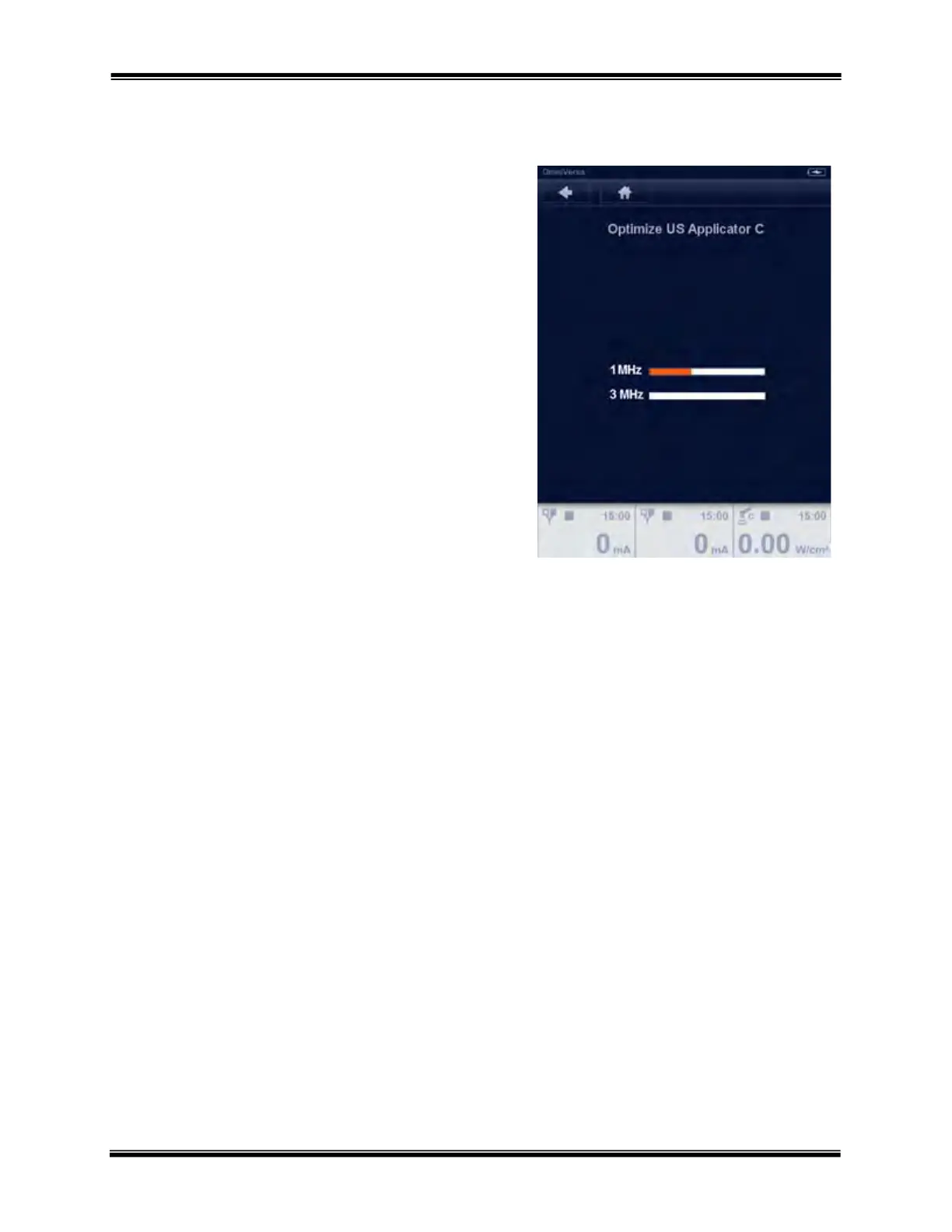
Select “Optimize US Applicator C” or “Optimize US
Applicator D”, depending on into which channel the
replacement transducer has been inserted, the Optimize
US Applicator screen will appear. Pressing “Ok” at the
top of the screen will initiate the optimization process,
which only takes a few minutes.
While the optimization process is in progress, the
screen will show an Orange bar indicating the
percentage of completion. Upon full completion of the
optimization process, the line will be Green and say
100% with a large green check mark. The US
Applicator is now optimized



 To Next Page