ES900 User’s Manual 35
Setting the 1st Command Line
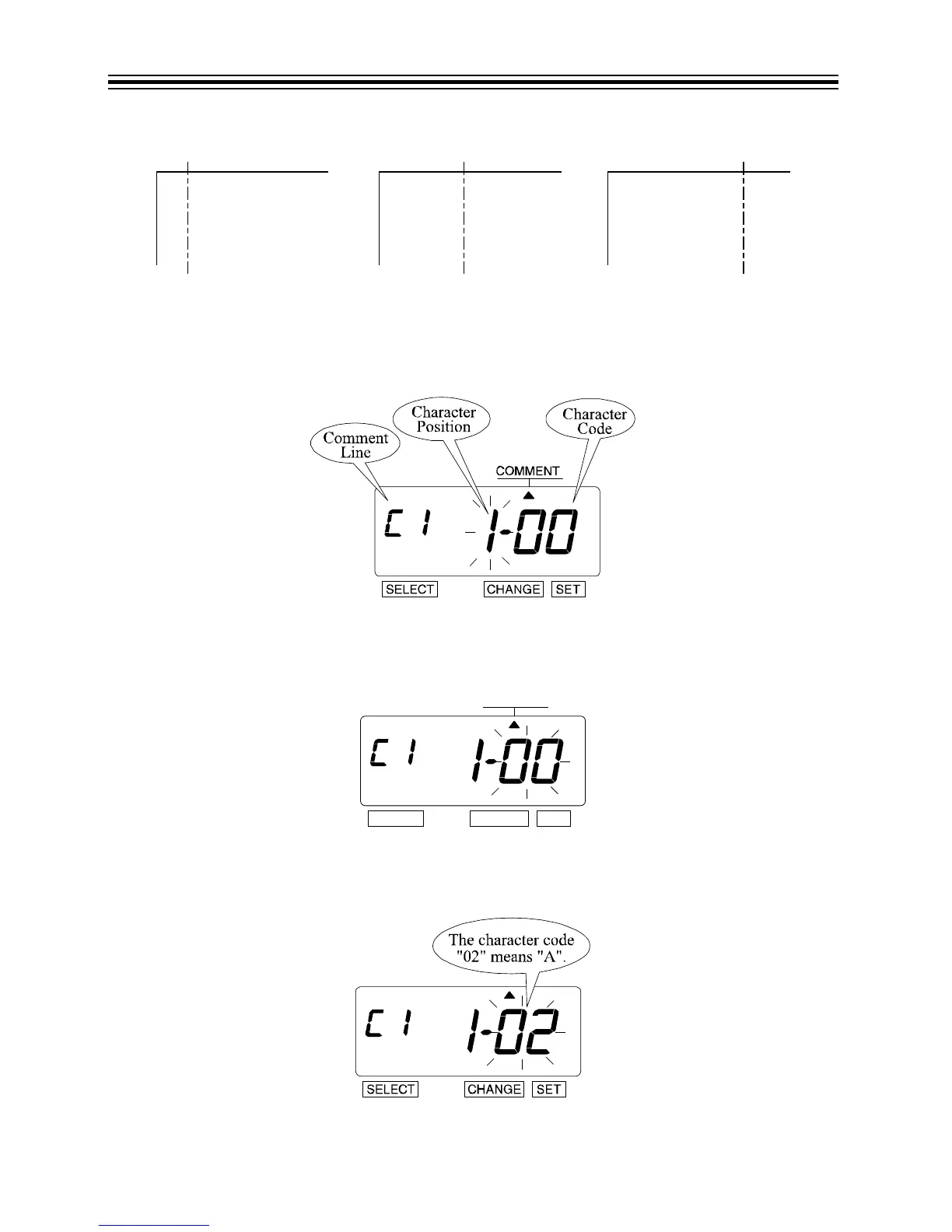
1. Press SELECT until the S is under the "COMMENT" mark.
2. The flashing digit indicates "Character Position".
3. Press SET.
Set 1st Character Code
1. The flashing digit changes from "Character Position" to "Character Code".
2. In this example, the 1st character is "A". Press CHANGE until the Character Code is"02" (A).
Refer to “Character Code for Alphanumeric” on pages 64-68.
3. Press SET.



 To Next Page