DISABLE
Disable the displayed group by pressing the ✔ key. This means that the cards or tokens belonging
to all the users in the group will no longer be recognized and will not be allowed entry to the
protected area e
ven if the individual users are enabled.
ASSIGN NAMES
The Assign Names function allows a 16 character textual name to be assigned to each group.
Pressing the ✔ key selects text entry mode. The group name is entered or deleted in exactly the
same fashion as for individual user names.
ACCESS RIGHTS
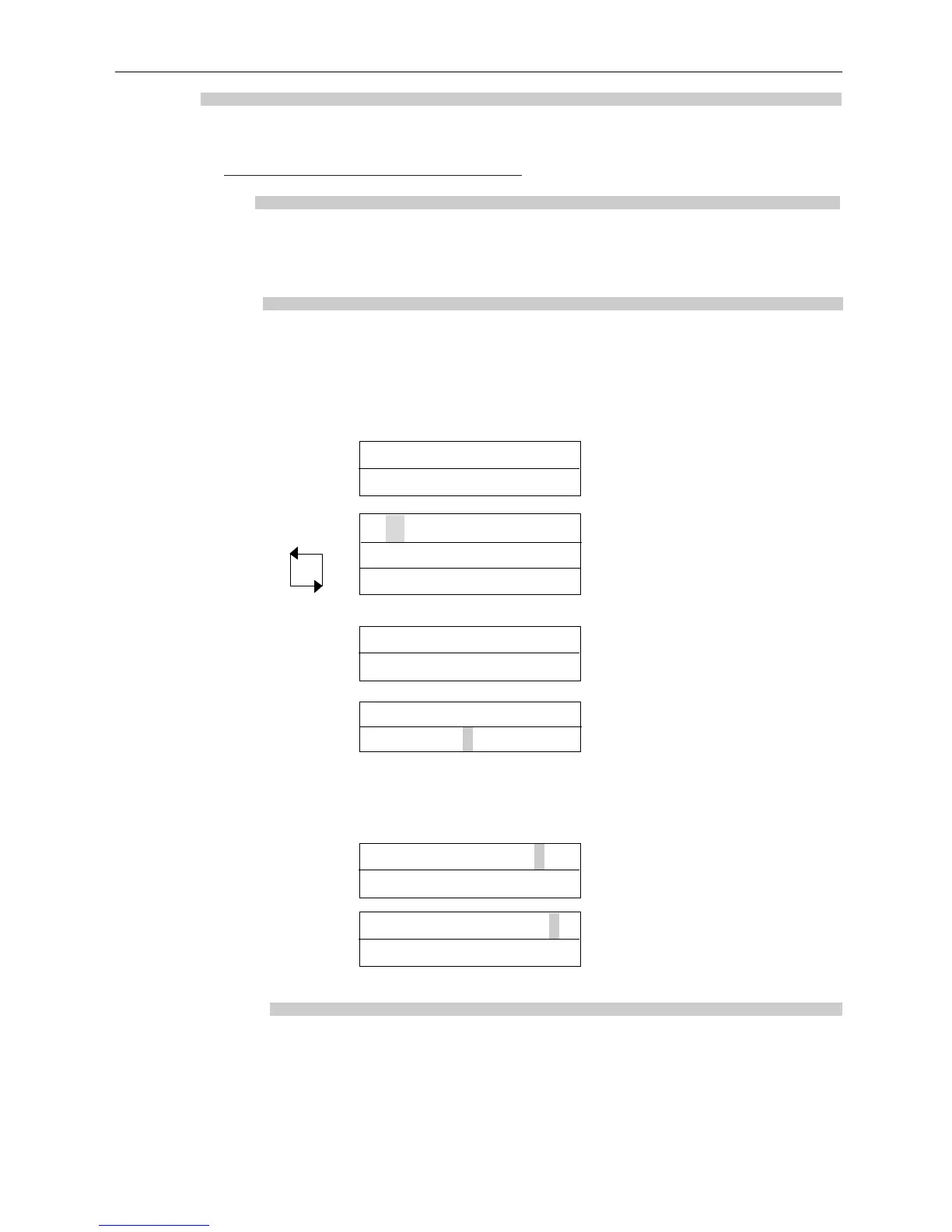
The Access Rights function allows up to 8 timezone and door combinations to be specified for all
users in a group. When a group is selected, the combinations will be displayed on the top line of
the display in the form ABCDEFGH + -. The 0 key may be used to highlight one of these
combinations and the bottom line of the display will show that timezone and door combination.
Pressing the ✔ key allows the combination to be altered.
ACT1000/2000 Operating Instructions Software Version 4.00-00
6
1) Select Group Group 3 0 for next group
Timed Access
✔ to display access rights
2) Displaying access rights A B C D E F G H + - 0 for next combination
At all times ✔ to change combination
Selected Doors
6) Setting No Access A B C D E F G H + - ✔ to set no access
No Access?
5) Setting Full Access A B C D E F G H + - ✔ to set full access
Full Access?
3) Changing timezone Timezone 0 for next timezone
At all times
✔ to select
4) Changing door combination Door 7 0 for next door
[23---7—AB] ✔ to select/deselect
✘ when done
In addition, Full Access or No Access may quickly be set for the group by highlighting and
selecting the + or - symbols respectively:
▼
▼
ASSIGN OPTIONS
The Assign Options menu can be used to apply additional options to a group. The assigned
options are displayed in brackets in the form [23TXB] with non-assigned options displayed as a
dash. Pressing the ✔ key allows the options to be altered. When changing options, the 0 key
advances to each option, and the ✔ key selects or deselects the displayed option.



 To Next Page