Hardware Manual
31
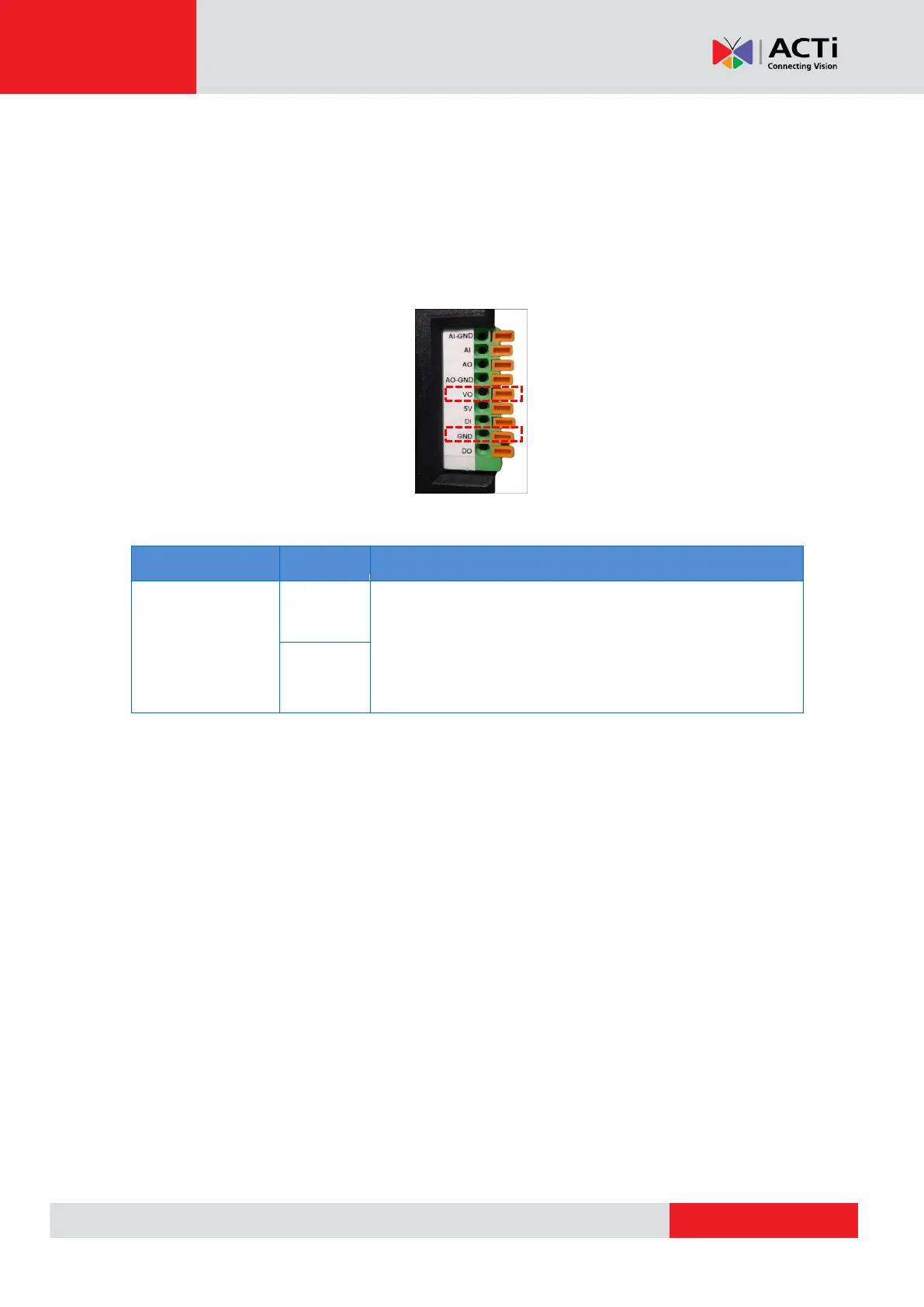
How to Connect a Video Output Device
A video output device, such as the Camera Installation Kit, can be connected to the camera to
see the live view during installation through the Camera Installation Kit BNC connection.
Press and hold the orange tab as you insert the wire through the pin slot, then release the orange
tab to secure the wire.
To connect the video output device, map the pins of the BNC cable as follows:
Connect the wires of the video output device to VO and
GND.
NOTE: Must power up the video output device with external
power source, refer to the device documentation for details.



 To Next Page