Hardware Manual
9
Physical Description
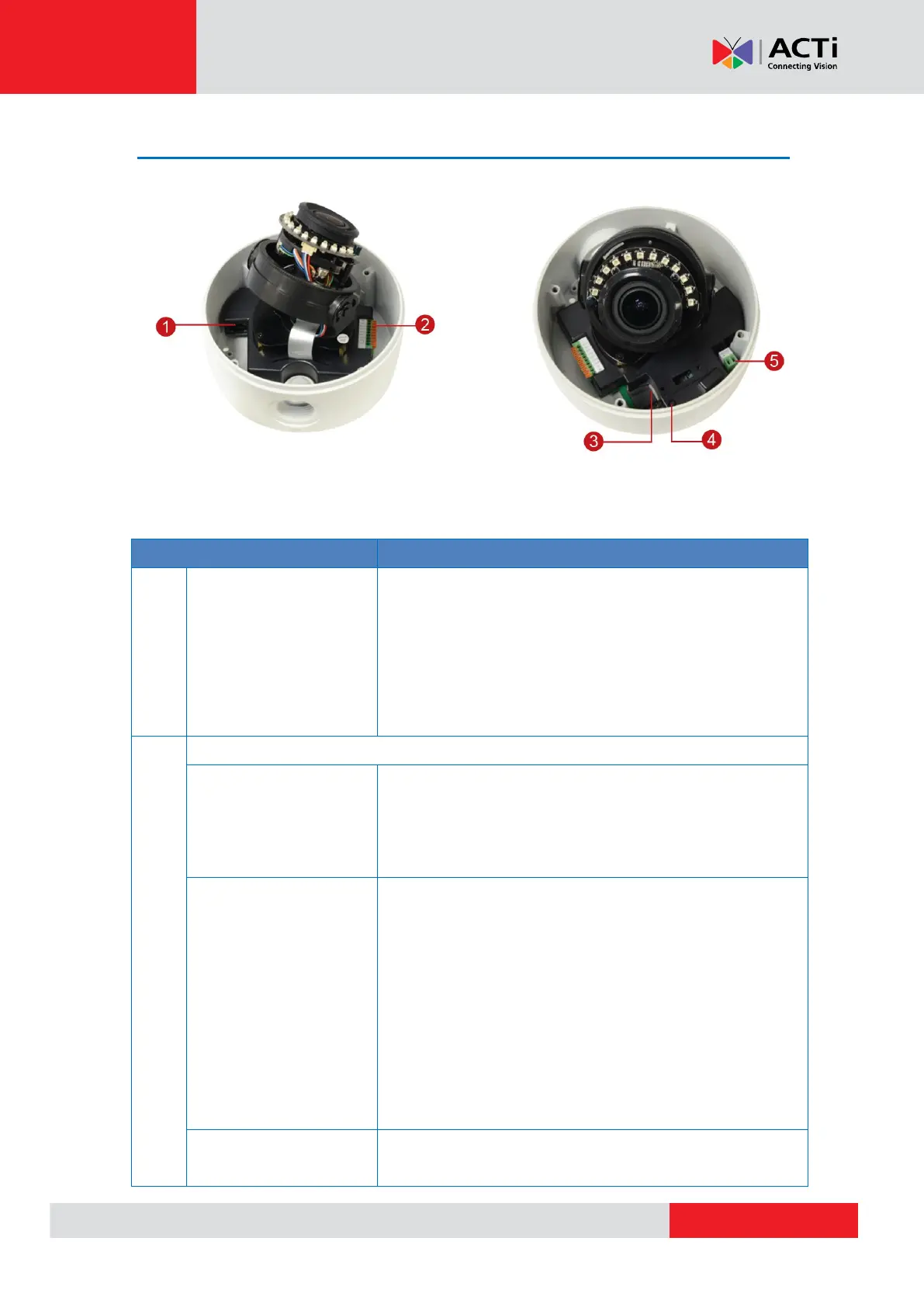
NOTE: The camera picture above is for reference only. Actual camera may slightly differ.
Connects to a network using an Ethernet cable.
There are two (2) LED indicators on the port:
Power LED (Amber): Lights up when power
is connected.
LAN LED (Green): Blinks when network
activity is in progress.
Connects to an audio input and output device,
such as a microphone and speaker. See How to
Connect Audio Input / Output Devices on page
30 for more information.
Connects to digital input or output devices, such
as an alarm trigger, panic button, etc., as well as
audio input and output devices, such as
microphones and speakers. Digital Input (DI) and
Digital Output (DO) devices are used in
applications like motion detection, event
triggering, alarm notifications, etc. See How to
Connect DI/DO Devices on page 28 for more
information.
Connects to a video output device, such as a
camera installation kit, for camera adjustments on



 To Next Page