Hardware Manual
28
Connecting Input / Output Devices (Optional)
Depending on your surveillance needs, you may connect digital input / output, audio input / output,
and video output device to your camera.
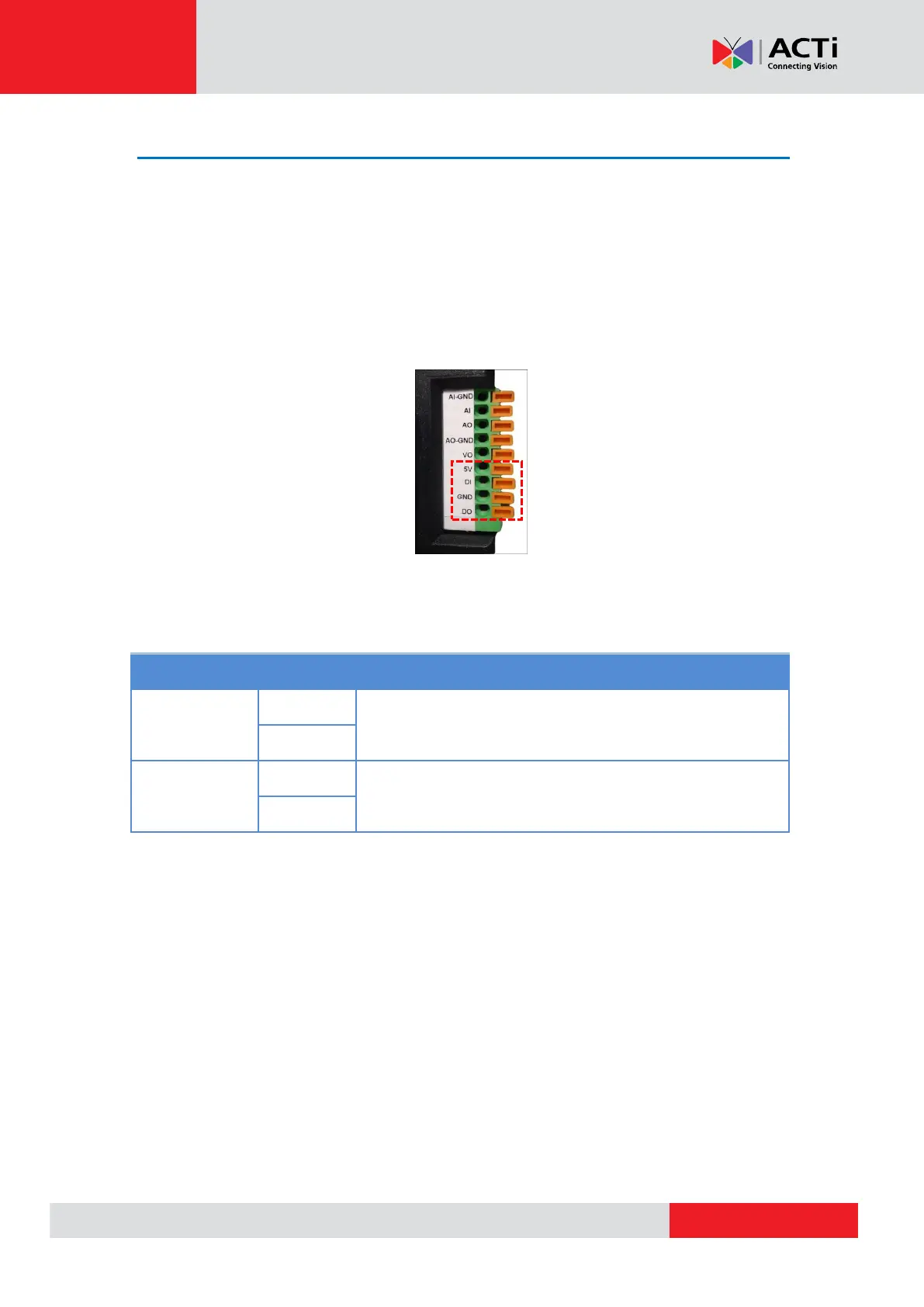
How to Connect DI/DO Devices
Press and hold the orange tab as you insert the wire through the pin slot, then release the orange
tab to secure the wire.
To connect digital input / output devices (DI/DO), map the pins to one of the pin combinations
below:
Connect the wires of the output device to DO and 5V.
Connect the wires of the input device to DI and GND.



 To Next Page