Hardware Manual
30
How to Connect Audio Input / Output Devices
Audio input and output devices, such as a microphone and speaker, can be connected to the
camera.
The camera supports both the active (line-in) and passive (mic-in) microphone.
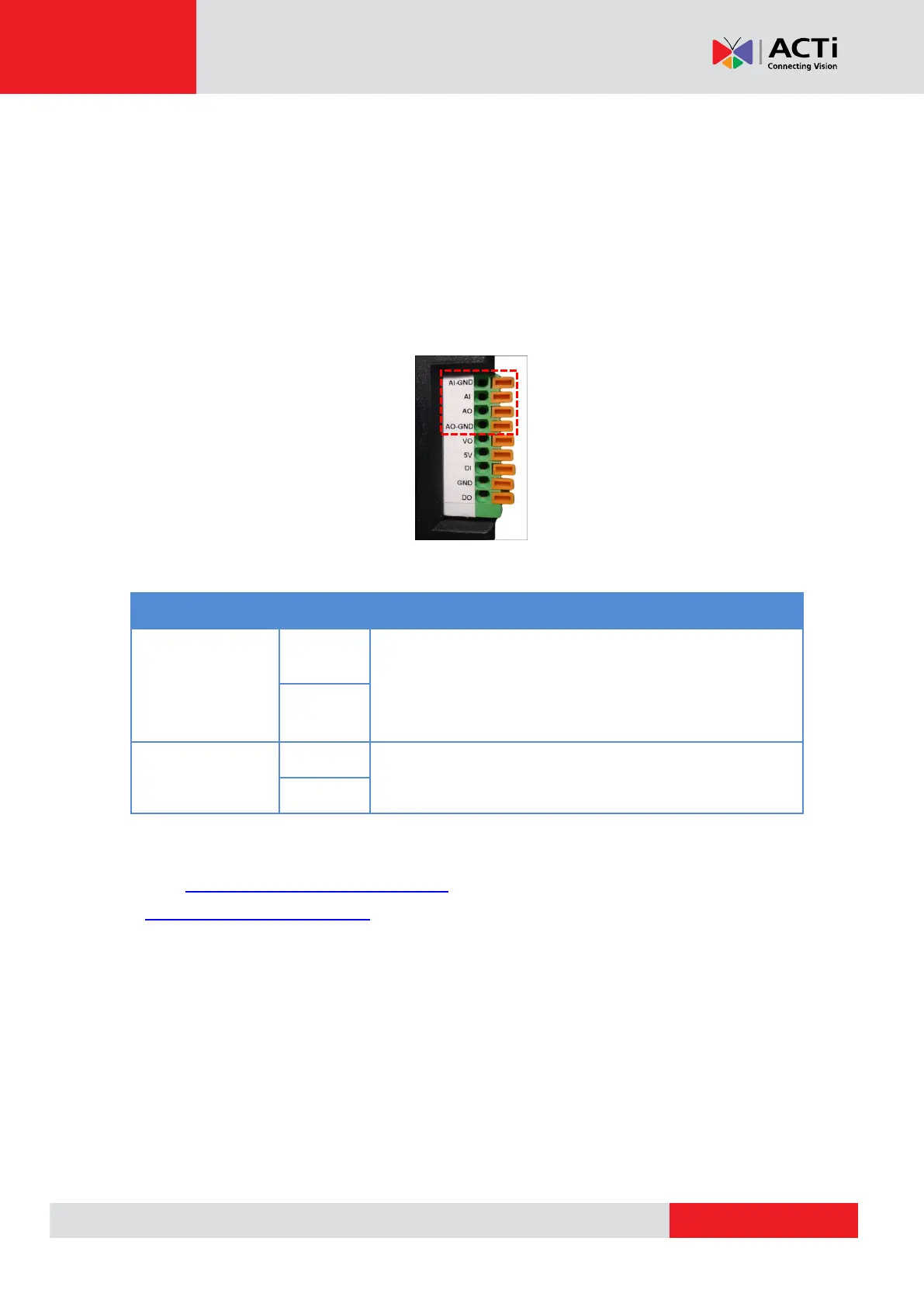
Press and hold the orange tab as you insert the wire through the pin slot, then release the orange
tab to secure the wire.
To connect audio devices, map the pins to one of the pin combinations below:
Connect the wires of the audio output device to AO and
AO-GND.
NOTE: Must power up the audio output device with external
power source, refer to the device documentation for details.
Connect the wires of the audio input device to AI and
AI-GND.
NOTE: For more information about AUDIO in connections, please refer to the Knowledge Base
article How to Use Audio-in of ACTi Cameras, downloadable from the link below
(http://Download.acti.com?id=534).



 To Next Page