Active Vision SX-420 User Guide
50
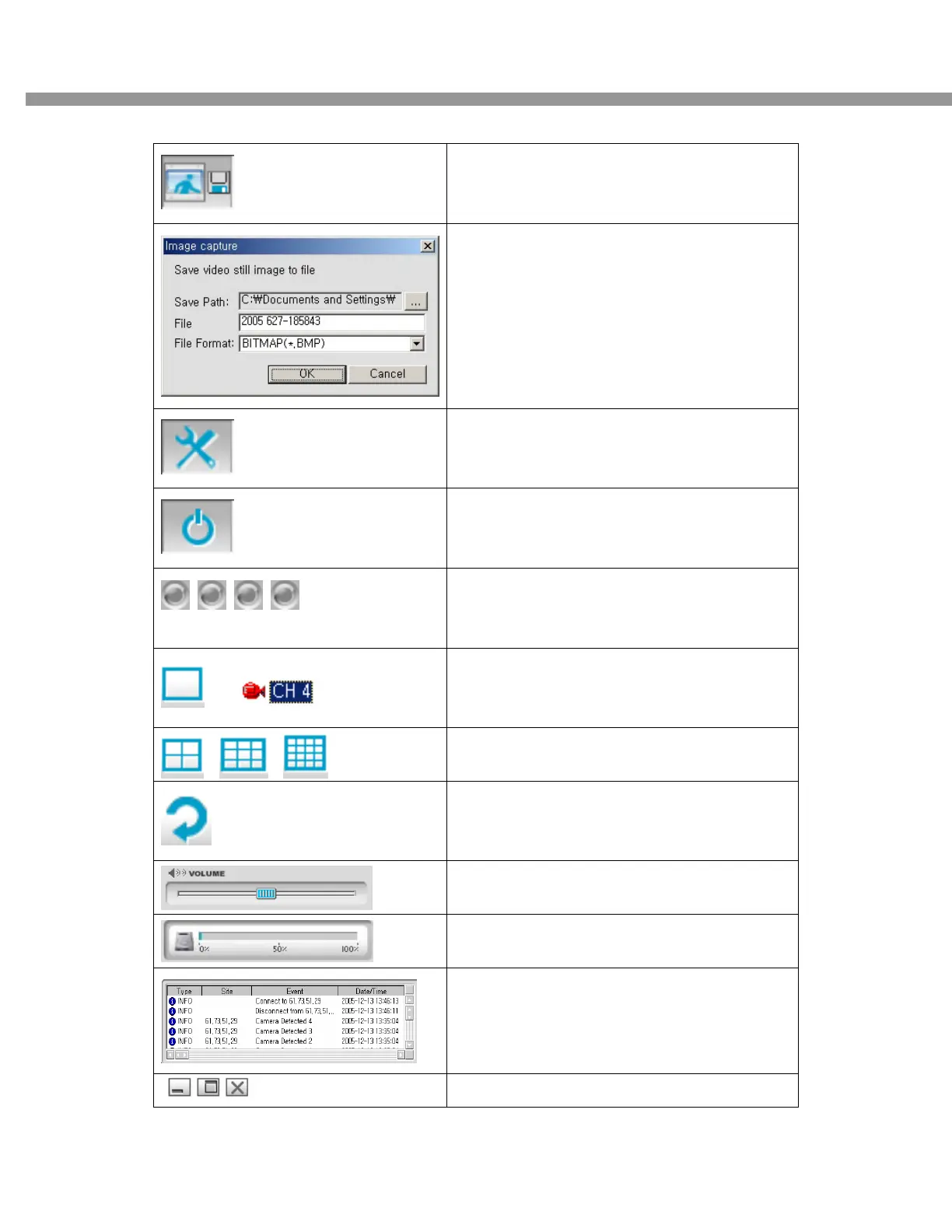
CAPTURE
Click this icon to capture a still image
Once you click the capture icon, this pop up
window appears. A still image is captured in
bmp file format.
SETUP
Click this icon to setup configuration of client
software.
TERMINATE S/W
Click this icon to terminate client software.
Alarm indicators for each channels.
Alarm relay can be controlled with this button
(1 time)
+
Full screen
Click 1ch division mode and camera channel in
a row
Division screen
4 Division/ 9 Division/ 16 Division
ROTATE CH
Click this icon for Sequential display of each
channel in full screen mode.
Use the volume control bar to set the audio
level.
HDD storage Indicator of DVR
It shows information of client connection.
Maximize /Minimize /Exit of the client viewer


 To Next Page