EasyManua.ls Logo

Actron CP9580 - Page 33

Actron CP9580
118 pages
Print Icon
To Next Page IconTo Next Page
To Previous Page IconTo Previous Page
Loading...
• • • • • • • • • • • • • • • • • • • • • • • • • • • • • • • • • • • • • • • • • • • • • • • • • • • • • • • • • 3 – 9
Using The Scan Tool
3
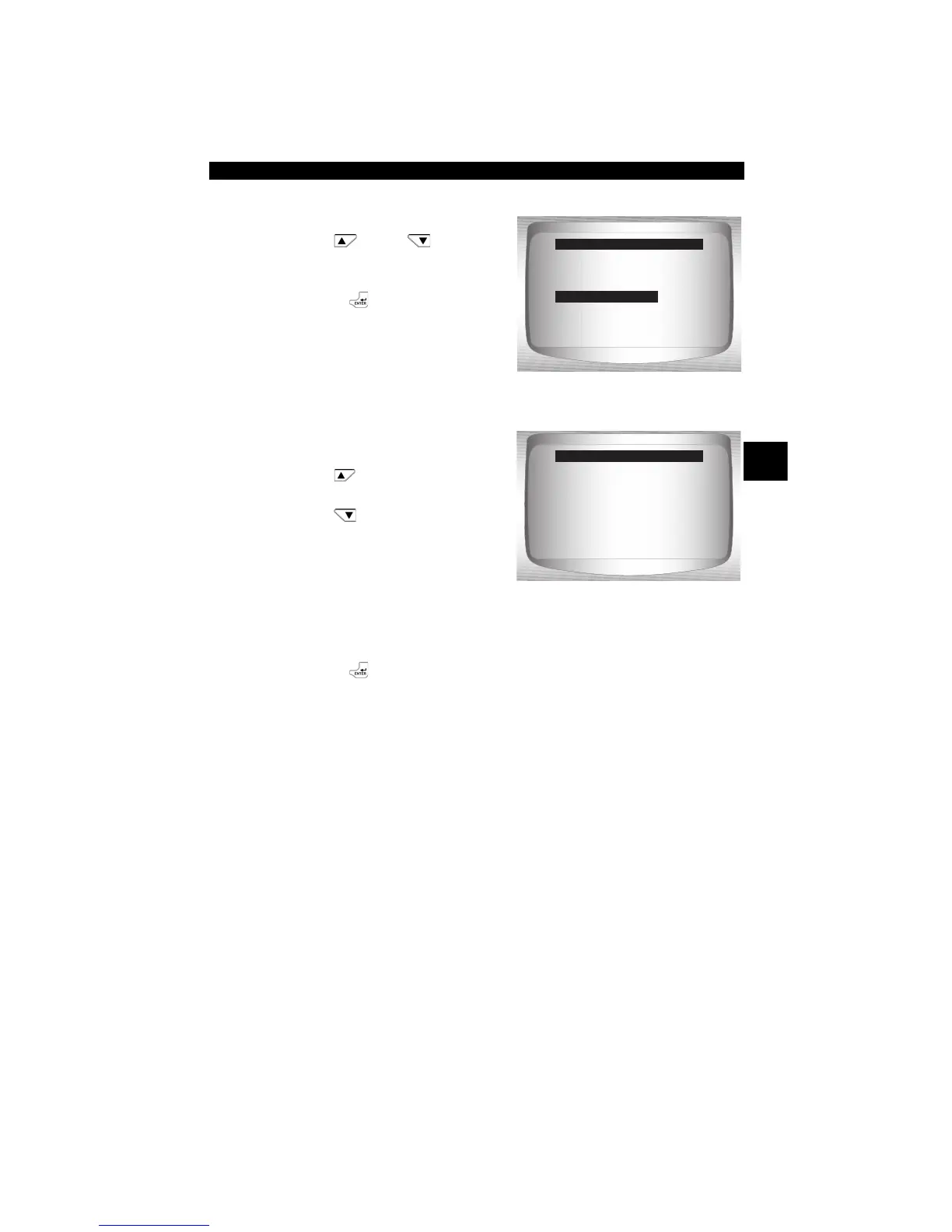
From System Setup menu:
1.Select Auto-Power Off.
•Use
UP
or
DOWN
arrow key until Auto-Power
Off is highlighted.
•Press
ENTER.
2.Increase or Decrease Auto
Power Off Time.
•Use
UP
a
rrow key to
increase Time.
•Use
DOWN
arrow key to
decrease Time.
3.Save Auto Power Off Time.
•Press
ENTER.
=====================
English/Metric
Adjust Contrast
Auto-Power Off
Quick Test
Print Header
Language Setup
System Setup
Auto-Power Off
Press ENTER When
Done
=====================
15
Minute(s)
S Increase Time
T Decrease Time
Auto-Power Off

Related product manuals