Diagnostic Menu
4 – 32 • • • • • • • • • • • • • • • • • • • • • • • • • • • • • • • • • • • • • • • • • • • • • • • • • • • • • • • •
Diagnostic Monitor Tests
The Diagnostic Monitor Test function is useful after servicing or after
erasing a vehicle’s memory. Test results do not necessarily indicate a
faulty component or system.
✓ Non-CAN vehicles Diagnostic Monitor Test receives test results for
emission-related powertrain components and systems that are not
continuously monitored.
✓ CAN vehicles Diagnostic Monitor Test receives test results for
emission-related powertrain components and systems that are and
are not continuously monitored.
✓ Vehicle manufacturer is responsible for assigning test and component
IDs.
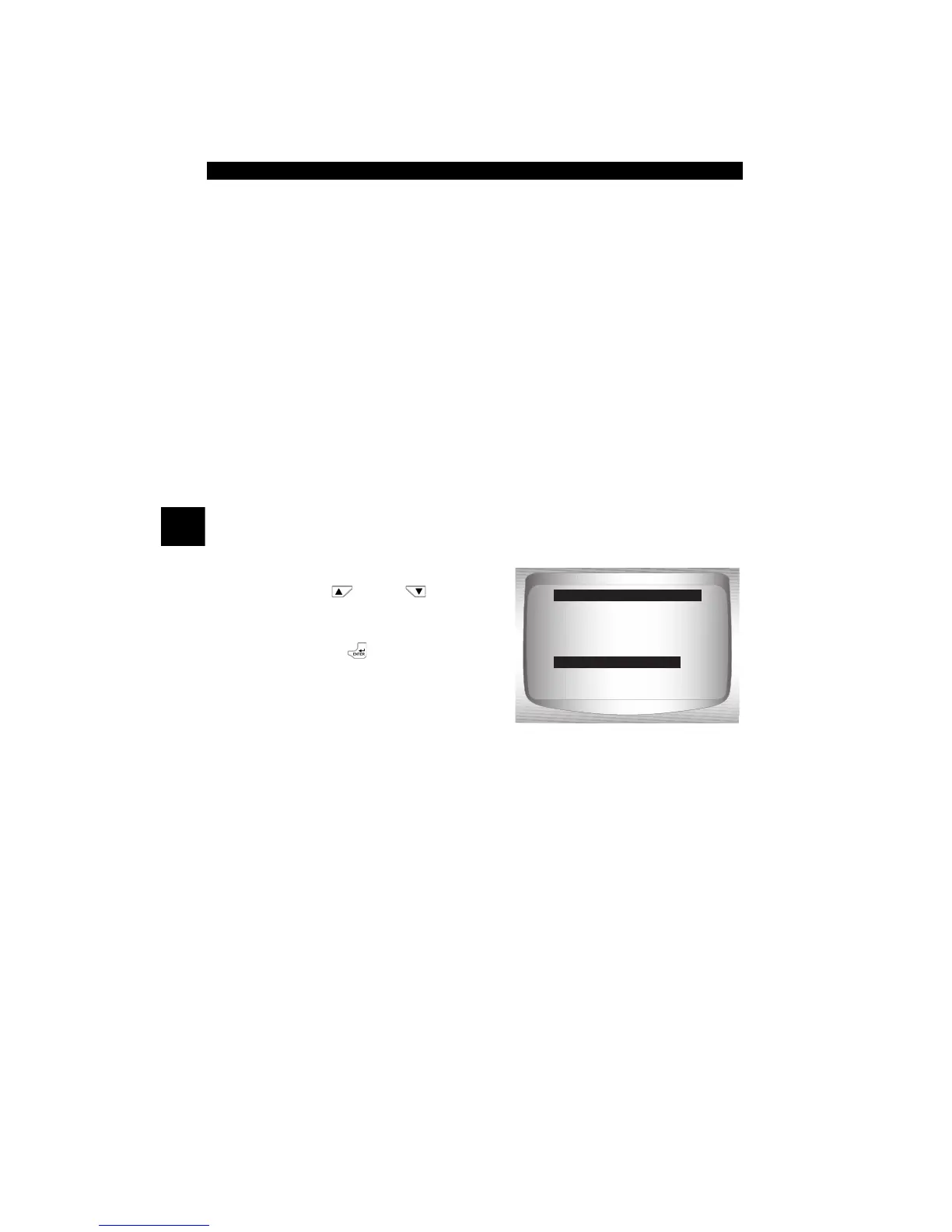
From the Diagnostic Menu:
1. Select
Diag Monitor Tests.
•Use
UP
or
DOWN
arrow key until Diag Monitor
Tests is highlighted.
•Press
ENTER
.
✓ Applicable Diagnostic Monitor Tests are displayed.
=====================
View Fre eze Data
Drive Cycle Monitor
O2 Monitor Tests
Diag Monitor Tests
On-Board Systems
Vehicle Information
Diagnostic Menu
Diag Monitor Tests


 To Next Page