• • • • • • • • • • • • • • • • • • • • • • • • • • • • • • • • • • • • • • • • • • • • • • • • • • • • • • • • 4 – 19
Diagnostic Menu
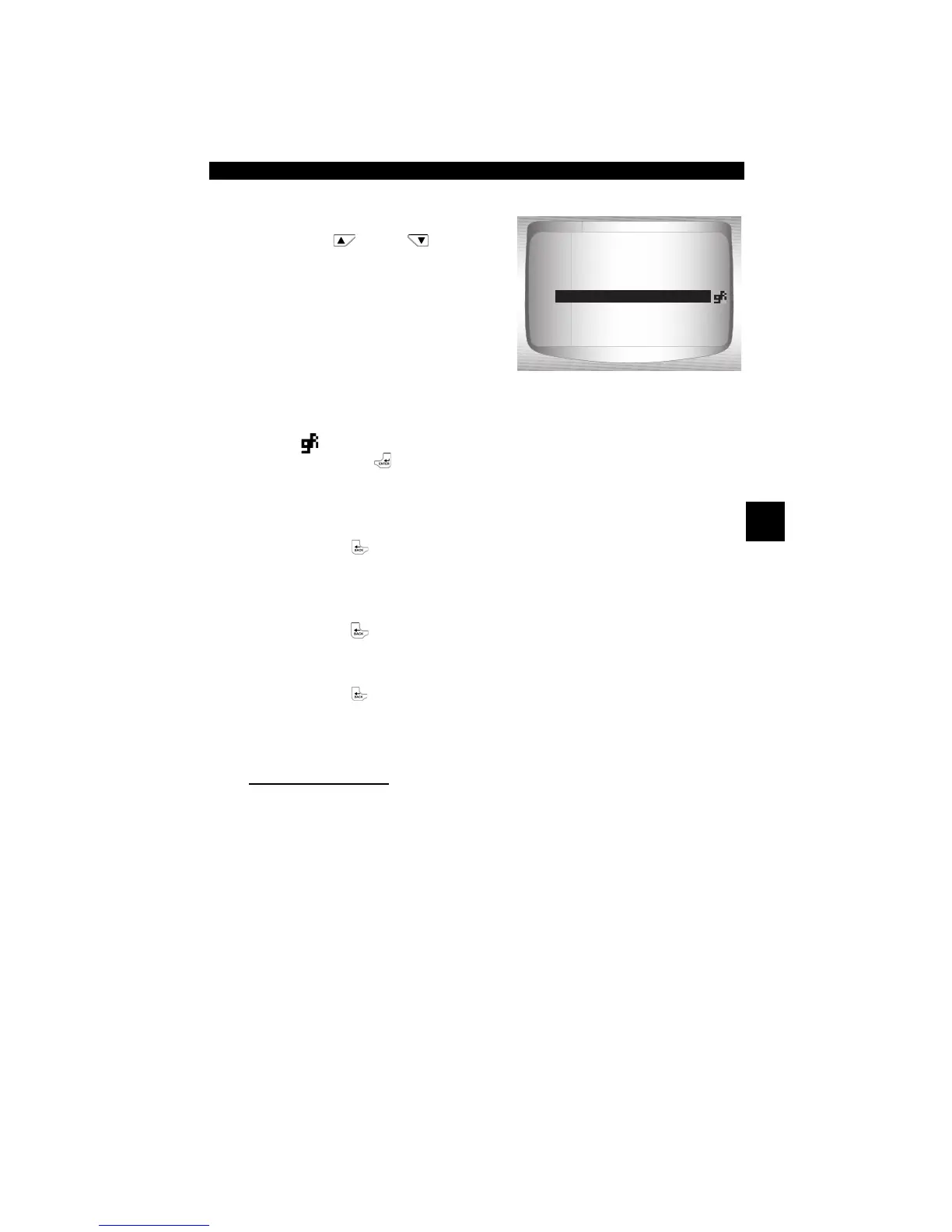
2. View PIDs on Scan Tool.
•Use
UP
or
DOWN
arrow key.
•See Appendix A for PID
Definitions.
If the icon displays while a PID is
selected press
ENTER
to view
graph.
3. Return to PID Screen.
•Press
BACK.
4. Return to Select Data to
View Menu.
•Press
BACK.
5. Return to Diagnostic Menu.
•Press
BACK.
Custom List Select
✓ The Custom Data List allows certain PIDs from the View Entire Data
List, such as those PIDs that apply to a specific driveability symptom
or system, to be selected.
From Select Data to View menu:
15.5
A/C PRESS (V) 3.00
A/F RATIO 14:1
BARO PRESS ("Hg) 29.9
ABSLT TPS (%) 12.2
ENGINE (RPM) 2352
CALC LOAD (%) 83.1
MAF (LB/M) 0.57
A/C PRESS (psi)


 To Next Page