Diagnostic Menu
4 – 18 • • • • • • • • • • • • • • • • • • • • • • • • • • • • • • • • • • • • • • • • • • • • • • • • • • • • • • • •
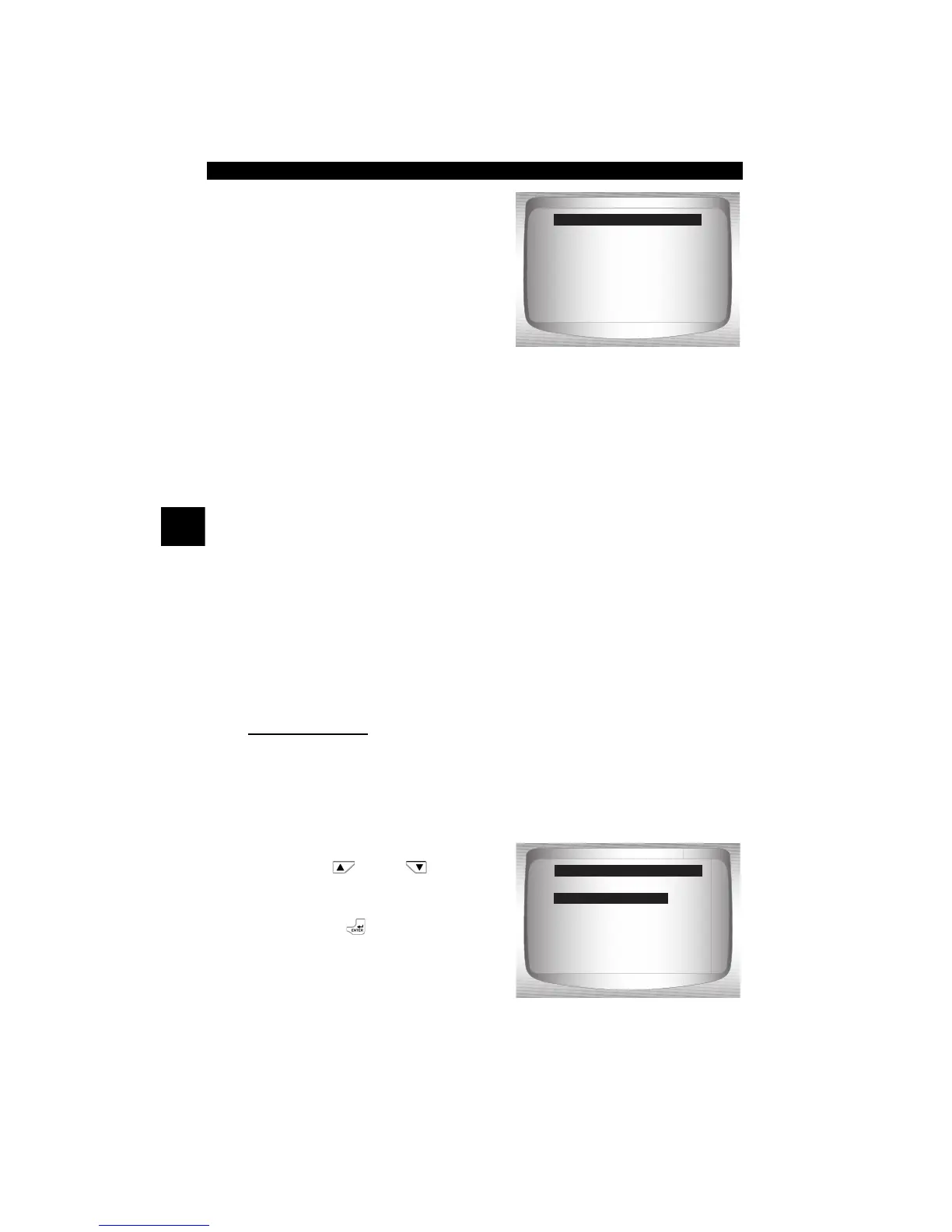
2. Observe while Scan Tool
validates PID MAP.
✓ PID MAP validation is the tool asking the vehicle which PIDs are
supported. See Appendix A for a complete list of PIDs supported by
the tool.
✓ Multiple PIDs may be sent if vehicle is equipped with more than one
computer module (for example a powertrain control module [PCM]
and a transmission control module [TCM]). The Scan Tool identifies
them by their identification names (ID) assigned by manufacturer (i.e.
$10 or $1A).
✓ If one or more control module stops responding, the Scan Tool
displays a message.
❒ If continuing, dashes will replace data in right hand column.
❒ If no is selected, then the Scan Tool attempts to re-establish
communication with that module.
View Entire List.
✓ View Entire List shows all supported PID data for the vehicle being
tested.
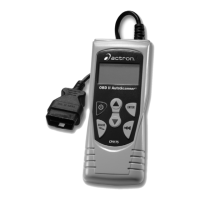
From Select Data to View menu:
1.
Select Entire Data List.
•Use
UP
or
DOWN
arrow key until Entire Data
List is highlighted.
•Press
ENTER
.
PID X / Y
Please Wait
Validating PIDs
=====================
Entire Data List
Custom Data List
English / Metric
Select Data to View
Entire Data List


 To Next Page