Diagnostic Menu
4 – 2 • • • • • • • • • • • • • • • • • • • • • • • • • • • • • • • • • • • • • • • • • • • • • • • • • • • • • • • • •
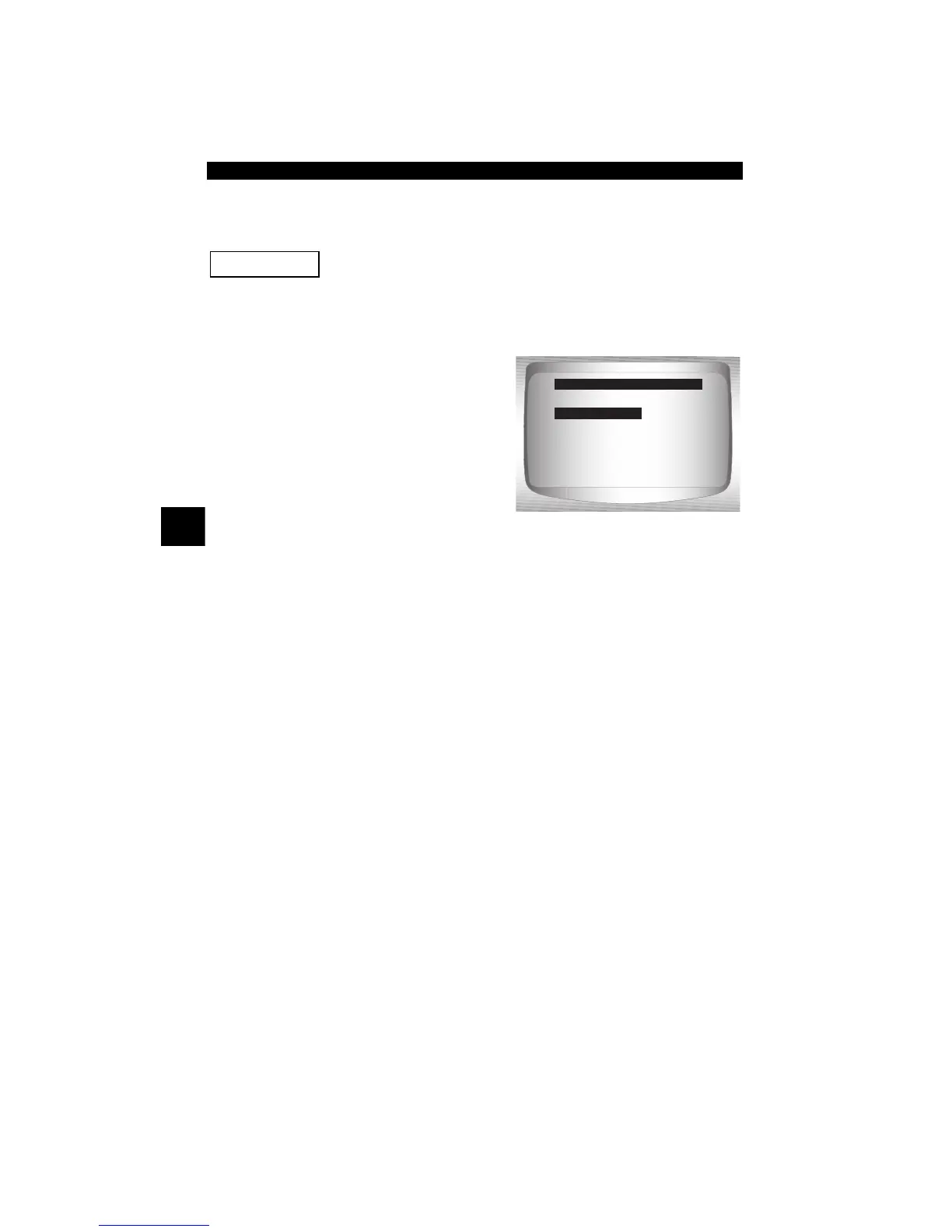
Diagnostic Menu
Review Data, Print Data, Code Lookup, and System
Setup are covered in section 3 of this manual. These items
are not covered in this section.
✓ The Diagnostic Menu is broken
down into the following
selections:
❒ I/M Monitors
❒ Read Codes
❒ Erase Codes
❒ MIL Status
❒ State OBD Check
❒ View Data
❒ Record Data
❒ View Freeze Data
❒ Drive Cycle Monitor
❒ O2 Monitor Tests
❒ Diag Monitor Tests
❒ On-Board Systems
❒ Vehicle Information
❒ Modules Present
❒ Review Data
❒ Print Data
– I/M Monitors
– DTCs (Codes)
– State OBD Check
– Recording
– View Freeze Data
–O2 Monitor Tests
– Diag Monitor Tests
– Vehicle Information
– Modules Present
(List Continued)
=====================
I/M Monitors
Read Codes
Erase Codes
MIL Status
State OBD Check
View Data
Diagnostic Menu
I/M Monitors


 To Next Page