• • • • • • • • • • • • • • • • • • • • • • • • • • • • • • • • • • • • • • • • • • • • • • • • • • • • • • • • 4 – 23
Diagnostic Menu
✓ Data continues to be saved until
either:
❒ Record memory is full.
❒ Operator presses
ENTER
.
✓ Scan Tool recording times vary. A recording consists of frames of
data prior to trigger and several frames after trigger.
4. After recording, Scan Tool
displays a prompt to
Playback Data.
• Answer No to return to
Diagnostic Menu.
•Answer Yes to display
recorded data.
❒Refer to “Recording” on
page 3-19 for instructions
on how to Playback Data.
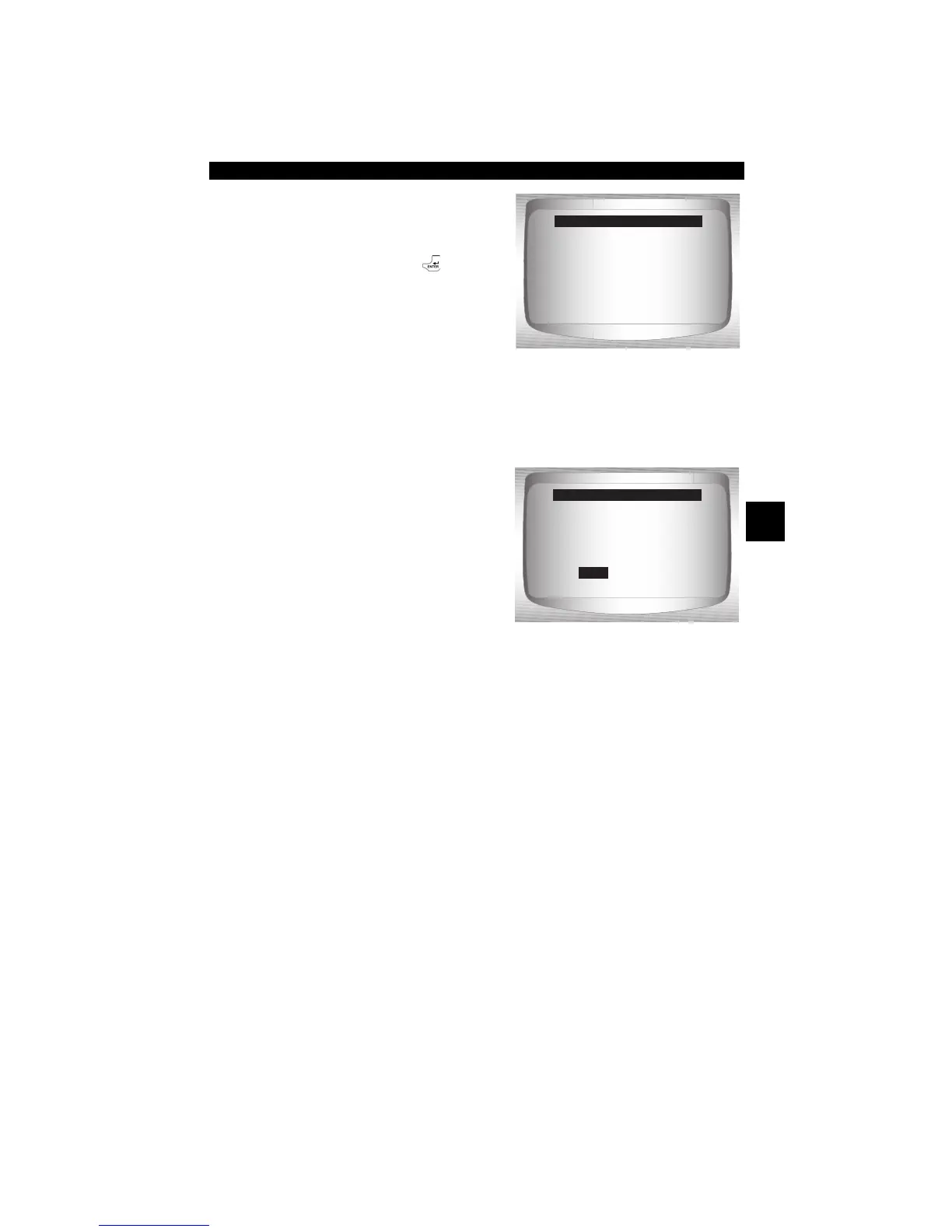
=====================
**Recording Data**
Frame xx of yy.
Press ENTER
to stop.
Record Data
=====================
Playback Data?
NO
Record Data
YES


 To Next Page