Troubleshooting
5 – 4 • • • • • • • • • • • • • • • • • • • • • • • • • • • • • • • • • • • • • • • • • • • • • • • • • • • • • • • •
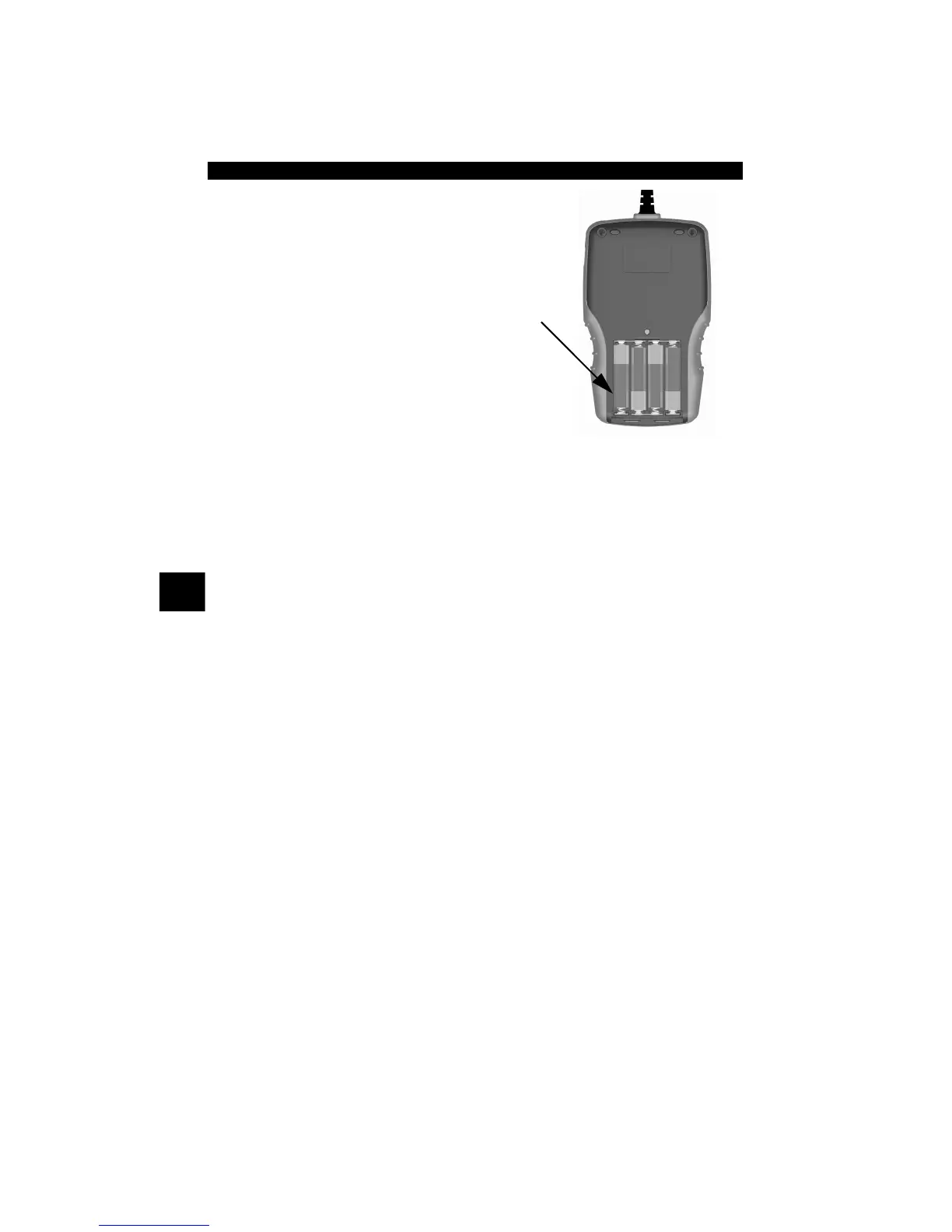
1.Place Display Face Down.
• On non-abrasive surface.
2. Remove Battery Cover.
• Turning phillips screw
counterclockwise.
• Slide battery cover off.
3. Remove Batteries and Prop-
erly Discard.
4. Install New Batteries.
• 4-AAA Alkaline Batteries.
5. Reinstall Battery Cover.
• Slide battery cover on.
• Install phillips screw turning it clockwise.
• Do not overtighten screw.



 To Next Page