Installation and Commissioning Guide
ICUNO-MOD
11
10
Installation and Commissioning Guide ICUNO-MOD
Doc. No. 9590-3013 Ver. 5 200722
ActronAir is constantly seeking ways to improve the design of its products, therefore specifications are subject to change without notice.
Copyright © 2019 Actron Engineering Pty. Ltd.
04.05. BMS Configuration of ICUNO-MOD Card
Consult project system designer (BMS engineer or similar role) for the correct Modbus RS-485 configuration for this unit.
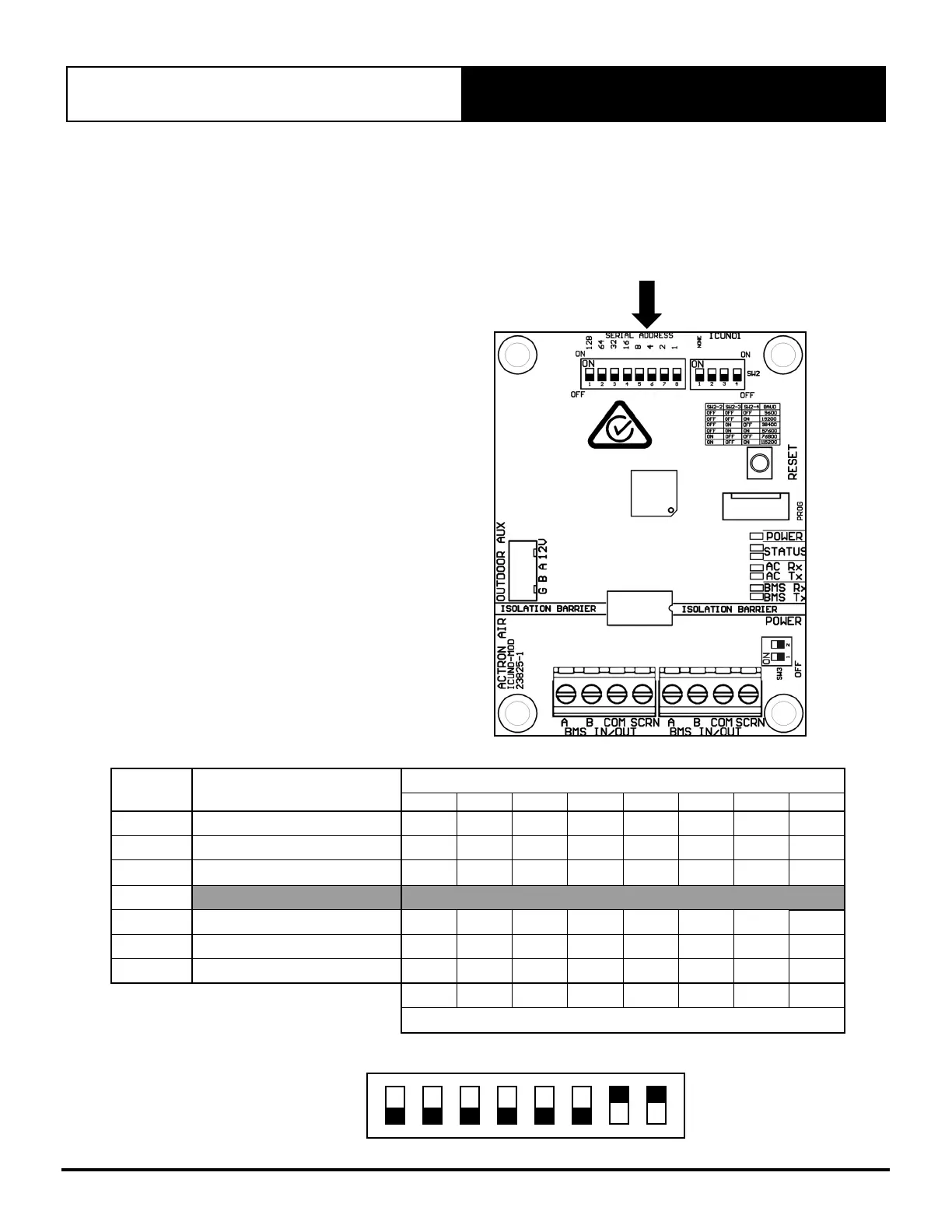
Use the DIP switches on the BMS Card to configure the Modbus parameters. New BMS configuration will take effect when the
BMS card initializes, either by the RESET button or power cycle.
04.05.01. Configure Serial Address
NOTE: The Serial Address is a number that
uniquely identifies a device on the
local RS-485 network. If two units have
the same Serial Address, identification
errors will be generated. There will be
no indication on the BMS card of any
error, however the BMS system will
not communicate with these devices.
Series Address can be any number
between 1 - 247.
SW1SERIAL ADDRESS DIP SWITCH
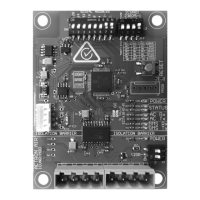
Modbus RS-485 Serial address can be configured using SW1 – SERIAL ADDRESS DIP switch.
Serial
Address
Value
SW1-SERIAL ADDRESS DIP Switch
1 2 3 4 5 6 7 8
1
1
OFF OFF OFF OFF OFF OFF OFF ON
2
2 OFF OFF OFF OFF OFF OFF ON OFF
3
2 + 1 OFF OFF OFF OFF OFF OFF ON ON
…
245
128 + 64 + 32 + 16 + 4 + 1 ON ON ON ON OFF ON OFF
ON
246
128 + 64 + 32 + 16 + 4 + 2 ON ON ON ON OFF ON ON OFF
247
128 + 64 + 32 + 16 + 4 + 2 + 1
ON ON ON ON OFF ON ON ON
128 64 32 16 8 4 2 1
DIP Switch Value
Serial Address 3 shown:
128 64 32 16 8 4 2 1
ON
1 2 3 4 5 6 7 8


 To Next Page