Installation and Commissioning Guide
ICUNO-MOD
11
10
Installation and Commissioning Guide ICUNO-MOD
Doc. No. 9590-3013 Ver. 5 200722
ActronAir is constantly seeking ways to improve the design of its products, therefore specifications are subject to change without notice.
Copyright © 2019 Actron Engineering Pty. Ltd.
04.05.02. Configure Baud Rate and Data Parity
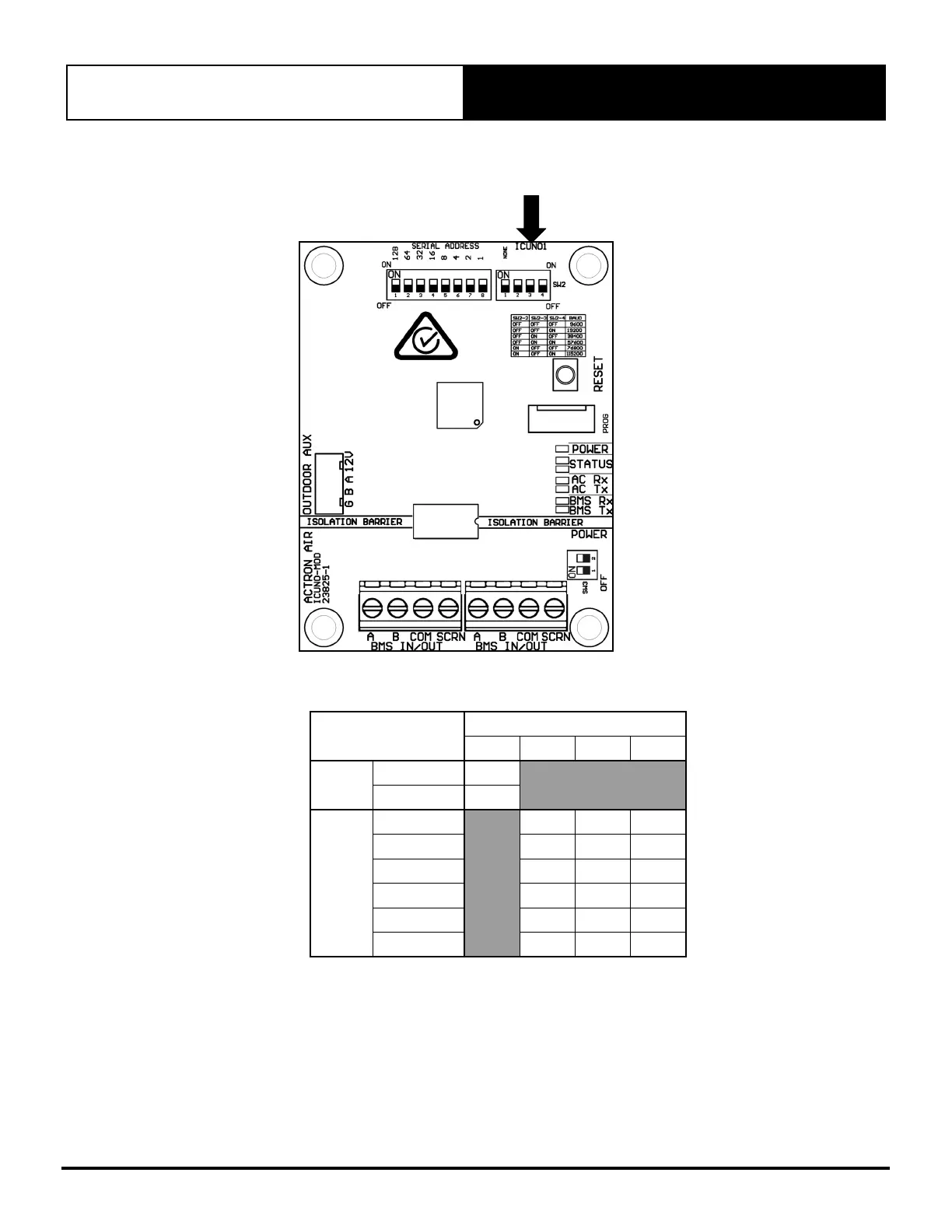
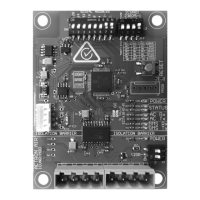
SW2BMS SETTINGS DIP SWITCH
Modbus RS-485 Baud Rate and Data Parity can be configured by setting SW2 as per the table below.
Function
SW2 - DIP Switch
1 2 3 4
Data
Parity
NONE ON
EVEN OFF
Baud
Rate
9600 OFF OFF OFF
19200 OFF OFF ON
38400 OFF ON OFF
57600 OFF ON ON
76800 ON OFF OFF
115200 ON OFF ON
NOTE: The Data Parity and Baud Rate must be the same for all the devices connected on the local RS-485 network, otherwise
the exchange of data will generate communication errors. If the BMS card has the incorrect data parity or baud rate,
then the Status 2 LED (white) will FLASH slowly (once every 2 seconds). See Section 04.07 for BMS Troubleshooting.


 To Next Page