Installation and Commissioning Guide
ICUNO-MOD
7
6
Installation and Commissioning Guide ICUNO-MOD
Doc. No. 9590-3013 Ver. 5 200722
ActronAir is constantly seeking ways to improve the design of its products, therefore specifications are subject to change without notice.
Copyright © 2019 Actron Engineering Pty. Ltd.
04.02. Installation for Classic Series 2 (Reverse Cycle - CRA Models)
To install ICUNO-MOD Interface Board into the Outdoor Electrical Panel and to UNO Outdoor Board
Step 1. Isolate and fit electrical lockout device and TAG to the main circuit breaker for the system you are
working on, before removing the Electrical Panel Cover.
Step 2. Open Electrical Panel Cover.
Step 3. Test unit with multimeter to ensure there is no power, before starting installation of the BMS card.
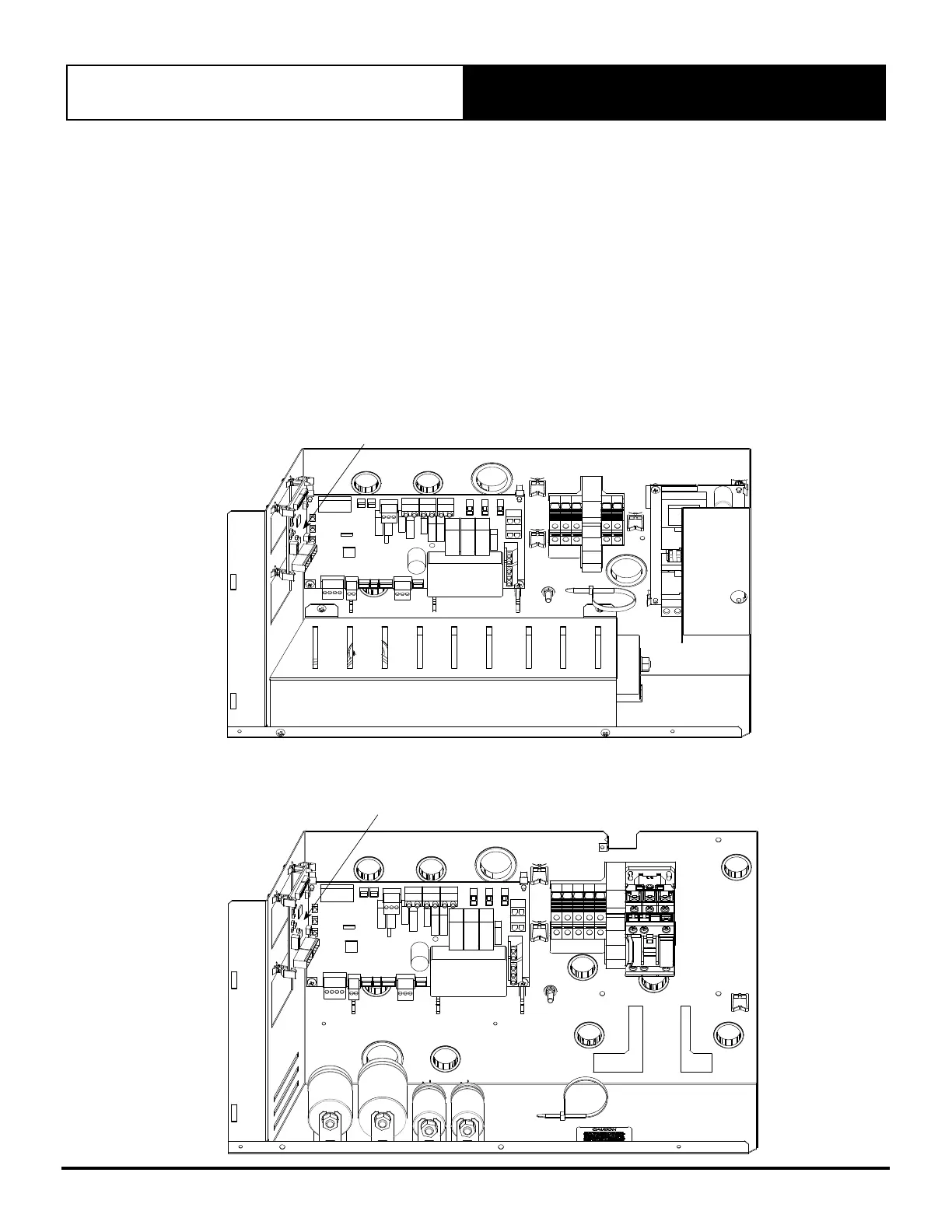
Step 4. Use supplied PCB Mounts to mount ICUNO-MOD into correct location.
NOTE: Location will differ between ActronAir systems.
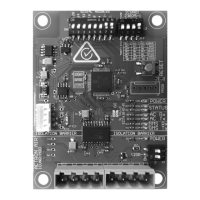
Step 5. Install BMS ICUNO-MOD as shown below.
Single Phase (10kW - 17kW)
BMS ICUNOMOD
Three Phase (13kW - 23kW)
BMS ICUNOMOD


 To Next Page