Installation and Commissioning Guide
ICUNO-MOD
13
12
Installation and Commissioning Guide ICUNO-MOD
Doc. No. 9590-3013 Ver. 5 200722
ActronAir is constantly seeking ways to improve the design of its products, therefore specifications are subject to change without notice.
Copyright © 2019 Actron Engineering Pty. Ltd.
04.06. Initialisation
Step 1. Once all installation steps have been completed, power can be turned ON from mains supply by removing electrical
lockout device and switching isolator switch to the On position at the Main Supply at the Outdoor Unit.
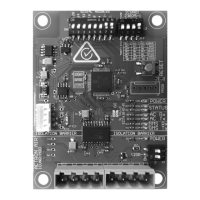
Step 2. BMS card will take 60 seconds to initialize with the Air Conditioning system and the BMS configuration. While the BMS
card is initializing, the Status 2 LED (white) will FLASH (once every 2 seconds). The BMS card will not accept any BMS
commands during this time.
Step 3. After 60 seconds the Amber Status LED should be ON, indicating a stable connection to the ActronAir Air
Conditioning System.
Step 4. If the Client BMS system is active and sending commands to this device, then the White Status LED should also be ON.
NOTE: See Section 04.07 for BMS Troubleshooting.
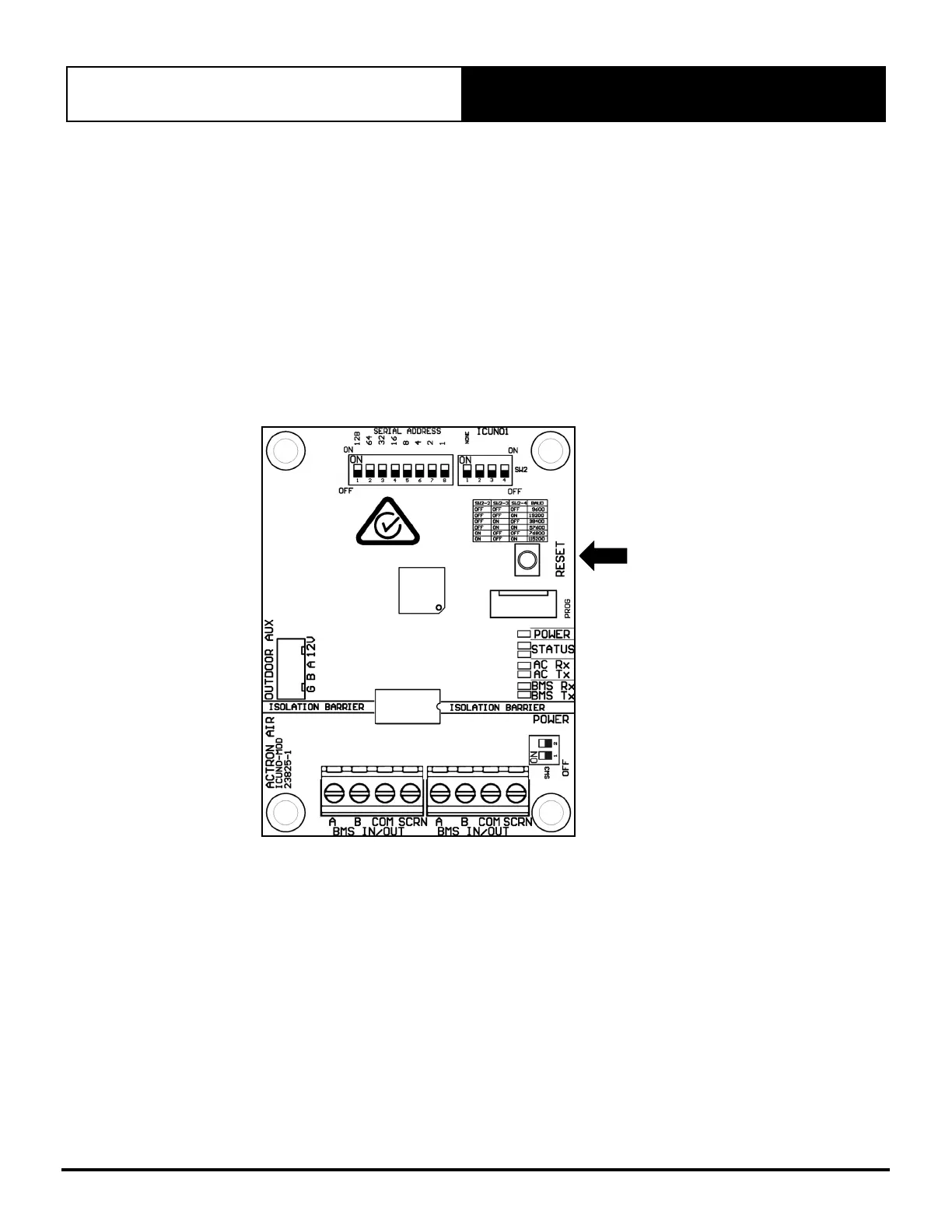
Step 5. If any BMS configurations need to be changed, then make the applicable changes outlined in Section 04, and press
the RESET button on the BMS Card.
RESET
PUSH
BUTTON
Step 6. BMS card will take 60 seconds to initialize with the new BMS configuration
NOTE: New BMS configurations will only take affect once the BMS card has been reset
04.07. Configure UNO Board for BMS Control
There are two modes for BMS operation (Basic BMS and Advanced BMS), the project system designer (BMS engineer or
similar role) should understand the BMS operations and decide which is suitable for their application.


 To Next Page