Installation and Commissioning Guide
ICUNO-MOD
15
14
Installation and Commissioning Guide ICUNO-MOD
Doc. No. 9590-3013 Ver. 5 200722
ActronAir is constantly seeking ways to improve the design of its products, therefore specifications are subject to change without notice.
Copyright © 2019 Actron Engineering Pty. Ltd.
A Wall Control can not be used if the ActronAir AC system is configured for Advanced BMS Control.
Additional information for controlling the unit in Advanced BMS Control can be found in Section 05.02.
04.07.05. UNO Configuration
To configure the ActronAir AC system for Advanced BMS Control, follow the procedure using the 7-segment display on
the UNO Board below:
Step 1. Press the MENU button to navigate to SEt (Settings), press the ENTER button to enter sub-menu.
Step 2. Press the MENU button to navigate to CtrS (Control Source), press the ENTER button to enter sub-menu,
Step 3. Press the MENU button to navigate to 4 (Advanced BMS), press the ENTER button to accept.
Step 4. Press the BACK button twice to return to Main Screen.
04.08. Troubleshooting
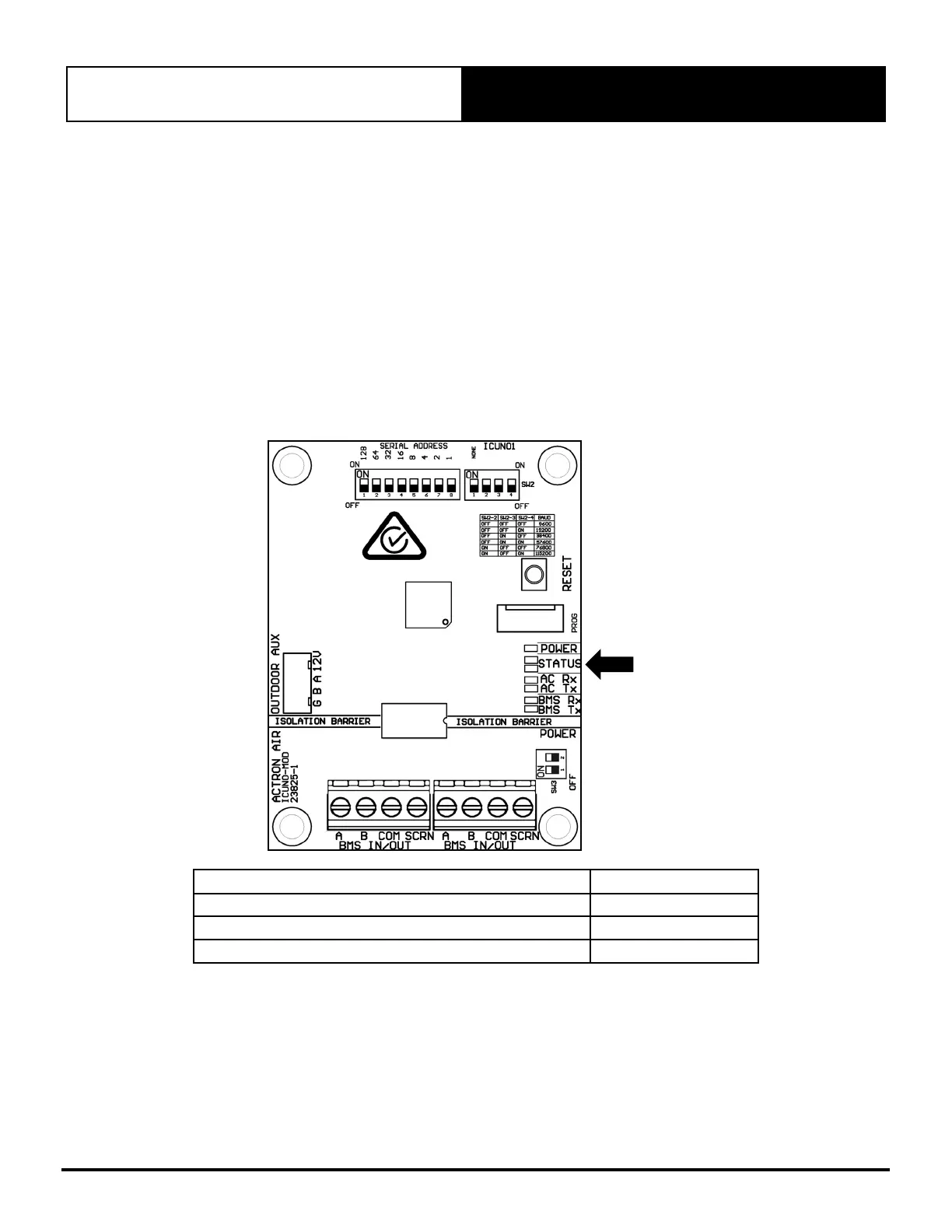
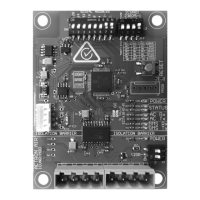
The LEDs on the board indicate the status of the BMS Card. Use the troubleshooting table on the following page to resolve
any issues.
STATUS
LEDS
BMS CARD STATUS LED INDICATION
Power to BMS Card Red Power LED ON
Successful communication with A/C unit Amber Status LED ON
Successful communication with BMS controller White Status LED ON


 To Next Page