15
ON Timer
Function
LM7
TIMER OPERATION
AUTO
HEAT / COOL
AUTO
HEAT / COOL
TIMER
ON
OFF
PROGRAM
EXIT
SELECT
SET TEMP
REPEAT /
3
3
1
4
2
Notice
TIMER
Changing the Hours Set
Timer Cancellation
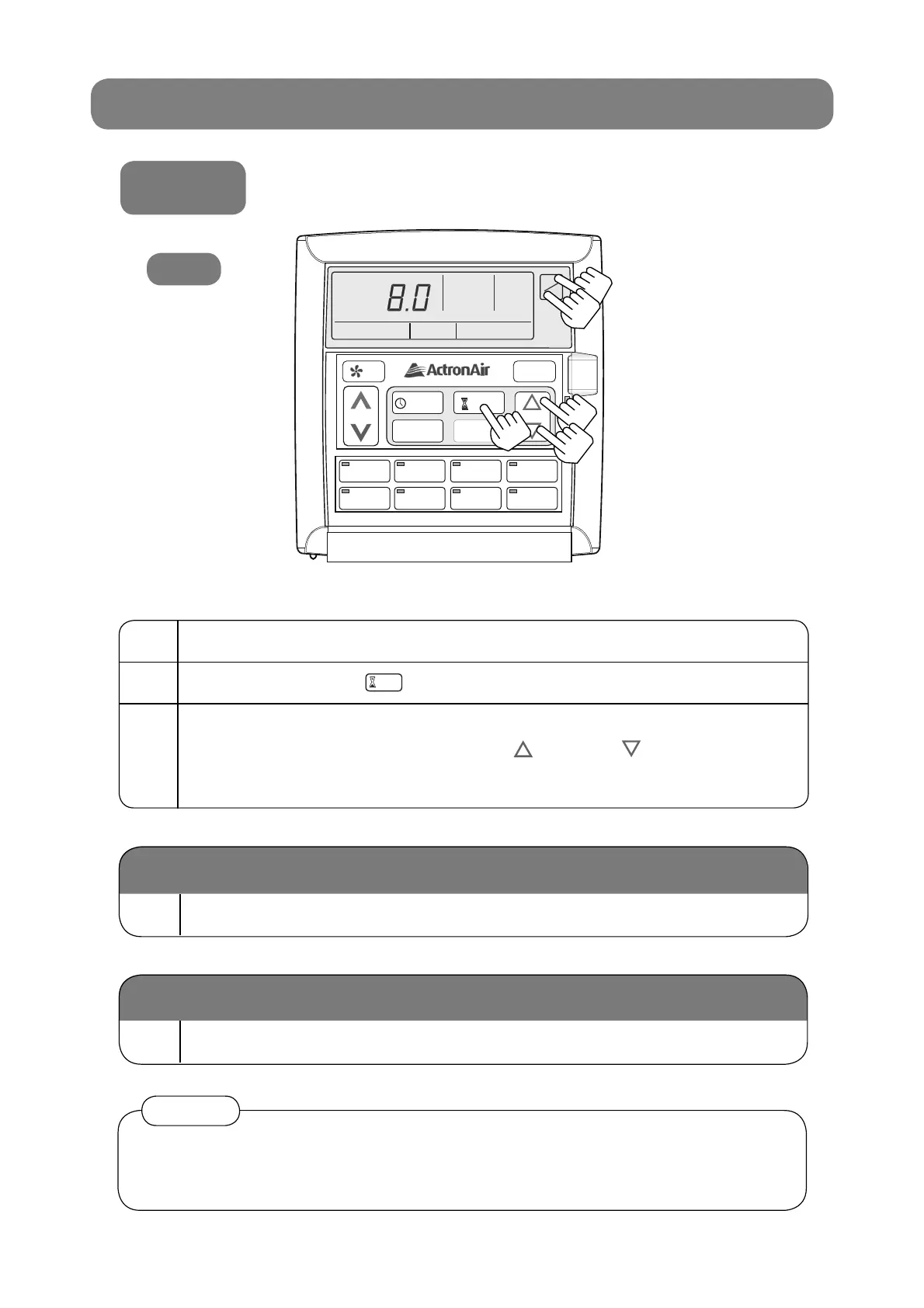
1 Make sure the system is OFF.
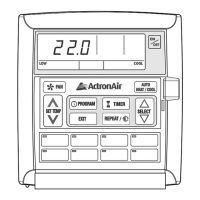
2 Press the TIMER Button.
3
Set the desired hours for the system to turn ON by
pressing either the SELECT UP / DOWN Arrow key.
The up/down arrow keys must be pressed whilst “Timer” is fl ashing.
The timer can be set from 0.5 hours to 24 hours.
4 Press ON/OFF Button again.
5 Follow the steps 2 and 3.
When the air conditioner is started by the timer function, it will only start in •
Auto mode.
Circulation mode cannot be turned ON by timer.•



 To Next Page