18
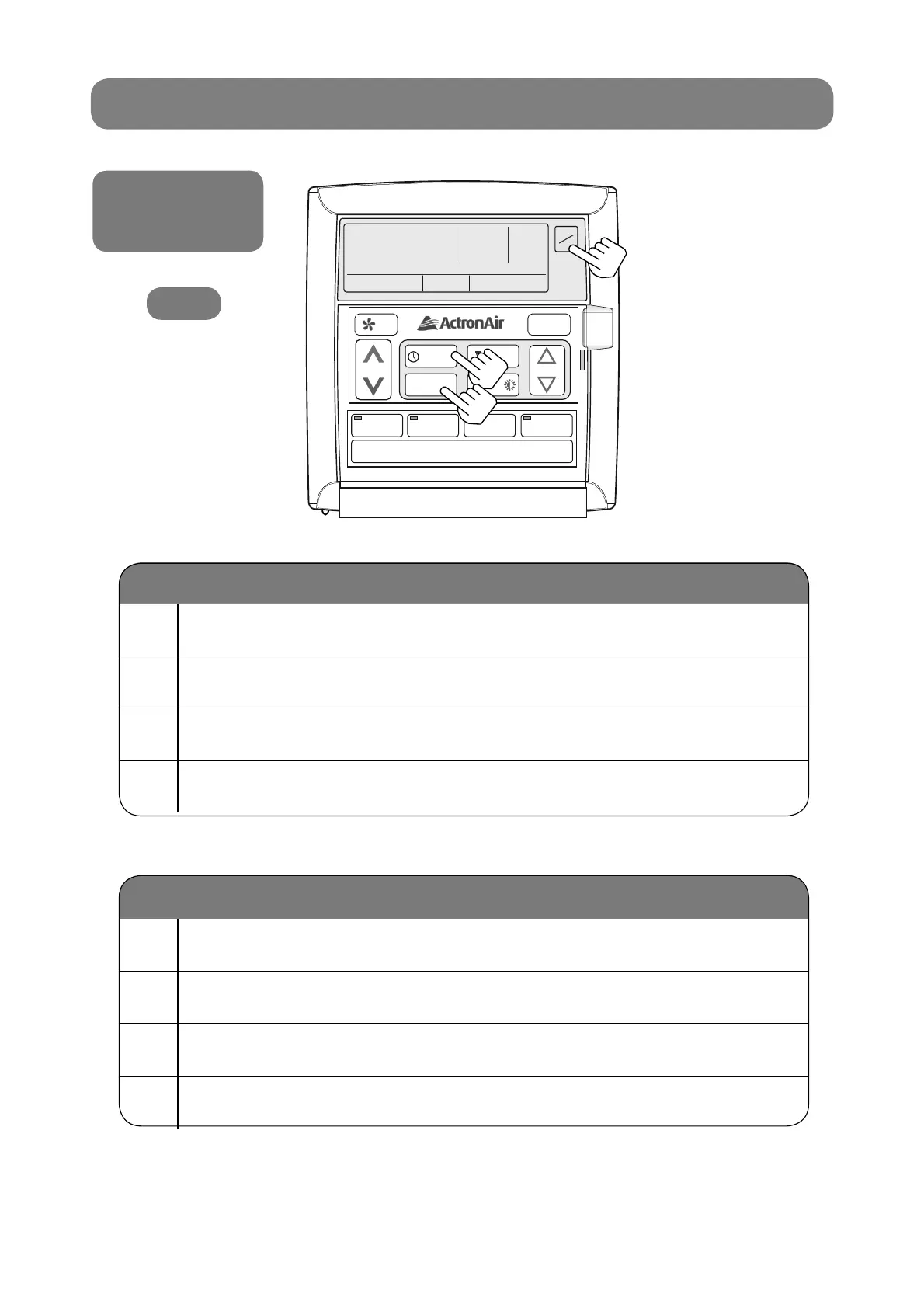
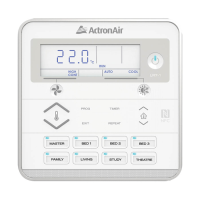
1 Press the PROGRAM button twice.
2 Press ON/OFF until “ON” is fl ashing.
3 Press the EXIT button.
4 TIME CLOCK indicator should now be turned on.
1 Press the PROGRAM button twice.
2 Press ON/OFF until “OFF” is fl ashing.
3 Press the EXIT button.
4 TIME CLOCK indicator should now be turned off.
Activating
De-Activating
Activating and
De-activating the
7-Day Timeclock
LM7
7-DAY PROGRAMMABLE MODEL
AUTO
HEAT / COOL
AUTO
HEAT / COOL
TIME CLOCK
ON
SET
ON
OFF
PROGRAM
EXIT
SELECT
SET TEMP
REPEAT /
1
3
2



 To Next Page