8
AUTO
HEAT / COOL
AUTO
HEAT / COOL
TEMP
MED
CONT
COOL
ON
OFF
TIMER
SELECT
DISPLAY
AUTO
HEAT / COOL
AUTO
HEAT / COOL
LOW COOL
ON
OFF
PROGRAM
EXIT
SELECT
SET TEMP
REPEAT /
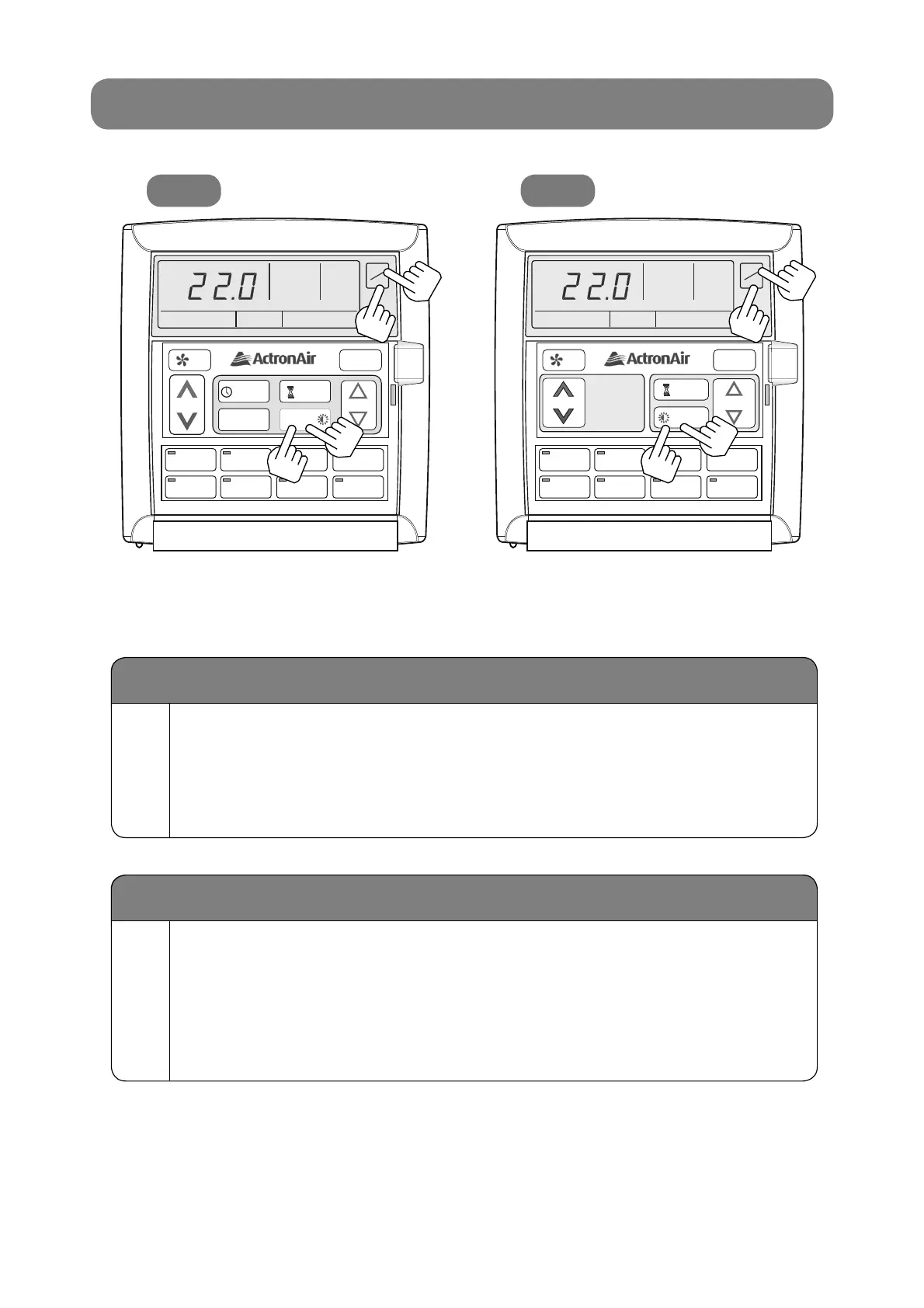
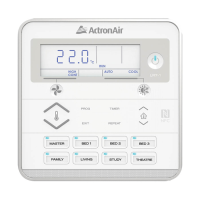
ON/OFF BUTTON LIGHT
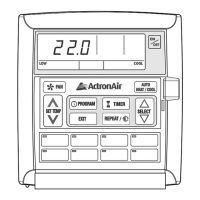
LM7 LM24
2A
2A
2A
2A
NOTE: The Wall Controller must be turned on before operating this procedure.
Turn On the On/Off Button Light
1A
Press and hold REPEAT (LM7) or DISPLAY (LM24) Button,
press and release ON/OFF Button and then release REPEAT
(LM7) or DISPLAY (LM24) Button.
LOCK symbol will appear and the On/Off Button light will remain on.
1A
1A
1A
1A
Turn Off the On/Off Button Light
2A
Press and hold REPEAT (LM7) or DISPLAY (LM24) Button,
press and release ON/OFF Button and then release REPEAT
(LM7) or DISPLAY (LM24) Button.
LOCK symbol will appear and the On/Off Button light will turn off after
6 seconds.



 To Next Page