2 3
Congratulations on your new AcuRite product. To ensure the best
possible product performance, please read this manual in its entirety
and retain it for future reference.
Unpacking Instructions
Package Contents
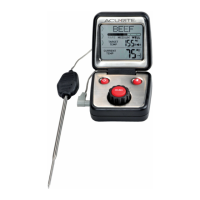
1. Thermometer display
2. Temperature probe & cord
3. Remote pager with belt clip
4. Instruction manual
PRODUCT REGISTRATION
Register online
to receive 1 year
warranty protection
www.AcuRite.com
IMPORTANT
Register a Product
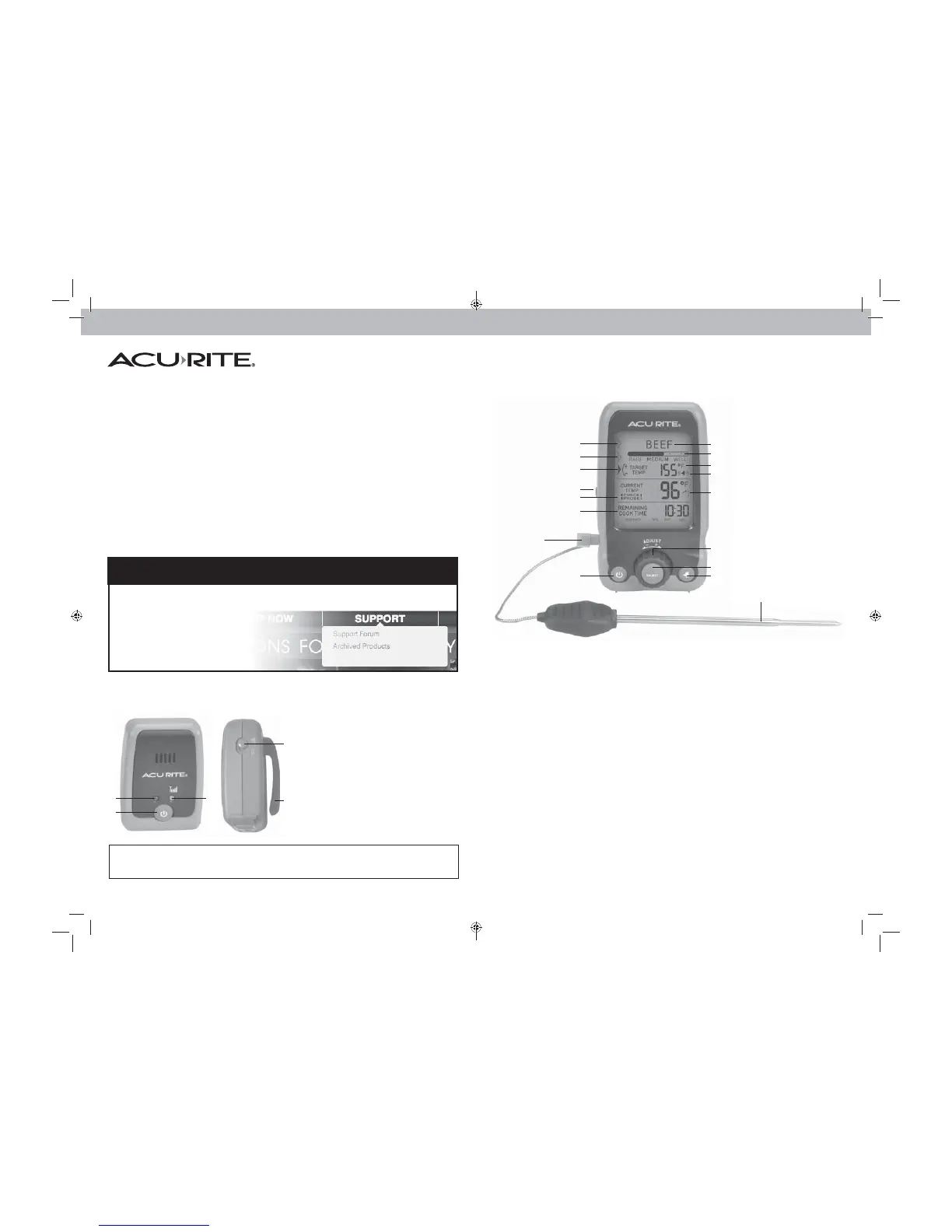
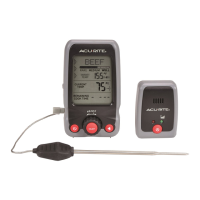
Thermometer Display
Remote Pager
1
17
1
2
2
3
4
5
6
7
8
1. Meat Type Setup Indicator
Select Beef, Veal, Chicken, Pork, Poultry,
Lamb, Fish, Custom or Boil.
2. Meat Doneness Setup Indicator
Select Rare, Medium or Well done;
temperatures based on USDA
recommended guidelines.
3. Target Temperature Setup
Indicator
Select target temperature from
14ºF to 450ºF (-10°C to 232°C)
4. Backlight Button
5. Check Probe Indicator
Indicates probe error, shown with
diagnostic code (see page 9).
6. Remaining Cook Time
Estimates remaining time food needs to
cook during the cooking process
7. Probe Plug-in
8. Power ON/OFF Button
9. Meat Type Selection
10. Meat Doneness Selection
11. Target Temperature
12. Alarm ON Indicator
An audible alert will sound when target
temperature is reached.
13. Current Temperature
Arrow icon indicates the direction the
temperature is trending and rate of
temperature change.
14. Rotary Dial
for setup preferences.
15. SELECT button
for setup preferences.
16. ALARM Button
Enables and mutes audio alert.
17. Wired Temperature Probe
1. Low Battery Indicator
Replace batteries when lit.
2. Power ON/OFF button
3. Wireless Signal Indicator
Lit when wireless connection is
established. See page 8.
4. Alert Switch
Select audio alert or silent vibrate
mode.
5. Belt Clip
9
10
11
12
13
14
15
16
3
This product is not intended for use in cooking environments that exceed
4
5


 To Next Page