8 9
5. When 0:00:00 is reached, thermometer/pager (if in use) beeps/vibrates
” is pressed.
Backlight
Press the Backlight button to momentarily illuminate the display for 5 seconds.
thermometer is powered OFF.
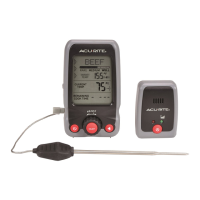
Remote Pager Setup
The Remote Pager can receive alerts from the thermometer when the Target
Temperature is reached or when the Timer reaches 0:00:00.
1. Press “
2. Pager emits an audible chirp and the Wireless Signal indicator (green)
3. Wireless Signal indicator (green) remains lit when a good connection is
established and maintained, indicating that the pager is ready for use.
Remaining Cooking Time
1. When the Timer reaches 1:00 of remaining cooking time, a brief audio alert
will sound on the Remote Pager unit. If operating in Silent Mode, the unit will
2. When the Timer reaches 0:00:00 or the target temperature is reached the
and a continuous series of 3 .5 second audio alerts will sound on the
Remote Pager unit until the On/Off button is pressed. If operating in Silent
Mode, the unit will vibrate for .5 seconds 3 times and repeat until the On/
Off button is pressed.
Power the Unit ON/OFF
The thermometer will automatically power off after several minutes of inactivity. Press
“
” to resume operation. To power off manually, press the “ ” button.
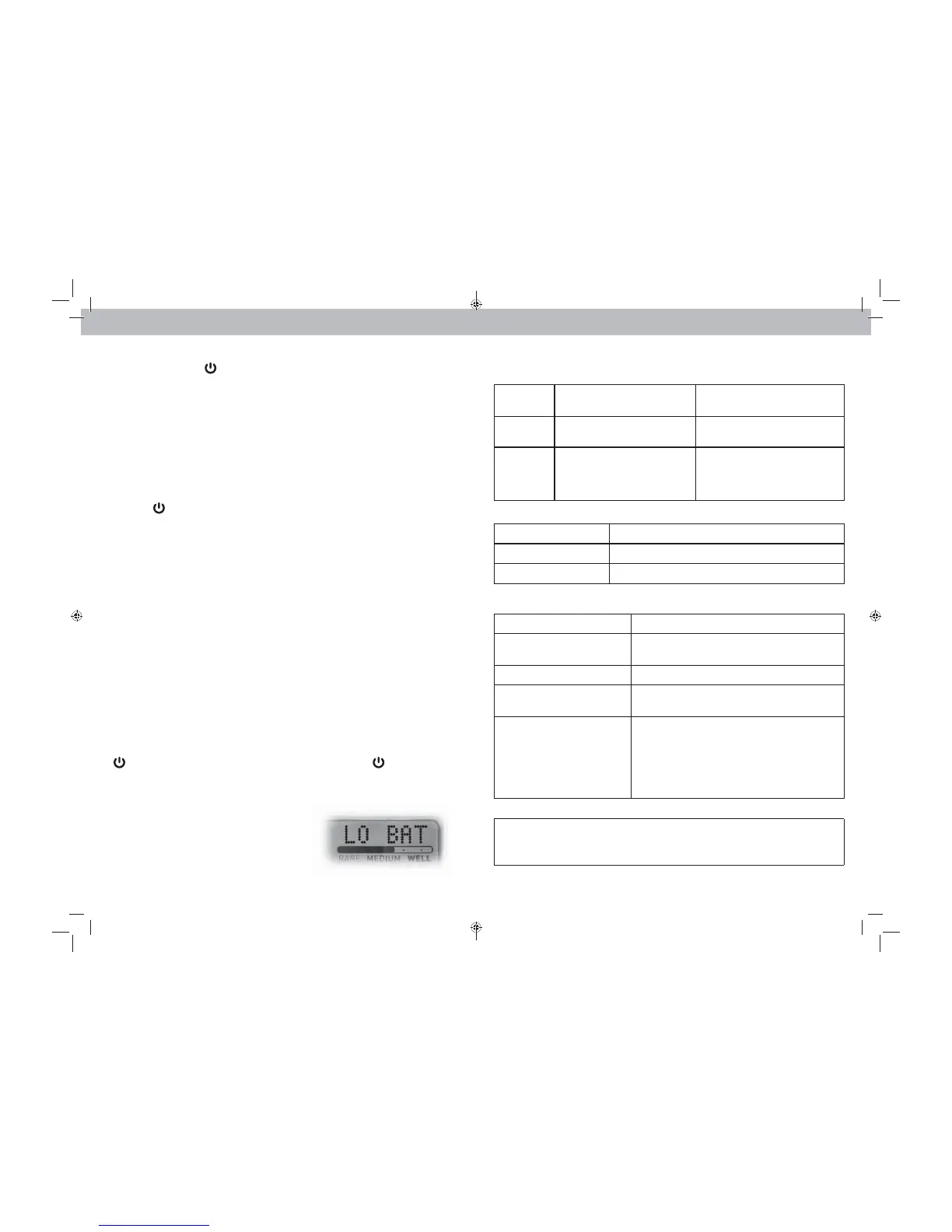
Warning Messages
thermometer batteries.
Check Probe
Diagnostic
Code
Problem Solution
No
Probe cord is not connected
to the thermometer.
secure or reconnect cord.
SC
Probe cord is not functioning
properly. Cord may have
been damaged or exposed
to extreme heat.
Check the wire and connection
for damage or excessive heat.
Replace cord.
Remote Pager
Lights Solution
Red & Green Blinking
Red Solid Replace the batteries.
Troubleshooting
Problem Possible Solution
Inaccurate
temperature
UÊÊ
heavy duty or rechargeable batteries.
Check Probe
Display screen
not working
may need to be replaced.
Pager lights are blinking
The units must be within 200 ft (60 m) of each
other.
(.9 m) away from electronics that may interfere
microwaves, computers, etc).
If your AcuRite product does not operate properly after trying
the troubleshooting steps, visit www.AcuRite.com or call
(877) 221-1252 for assistance.


 To Next Page