10
Humidity Level Icon
The Humidity Level Icon easily conveys a low, high or ideal indoor humidity
level for your home and health:
Learn more at http://www.acurite.com/humidity-health
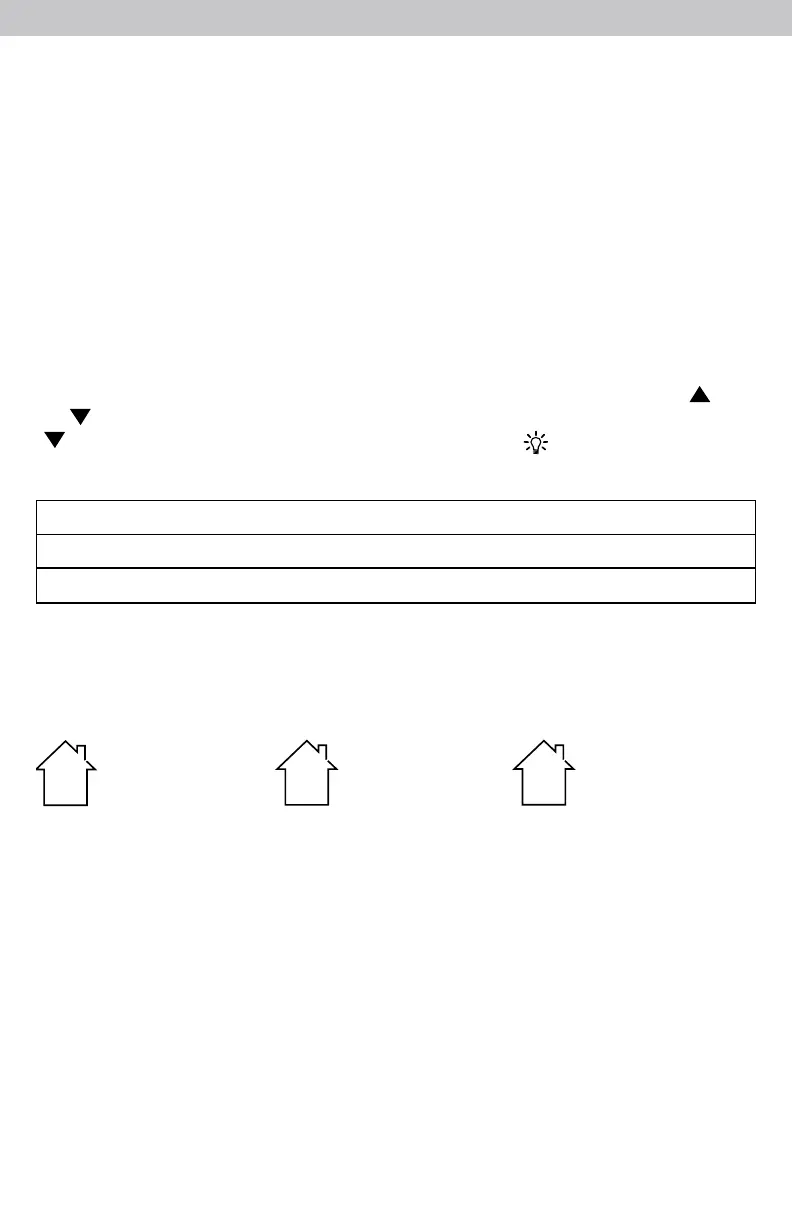
LOW Humidity Level
Humidity is
low relative to
temperature.
Makes for a
DRY environment.
OK Humidity Level
Humidity is
OK relative to
temperature.
Makes for an
IDEAL environment.
HIGH Humidity Level
Humidity is
high relative to
temperature.
Makes for a HUMID
environment.
LOW
OK
HIGH
Alarm Clock SNOOZE
The alarm clock will sound, increasing in volume over a 2 minute period. When
the alarm is sounding, press the "SNOOZE" button to activate the SNOOZE
function for 10 minutes. The SNOOZE function can be activated up to 10 times.
Backlight Settings
This alarm clock's color display features 6 different lighting settings: 100%
(High), 70%, 50% (Medium), 30%, 10% and 5% (Low) brightness.
When the display is powered with the power adapter, the backlight remains
on at 100% brightness by default. Press the "SNOOZE" button at any time to
momentarily light the display at 100% brightness. After 5 seconds, the display
will return to the user-selected brightness setting.
Manually adjust the backlight brightness by pressing and releasing the " "
or " " buttons when not in SET MODE or ALARM SET MODE. Press the
" " button a sixth time to enter "AUTO DIM" mode. " " will appear to the
left of the clock.
AUTO DIM MODE: Automatically adjusts display brightness based on time of day.
7:00 a.m. - 9:00 p.m. = 100% brightness
9:01 p.m. - 6:59 a.m.= 5% brightness



 To Next Page