11
USB Charging
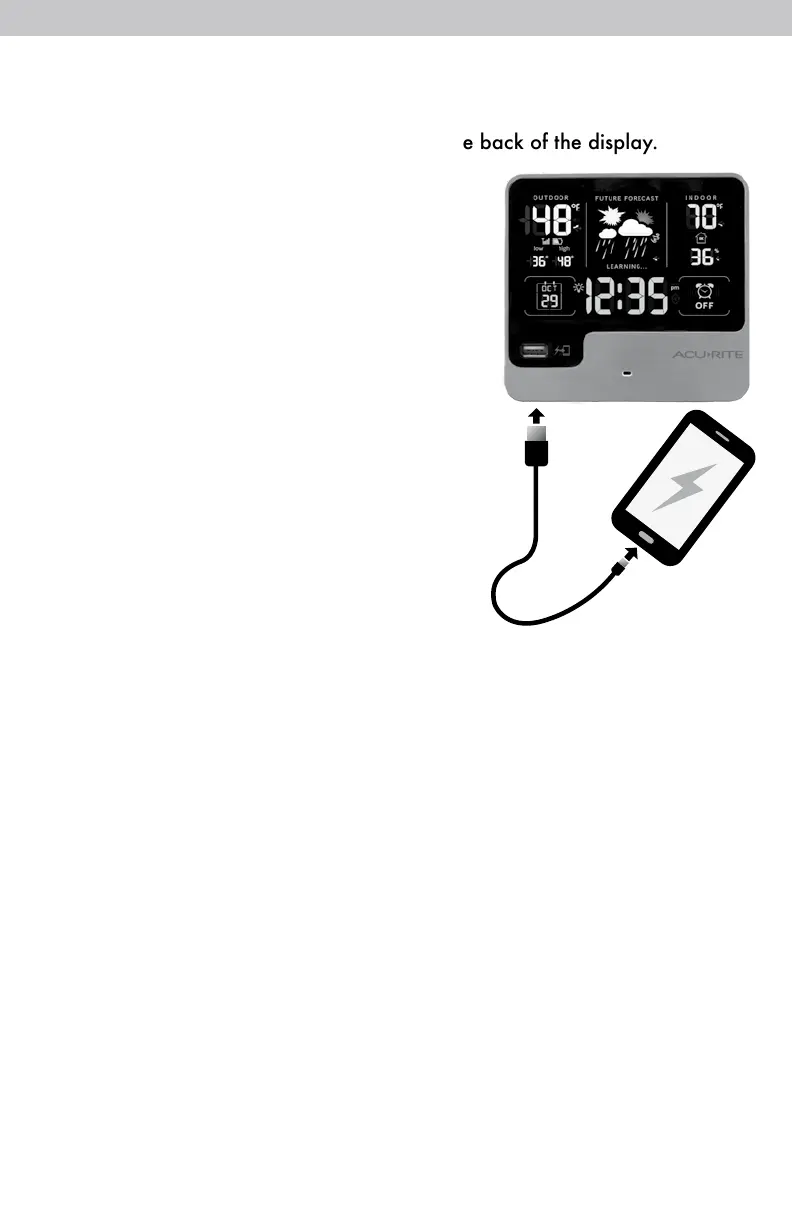
Charge your mobile device by plugging your device’s USB power cord
(not included) into the USB charging port on the back of the display.
The display must be powered by the power
adapter to use the USB charger.
NOTE: Follow the manufacturer’s
instructions for your mobile device(s) to
determine compatibility with the USB
charging feature on this product. Some
devices may not support USB charging or
may require a higher power rating than this
product provides. Observe the charging
status on your device. Ensure your device
is working properly before attempting to
charge.



 To Next Page