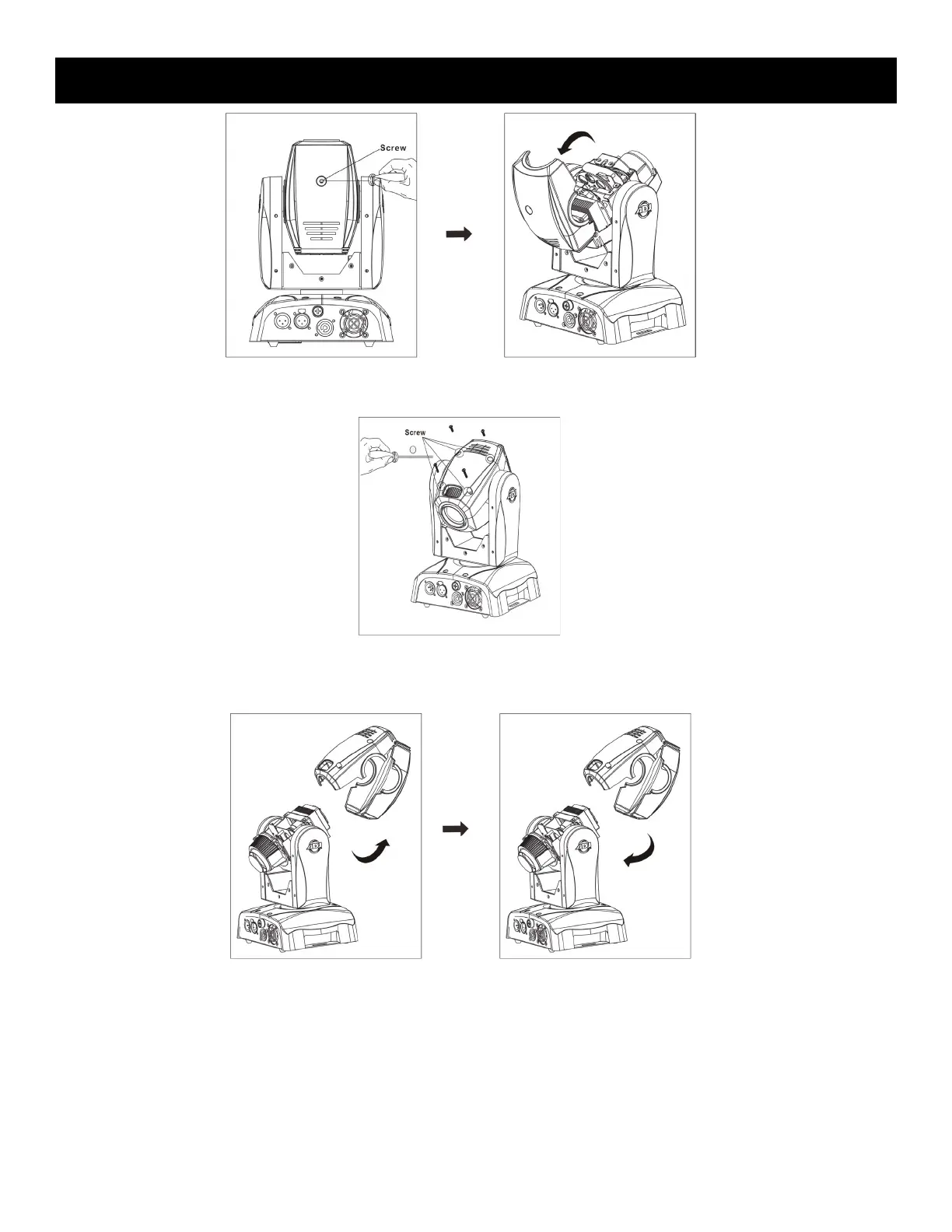
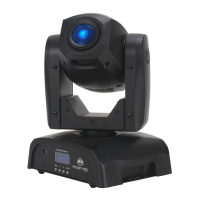
Pocket Pro Head Casing Removal
Unscrew the single screw. Flip the top cover back.
Unscrew the 4 screws
located on the other side.
Remove the head casing. Reinstall the head casing
by reversing this process
described above.
ADJ Products, LLC - www.adj.com - Pocket Pro User Manual Page 29










 To Next Page