ADJ Products, LLC - www.adj.com - Pocket Pro User Manual Page 7
When installing the unit, the trussing or area of installation must be able to hold 10 times the weight
without any deformation. When installing the unit must be secured with a secondary safety attach-
ment, e.g. and appropriate safety cable. Never stand directly below the unit when mounting, remov-
ing, or servicing the unit.
Overhead mounting requires extensive experience, including calculating working load limits, installa-
tion material being used, and perodic safety inspection of all installation material and unit. If you lack
these qualications, do not attempt the installation yourself.
The installaiton should be checked by a skilled person once a year.
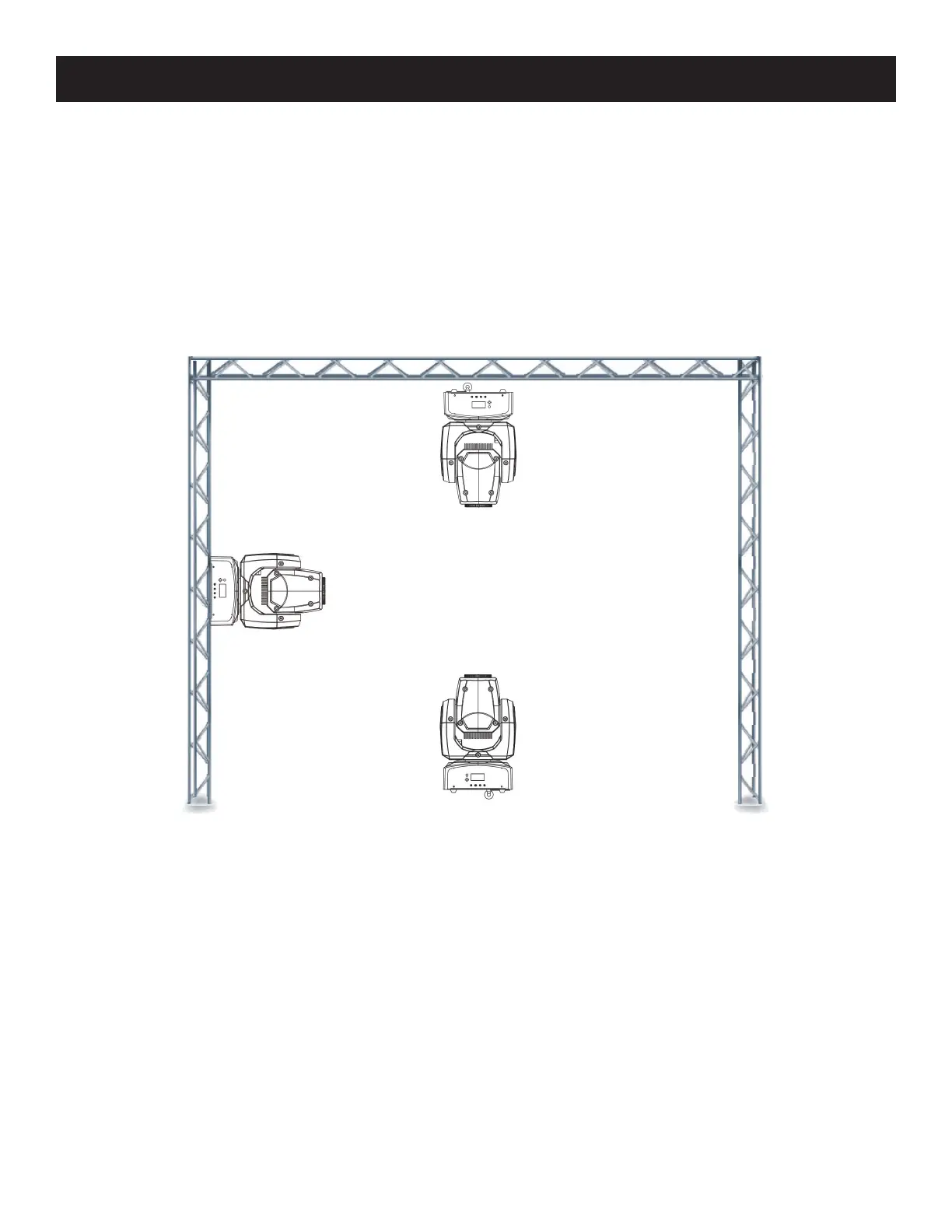
Pocket Pro Mounting
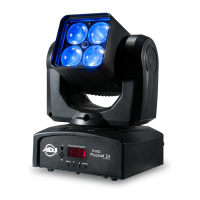
The Pocket Pro is fully operational in three dierent mounting posi-tions, hanging upside-down from
a ceiling, mounted sideways on trussing, or set on a at level surface. Be sure this xture is kept at
least 0.5m away from any ammable materials (decoration etc.). Always use and install the supplied
safety cable as a safety measure to prevent accidental damage and/or injury in the event the clamp
fails (see next page).










 To Next Page