Appendix D Utility Software D-3
Appendix D
Here there are three different options, Configure, Edit-data and Alarm/
Counter. To change the basic settings, select Configure and press
<Enter>. (To return to the previous screen without making any changes,
press <ESC>. This works for most screens in the program.)
Highlight the parameter you wish to change and press <Enter>. A
window will appear with the configuration options for that parameter.
Highlight the proper value and hit <Enter>. For some parameters, such as
alarm high and low limit values, you will need to type in a specific value
after selecting the parameter.
Setup
Select Setup from the top bar and a selection bar will appear in the status
field. First, move the selection bar over the module you wish to configure
and select it by pressing <Enter>. A configuration screen will appear with
the settings available for its module type and the current values of its
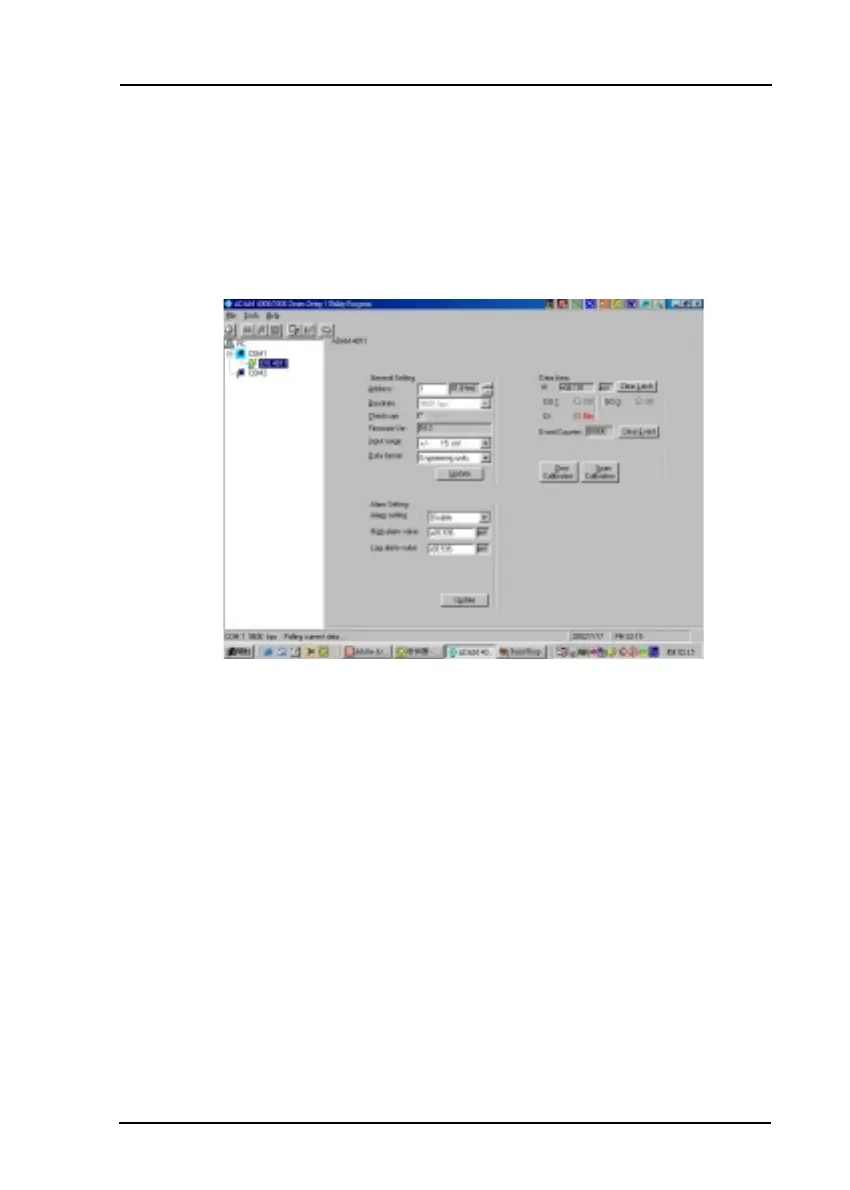
inputs. An example is shown in Figure D-2 for an ADAM-4011 module.
Figure D-2
Setup options



 To Next Page