29 ARK-1124 User Manual
Chapter 2 H/W Installation
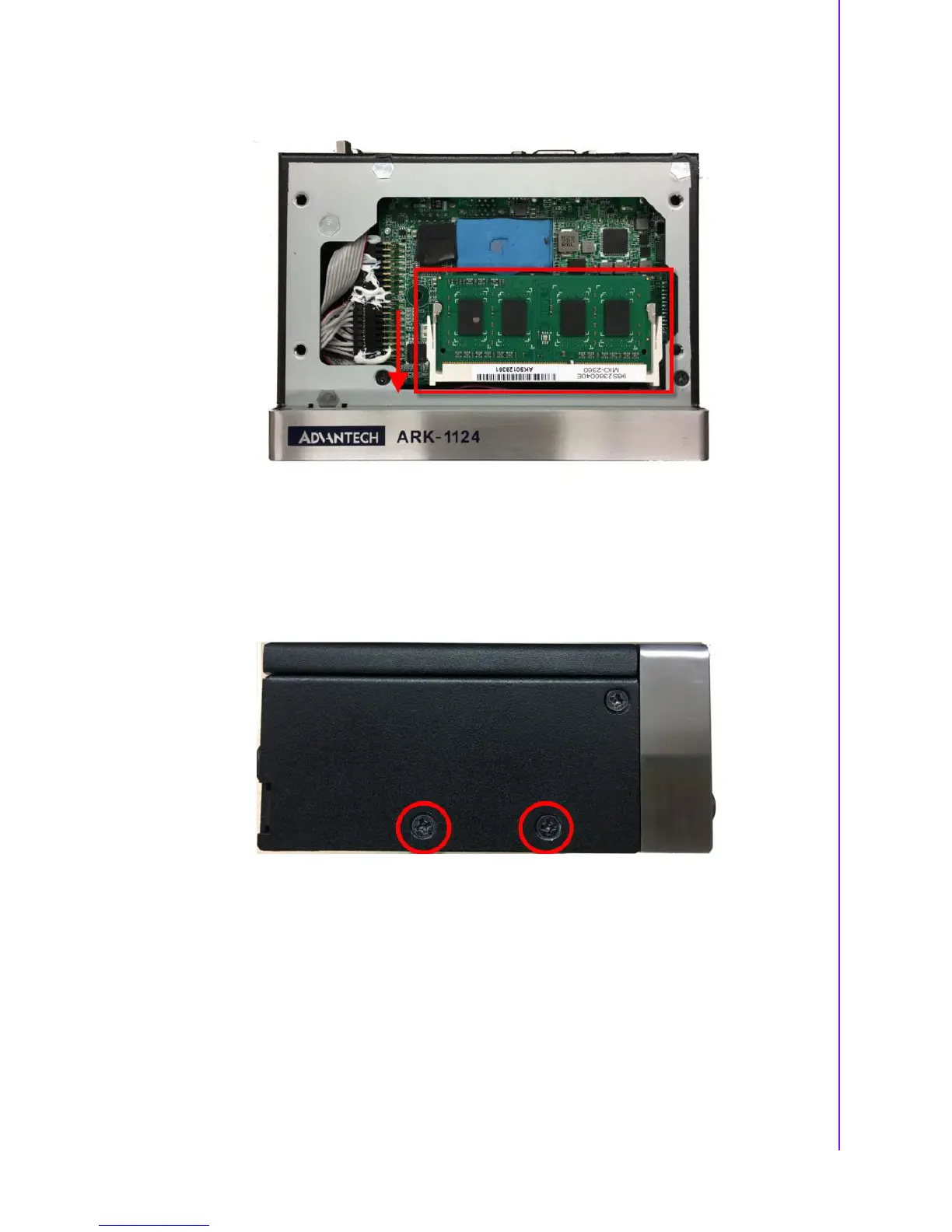
2. Remove the top cover and install the memory into the memory socket.
3. Replace the top cover and screw four screws back.
2.7.3 M.2 Module Installation
** Below installation is for ARK-1124H only. For ARK-1124U, we suggest to install by
CTOS due to complex installation.
1. Remove the four screws on right and left side of ARK-1124.















 To Next Page