61 ARK-1124 User Manual
Chapter 3 BIOS Settings
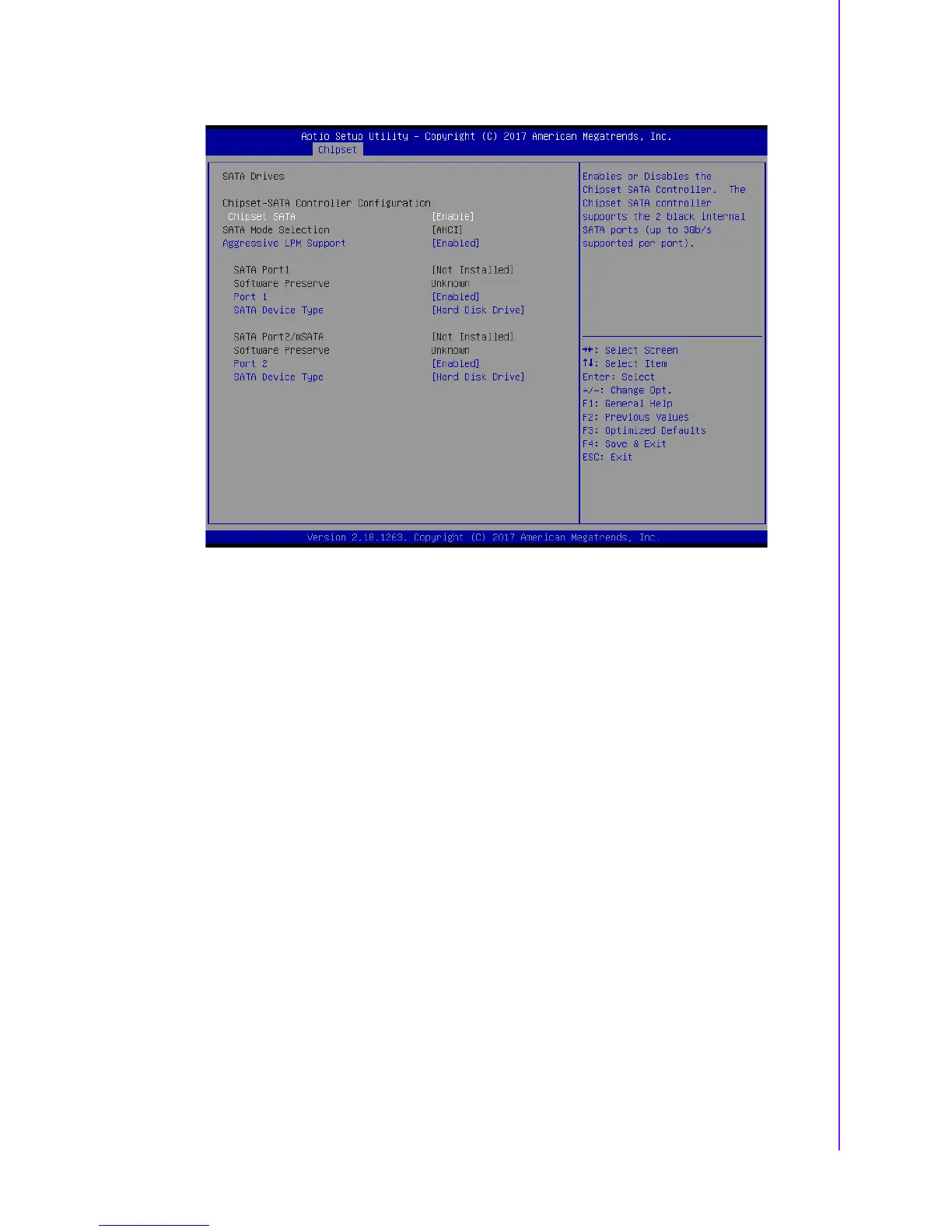
SATA Drives
Figure 3.24 SATA Drives Settings
– Chipset SATA
Enables or Disables the Chipset SATA Controller. The Chipset SATA control-
ler supports the 2 black internal SATA ports (up to 3Gb/s supported per port).
– Aggressive LPM Support
Enable PCH to aggressively enter link power state.
– Port 1
Enable or Disable SATA Port.
– SATA Device Type
Identify the SATA port is connected to Solid State Drive or Hard Disk Drive.















 To Next Page