Pin Assignments
A.10 Screw Type and Quantity for Mount Module
A.11 Modify Serial Port Mode
The default setting for the serial port is RS-232. This can be changed to RS-422 or
RS-485 modes by following the instructions provided below.
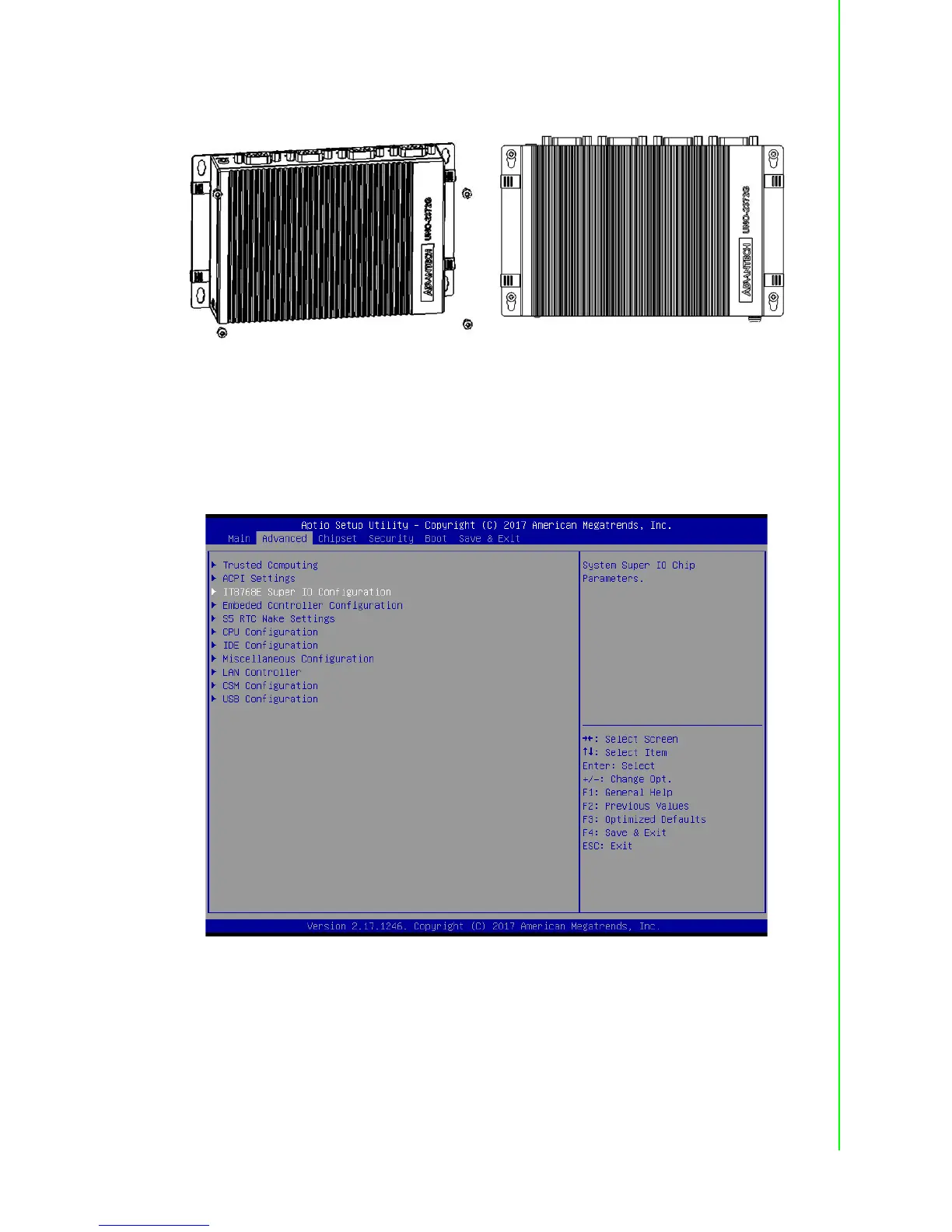
1. Power on the UNO-2372G system and press “Delete” to enter the BIOS config-
uration menu.
2. On the “Advanced” tab, select the “IT8768E Super IO Configuration” option.



 To Next Page