UNO-2372G User Manual 12
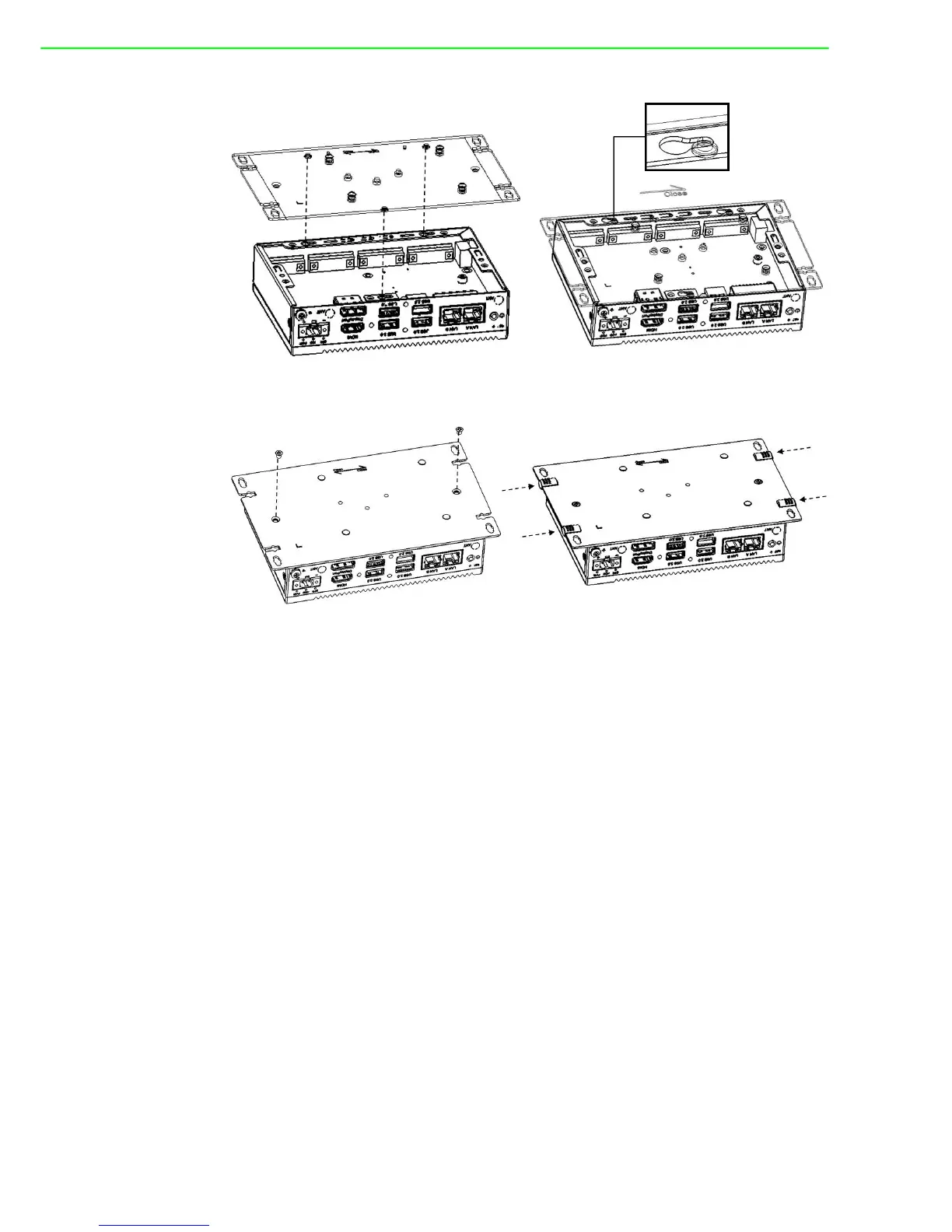
2. Affix the rear cover in position using two screws. Then reattach the four rubber
feet.
3.4 Installing a Hard Disk
Follow the steps outlined below to install a hard disk into the UNO-2372G.
Single-stack model:
1. Disconnect the power cord.
2. Unscrew and remove the rear cover.
3. Screw the HDD to the rear cover.



 To Next Page