Pin Assignments
A.12 TPM2.0 BIOS Settings
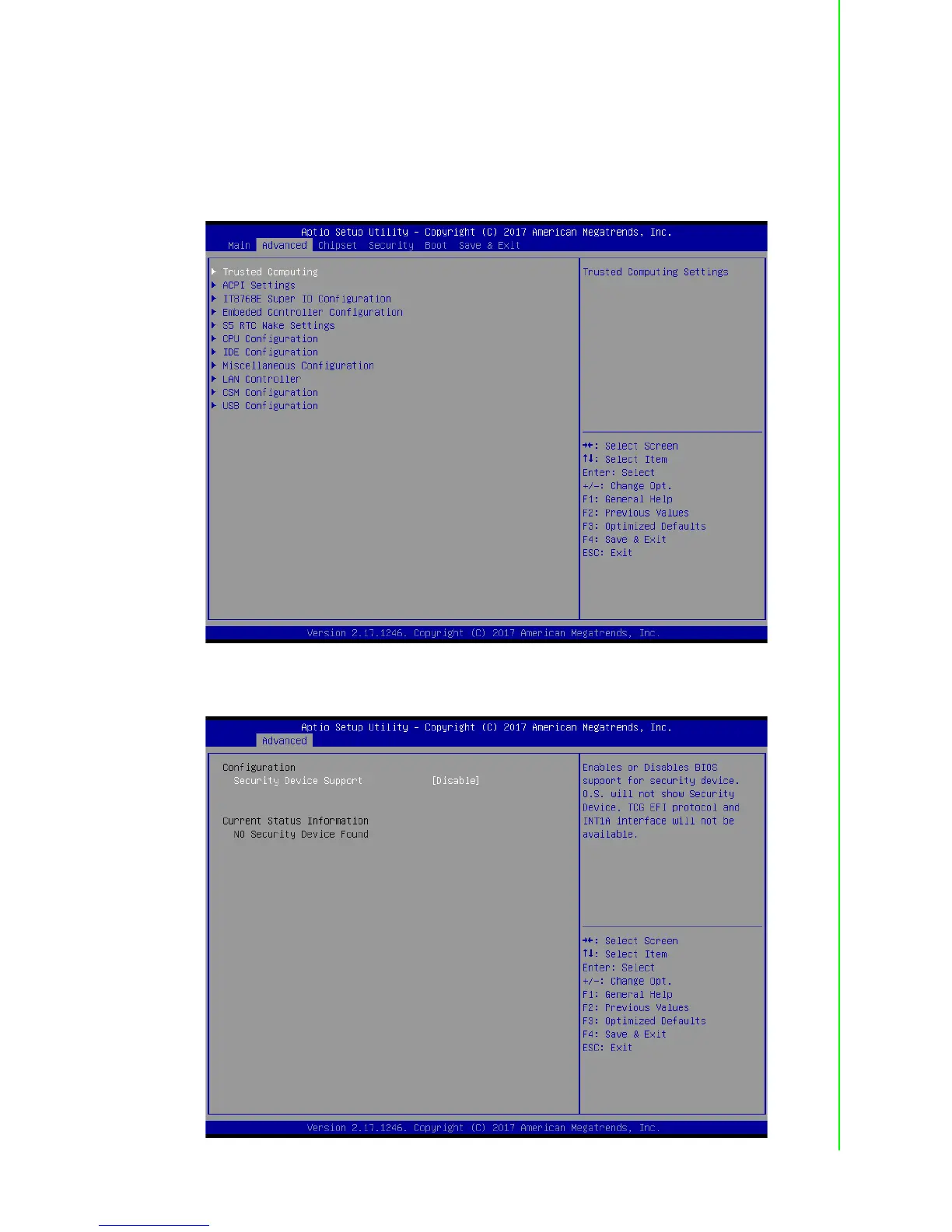
The UNO-2372G systems support TPM2.0 functionality. This can be enabled or dis-
abled in the BIOS menu by following the instructions provided below.
1. Power on the UNO-2372G system and press “Delete” to enter the BIOS config-
uration menu.
2. On the “Advanced” tab, select the “Trusted Computing” item.
3. Then select the “Security Device Support” item.
4. Choose “enable/disable” to enable or disable the TPM2.0 function.



 To Next Page