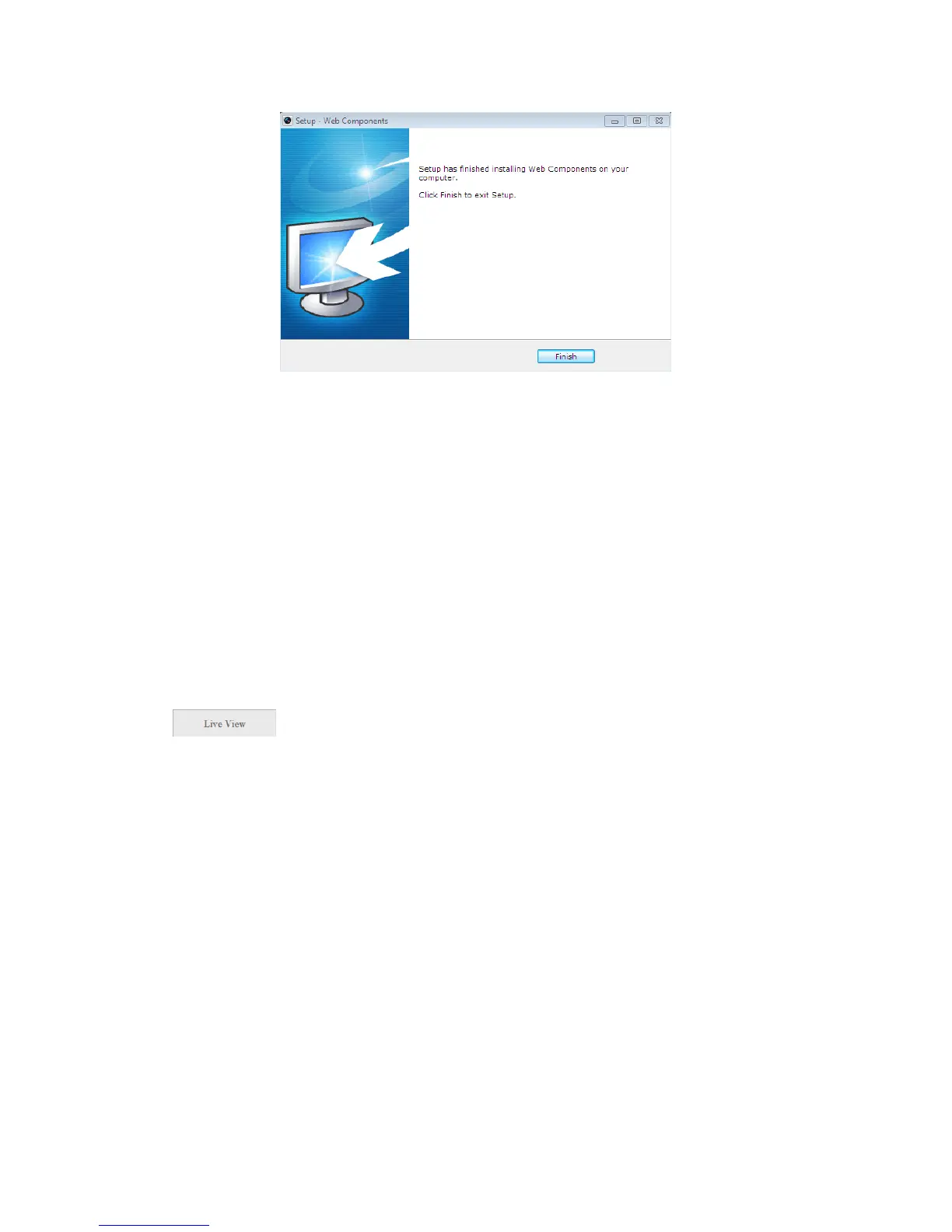
Figure 3-5
Install Plug-in (3)
Note: You may have to close the web browser to install the plug-in. Please reopen
the web browser and log in again after installing the plug-in.
Chapter 4 Live View
4.1 Live View Page
Purpose:
The live video page allows you to view live video, capture images, and configure
video parameters.
Log in the network camera to enter the live view page, or you can click
on the menu bar of the main page to enter the live view page.
Descriptions of the live view page:



 To Next Page