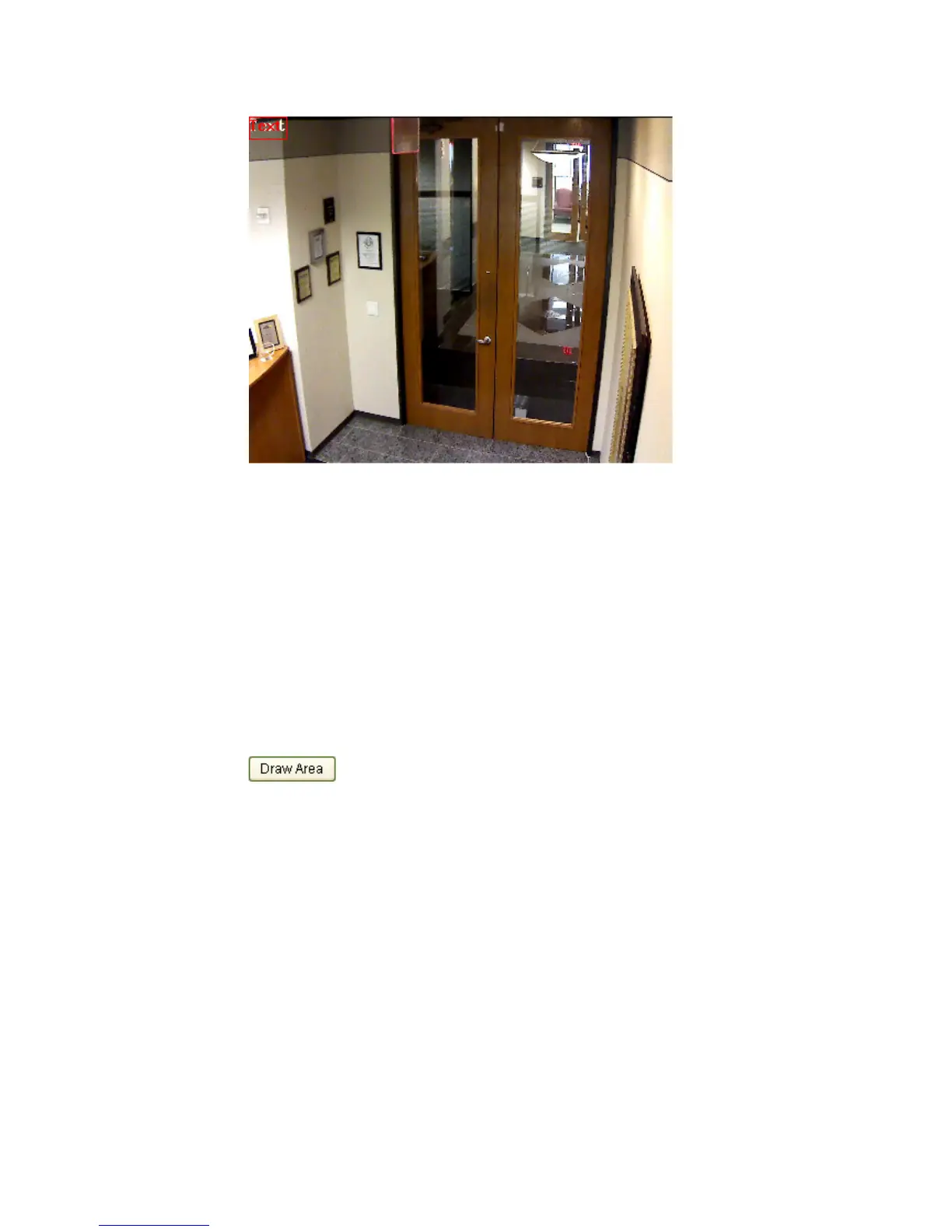
Figure 5-24
Text Overlay Settings
5.5.4 Configuring Privacy Mask
Purpose:
Privacy mask enables you to cover certain areas on the live video to prevent certain
spots in the surveillance area from being live viewed and recorded.
Steps:
1. Enter the Privacy Mask Settings interface:
Configuration > Advanced Configuration> Image > Privacy Mask
2. Check the checkbox of Enable Privacy Mask to enable this function.
3. Click .



 To Next Page